

Jack Brannen
Known Participant
August 10, 2024
Question

Save Location Keeps Resetting

  • August 10, 2024
  • 1 reply
  • 220 views

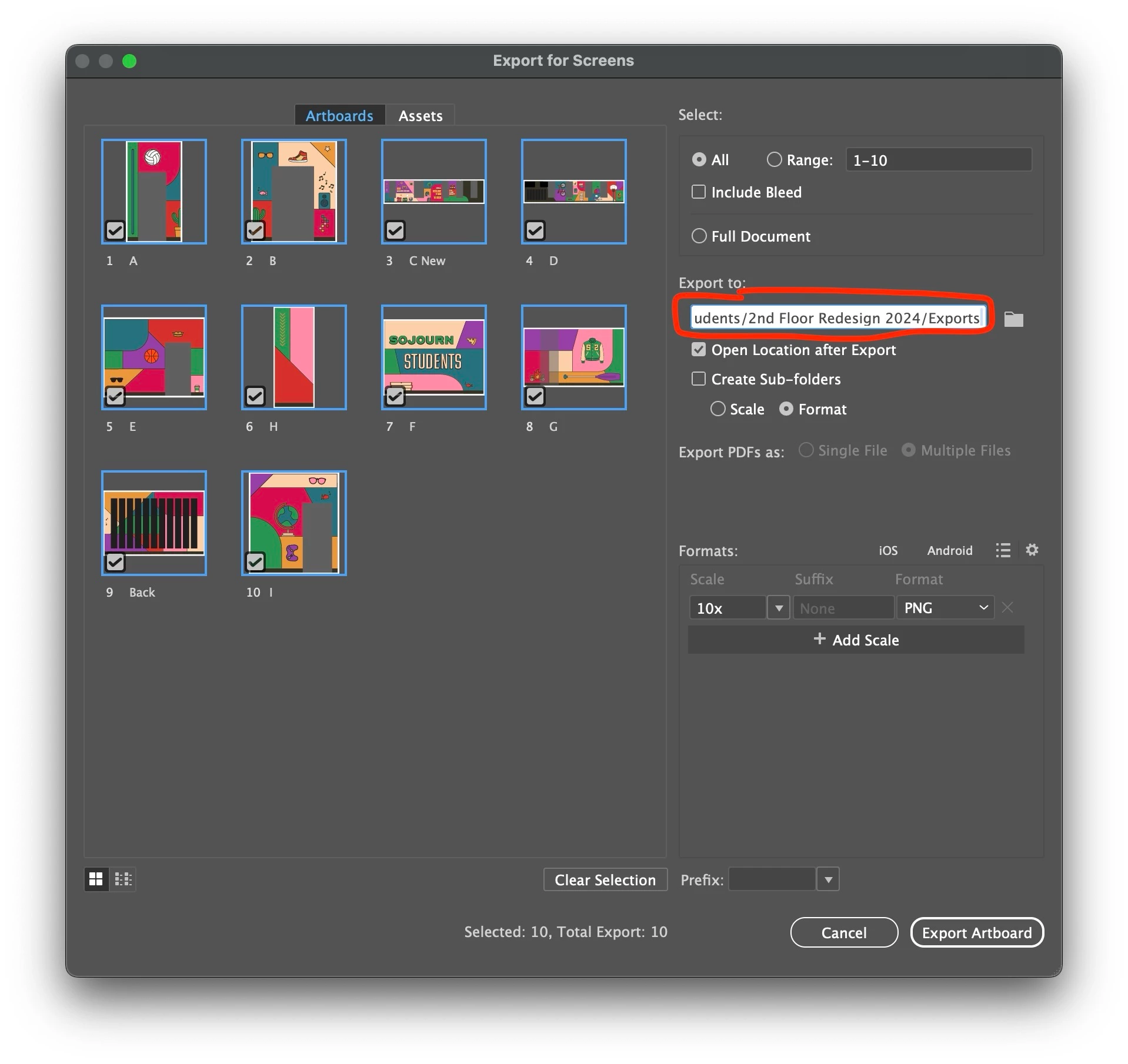
I am saving these files to a folder called "Exports" at the destination shown. But every time I go back to save again, Illustrator changes the path back to the parent folder (where the AI file itself is saved).


Illustrator 28.5

macOS 14.5
 

This topic has been closed for replies.

1 reply

Anubhav M
Community Manager
Community Manager
August 12, 2024

Hello @Jack Brannen,

We understand that encountering technical issues can be frustrating. Would you mind trying to reset Illustrator's preferences as described in this article (https://adobe.ly/4fUYGKb) and checking if it helps?


Disclaimer: Please note that renaming preferences folders will remove all the custom settings, and Illustrator will launch with default settings. You can also save a backup of the folders in case you want to. The location is mentioned above.


Looking forward to hearing from you.


Thanks,

Anubhav

Jack Brannen
Known Participant
August 14, 2024

Hi @Anubhav M ,


Thanks for your reply. A couple of things:


1. Having to reset my preferences is an unacceptable solution. I encounter bugs like this in multiple Adobe apps (Photoshop, InDesign, Illustrator, Premiere Pro) multiple times per year. To have to nuke all my preferences and then restart from zero every time is crazy. It means I'm unable to build up a base of preferred workspaces, keyboard shortcut sets, swatch sets, etc. and am always restarting from zero unless I'm willing to do a bunch of manual reconfiguring of files. This is a miserable customer experience.


2. I did go ahead and reset my preferences as instructed, but that did not fix the problem.


3. It looks like this is a known issue. https://illustrator.uservoice.com/forums/333657-illustrator-desktop-feature-requests/suggestions/35263417-remember-save-locations-and-export-naming-conventi