
Question
Save PNG at 300dpi for print and not end up blurry
Hi,
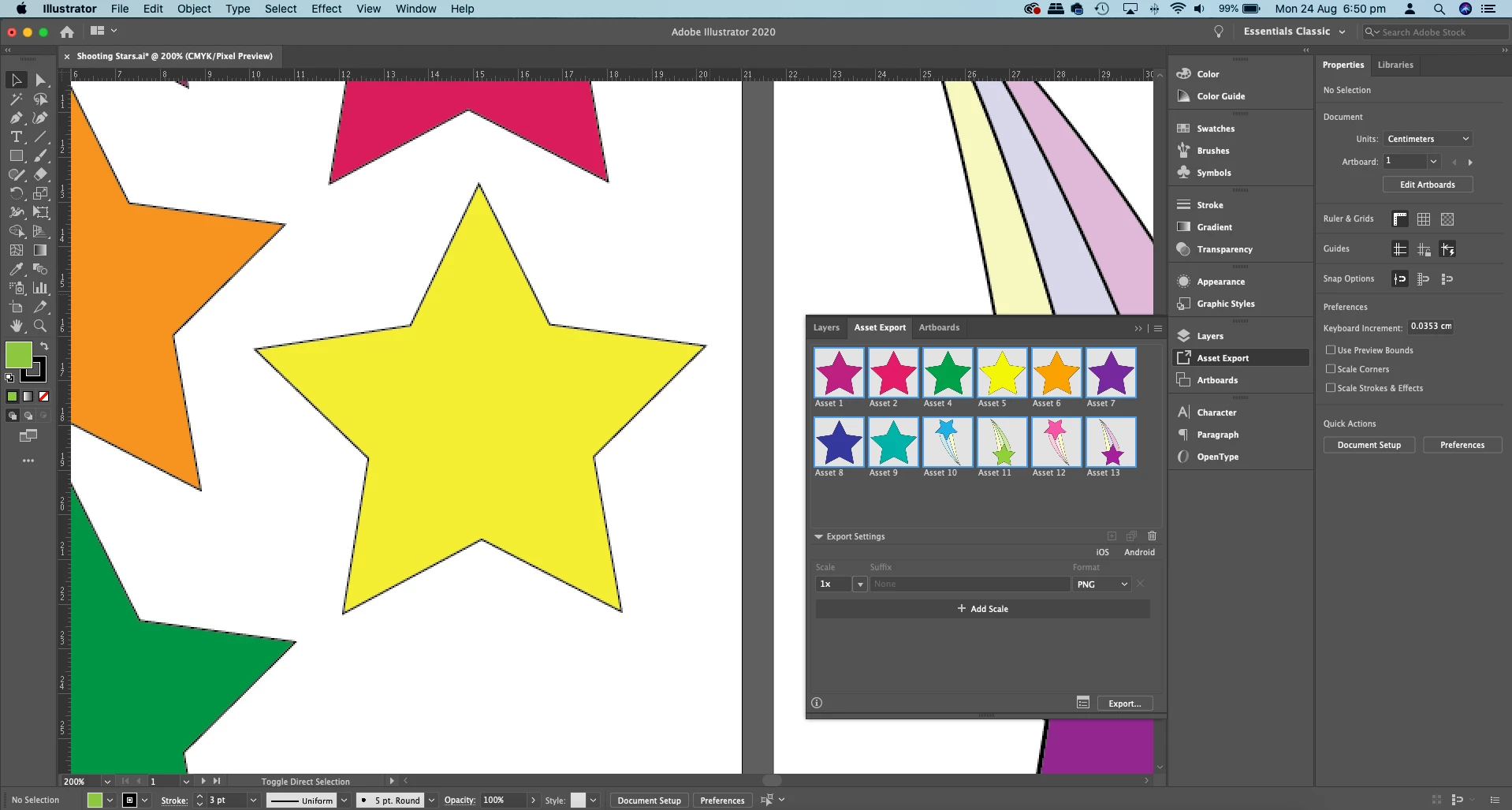
I am fairly new to Illustrator. I have created some drawings which I have exported, however it is blurry. I have exported each asset on its own but I don't know which of my settings to change. In View > Pixel Preview I can see that it is not right (see image).
I am trying to make cliparts that I can use in my teaching and I can't find what to do to make clear, crisp images like the ones I purchase from other teachers. I know they need to be 300dpi PNG so that I can print them on worksheets etc. Can someone please help me?
 AdChoices