Answered
Saving as PDF producing black squares
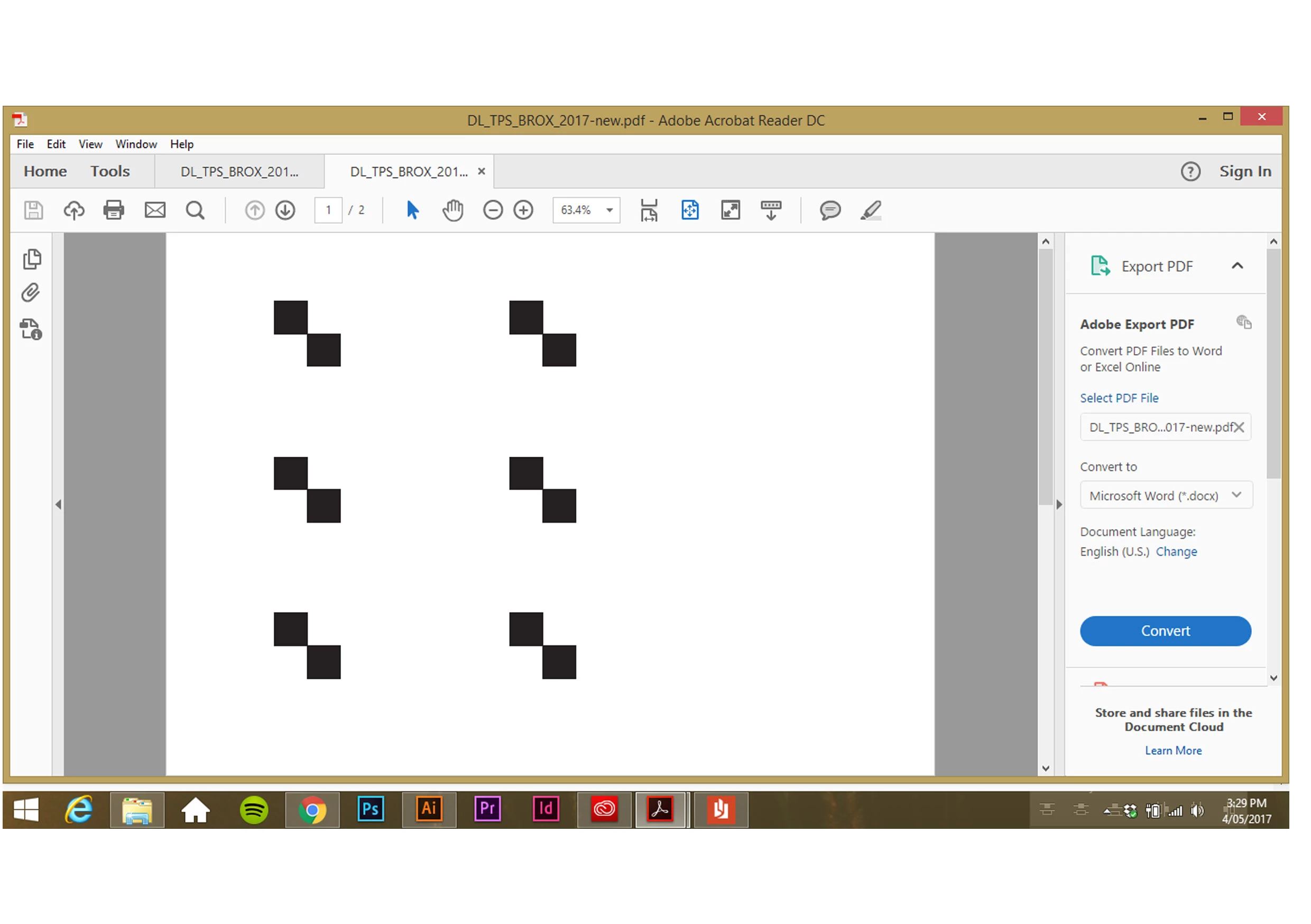
Saving as a PDF (in any format) on Illustrator is either failing (unknown error message) or producing a PDF with the above black squares.
Any ideas what is casing this?

Saving as a PDF (in any format) on Illustrator is either failing (unknown error message) or producing a PDF with the above black squares.
Any ideas what is casing this?
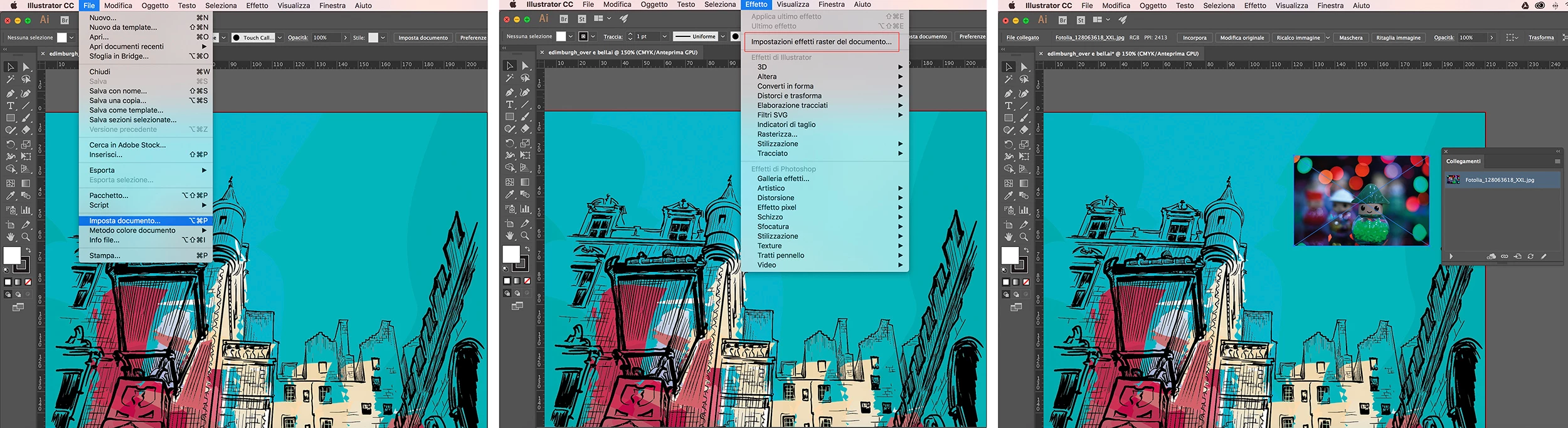
I can not locate the problem without seeing the original content. Anyway, I suggest you check out the document settings, the color method, and especially the raster effects settings.
Furthermore, use the link panel to check that all inserted images are available.
Already have an account? Login
Enter your E-mail address. We'll send you an e-mail with instructions to reset your password.
 AdChoices