



Saving issue when saving files with actions.
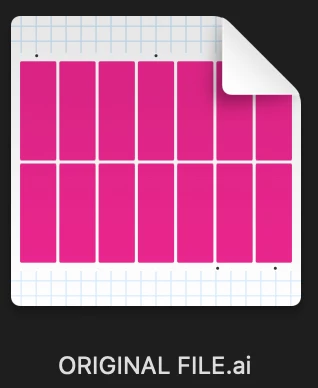
I don't know how best to describe what is going on so I'm just going to go step by step and show the results to try to get some kind of explaination as to why this is happening. For the sake of simplifying this example, I'm using names such as ORIGINAL FILE, ACTION SAVE FILE, and MANUAL SAVE FILE to help differentiate the files.
ORIGINAL FILE is created. This file has several different artboards within it and I only need to save one of the artboards to a different location. To help streamline this, I created an Action that would save that artboard # to the designated folder. This worked perfectly fine up until I got a new Mac then the issue started happening.
ACTION SAVE FILE is created from action (that previously worked flawlessly on older iMac) and saved to destination folder on local drive.
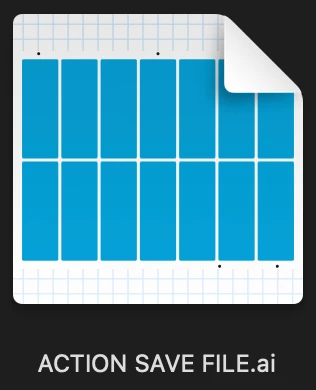
I then need to manipulate the ACTION SAVE FILE to prepare file for the production software. .ai file is saved as PDF. However, since changes were made to the .ai file, I get the "Replace Files" error message.
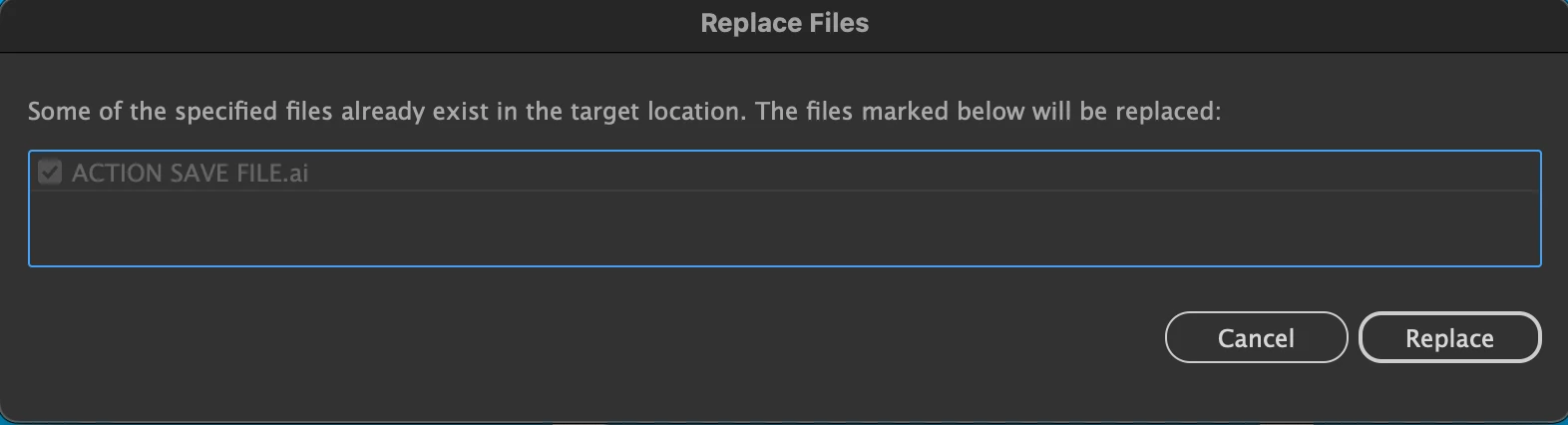
After clicking Replace, a new .tmp file is created in addition to the .ai file. The .tmp file does not go away after closing the .ai file either.
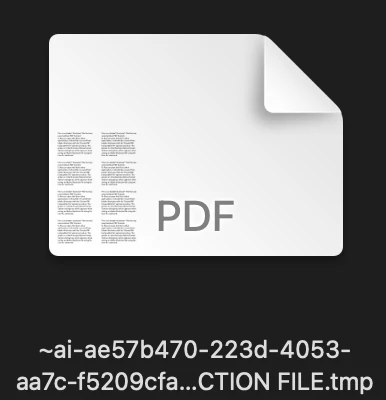
Now if I do the same exact thing manually, I do not get a "Replace Files" error message and there is not a .tmp file created. But since I have to do this with thousands of files, I want to use the actions to help streamline my time.
The action is super simple and just a Save As command, nothing fancy or complicated about it.

Is there anyone that can shed some light on this mystery? Or did I just find a super obscure bug that's only produced by my specific machine? As I mentioned above, I did not have this issue when I used the same exact Action on my previous iMac running the same version of Adobe Illustrator.
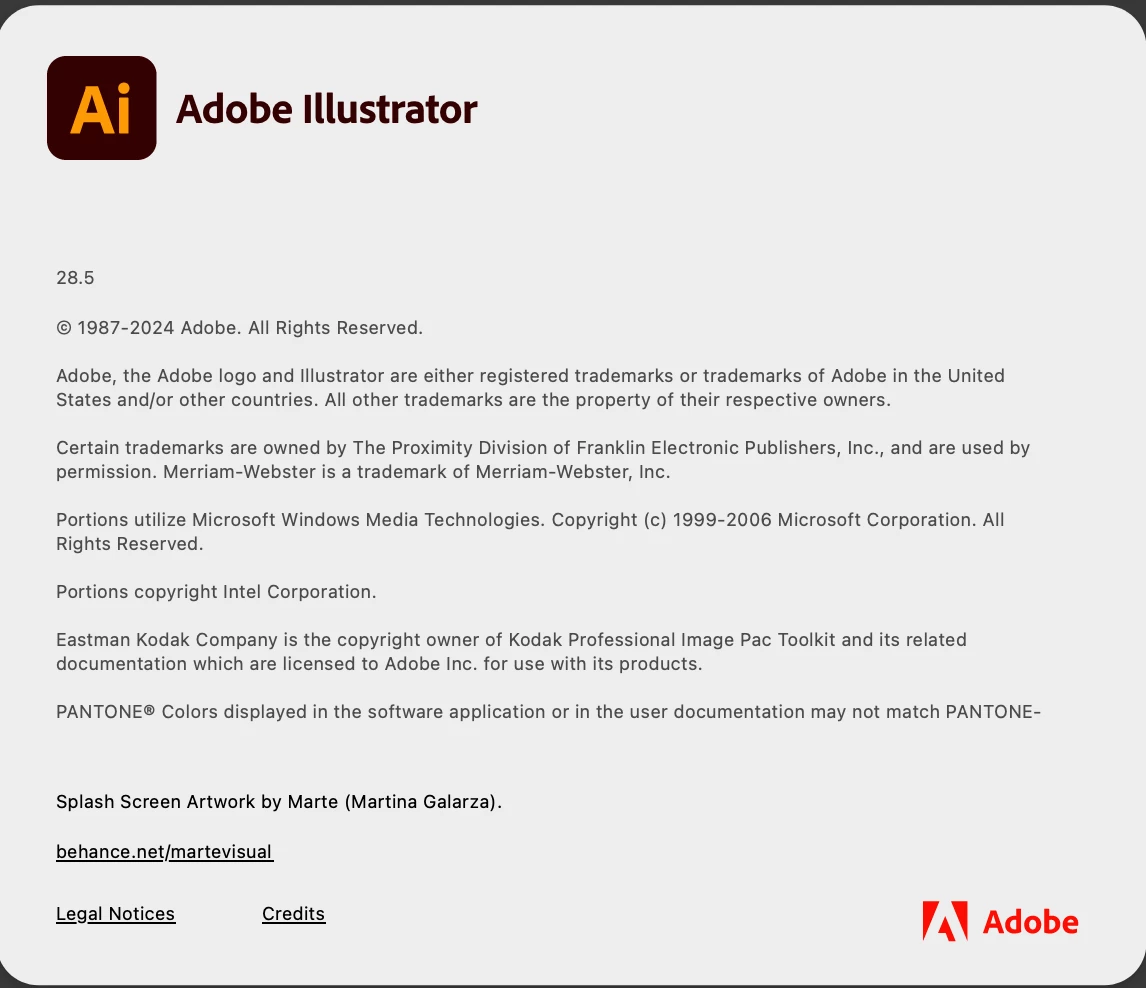
I am using latest Adobe Illustrator update.
Mac I am using is Mac Studio (2022) with Apple M1 Max Chip with 64GB memory.
macOS is Sonoma 14.4.1
 AdChoices