
Saving to EPS, PDF, or SVG causing DPI and artboard issues with this latest version 23.06
Is anyone else having artboard and DPI issues when saving a 100% vector graphic from Illustrator 23.06? I use MadCap Flare to create documents, and ever since the last update, I have to scrub all of my Illustrator content through Visio to get it to display as it did from exports in previous versions. I can also see it doing this in other apps, such as Internet Explorer and browsers. I'll present what the issue is, so if you see that I am doing something incorrectly, I would really apprecaite it if you would pelase let me know. Here are the step to recreate:
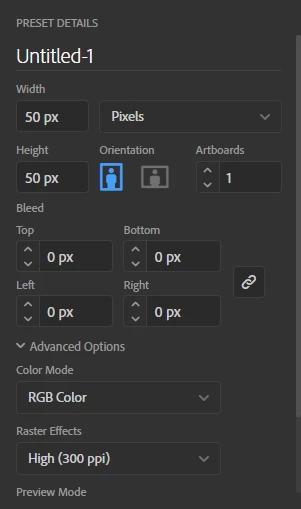
1. Create a new Illustrator using fixed width and height of 50px for the artboard.
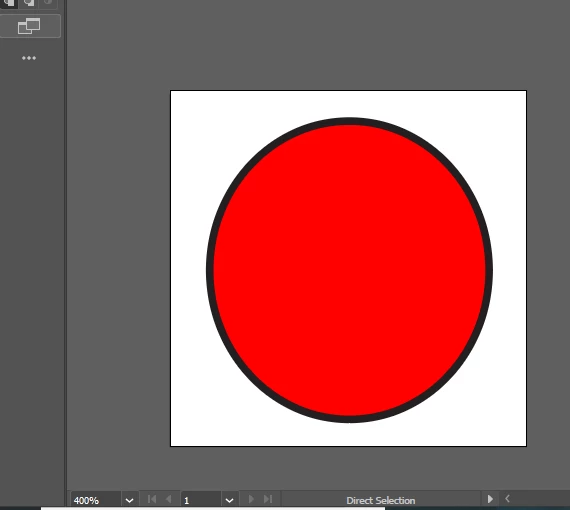
2. Draw a shape or other vector drawing.
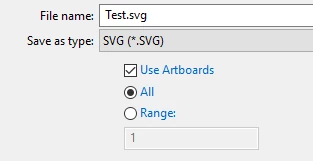
3. Click File > Save As and then save a PDF, EPS, and SVG version of the drawing using only the defaults. For SVG, specify to Use Arboards.
4. In my MadCap Flare application, it sees that the image has a low DPI setting and attempts to resize it. Below I show the option and the before and after effect for each image.

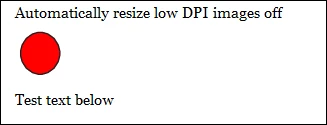
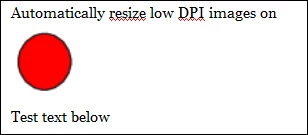
At this point, I was suspected it was the MadCap Flare application that was misinterpreting the image and was treating it as a raster image. As far as I know, 100% vector images do not have any sort of DPI information embedded in them at all. Here is where I suspect it was if fact the latest version of Illustrator.
When I open the SVG files in Internet Explorer or Chrome, it displays the image as the full screen size and disregards the art boards. The previous versions did not do this.
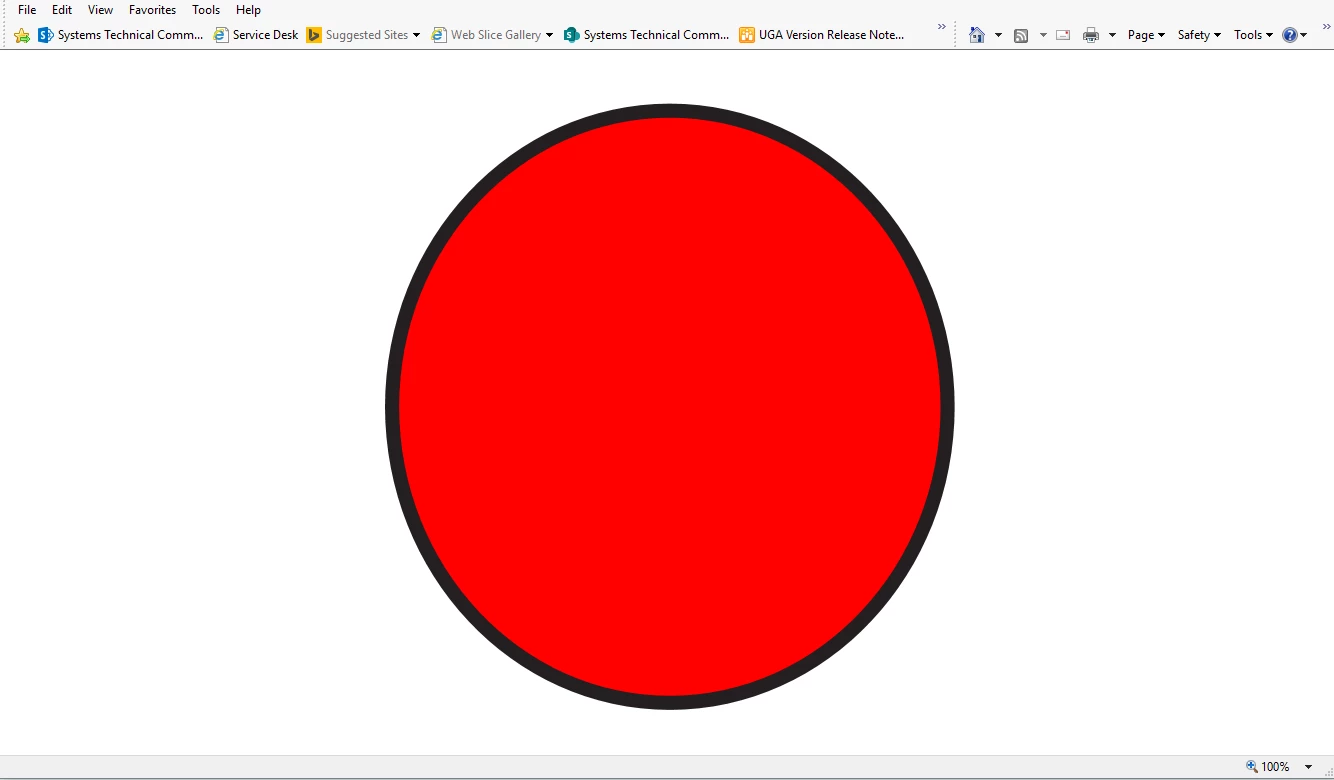
To correct it, I can open the same SVG image in Visio, dictate the artboard size there and resize it, and then it renders the image at its native size as it did in the previous versions of Illustrator.
1. Open the SVG from Illustrator in Visio.
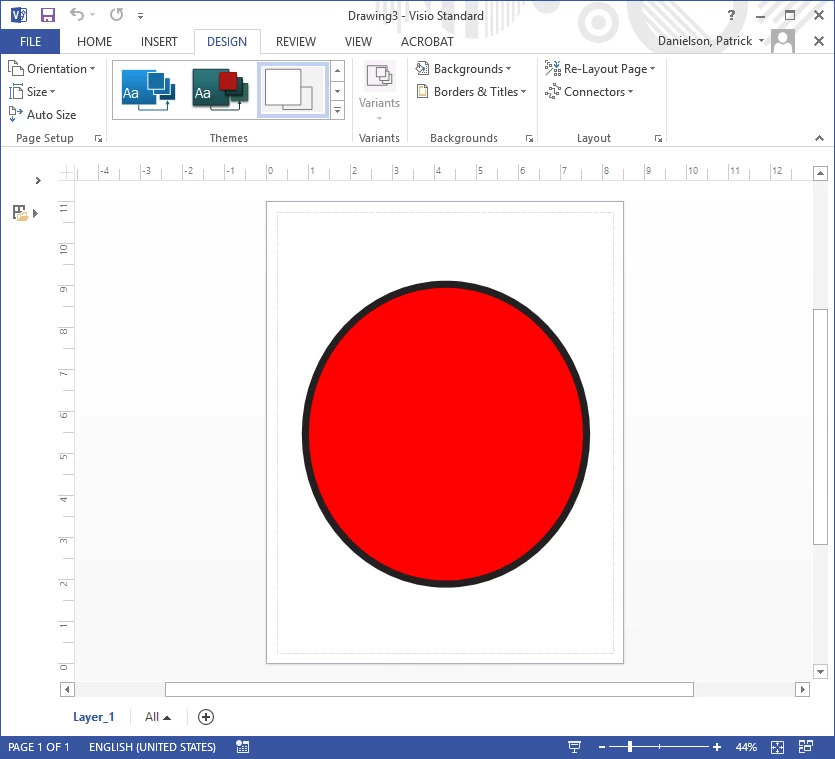
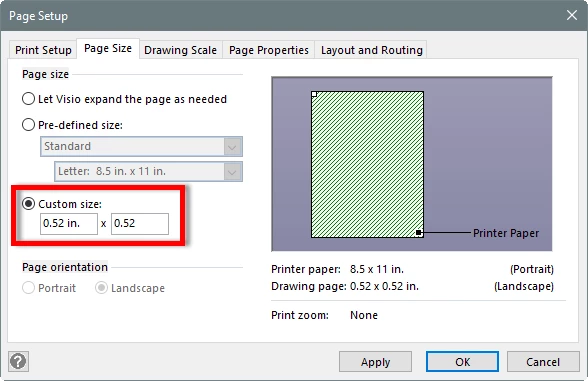
2. Resize the artboard and image to the desired size you wanted in Illustrator. For this example, 0.52" is close to 50px.
3. Reduce the size of the SVG image as intended from Illustrator, including change the stroke and image size.
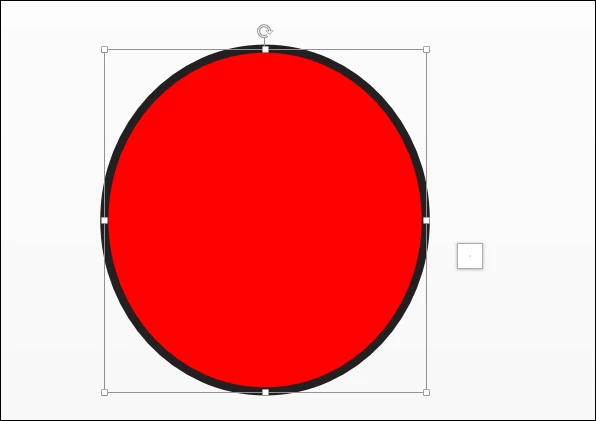
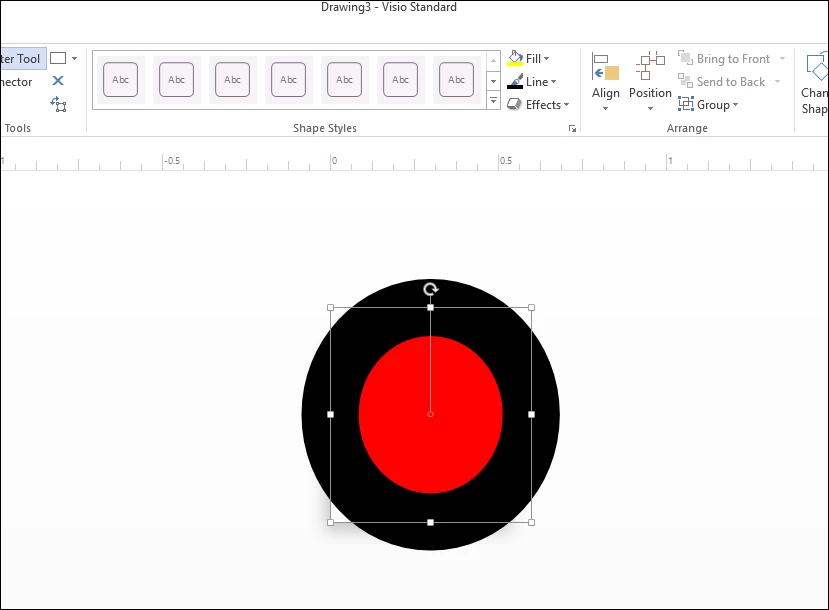
4. Save it as an SVG. It will function exactly the same as the last version of Illustrator did in Internet Explorer. This behavior is different from the previous version!
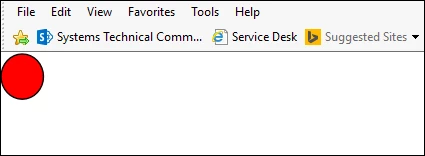
Final Question/Summary
Is this a setting or something I could have done? Maybe a video driver issue? I haven't modified my settings any way at all. Just in case I deleted my preferences files and have tried everything except for a full reinstallation. I don't think this is an issue with MadCap Flare because of how Visio and Internet Explorer now render the files from Illustrator, which functioned identically before. I do appreciate everyone's time in any case.
 AdChoices