



Question
Scaling & percentages in illustrator
Okay, so leaving aside the fact that there's no simple way to just type a percentage in Illustrator & have an image scale quickly, I do at least know that if I place an image & click it comes in at 100%.
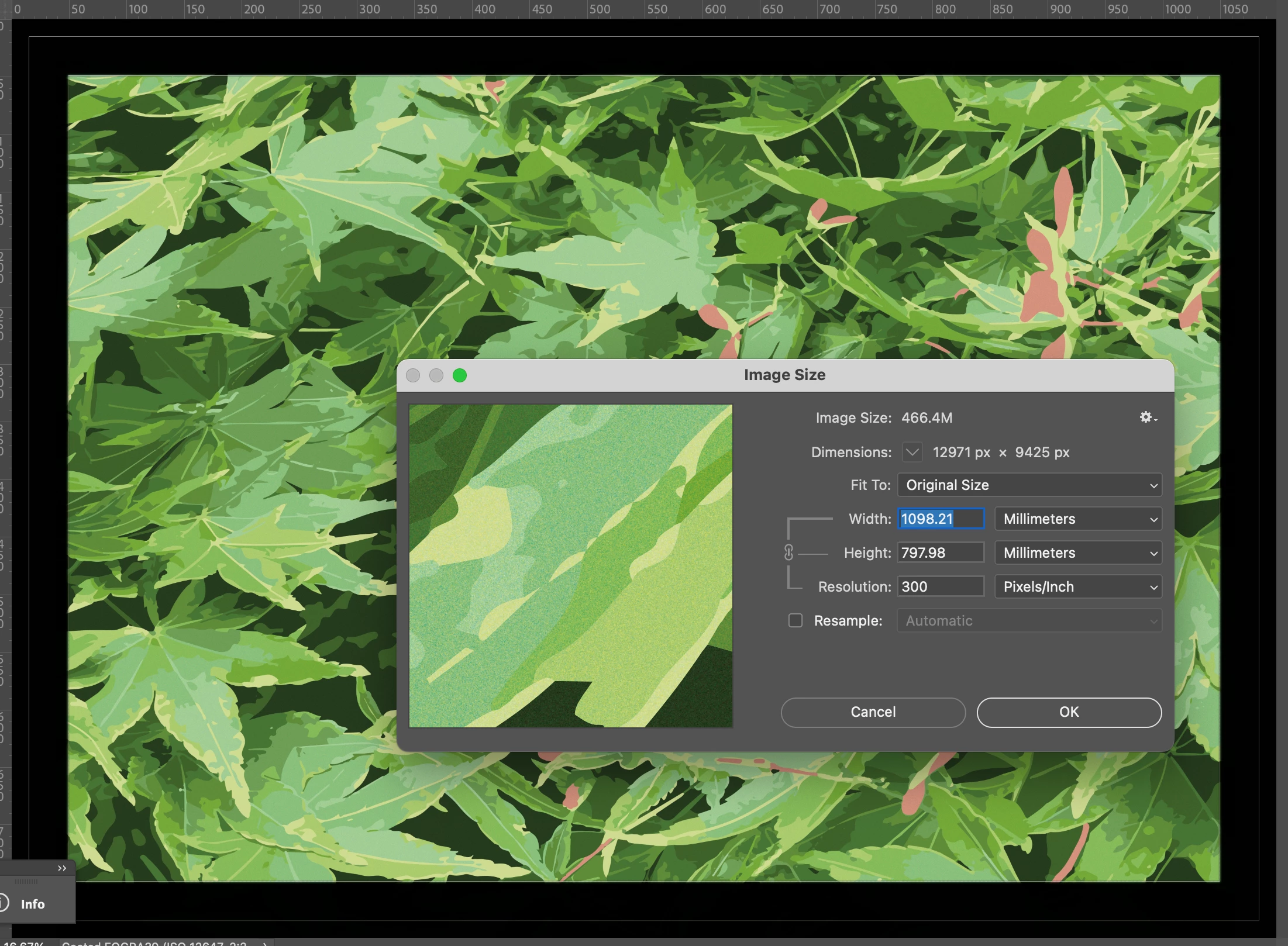
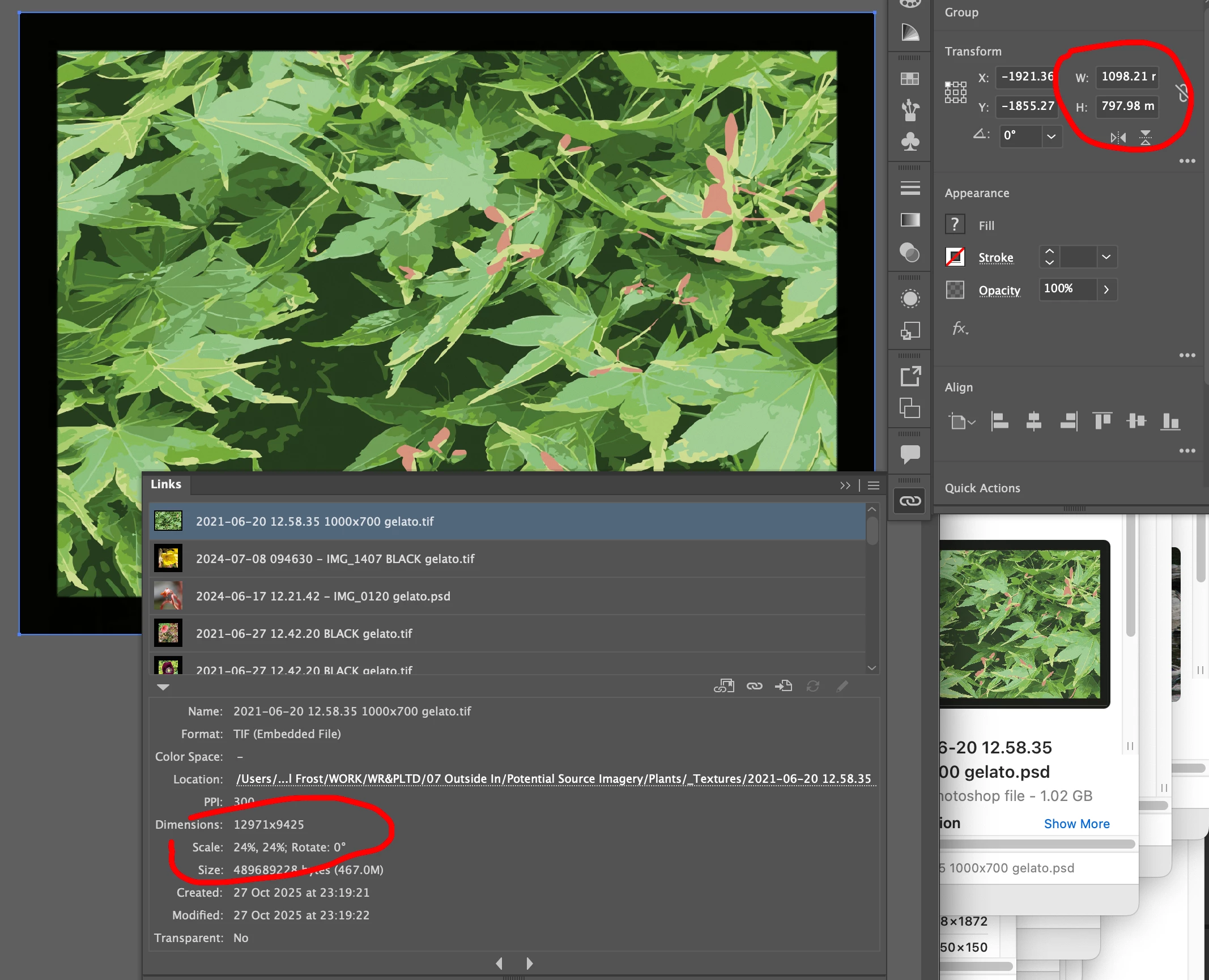
Now I'm curious... And I'm sure the answer is a simple one & I'm gonna feel really stupid when I find out the answer... But I just don't know what it is... Why is it, when I have this Photoshop file, where the image area is 1000mm x 700mm at 300dpi with some black around the outside & I bring it into illustrator & it tells me it's the same dimensions... Why is it telling me it's 24% & not 100%?
*duck & cover*
 AdChoices