Nate,
I agree with Hans-Jürgen.
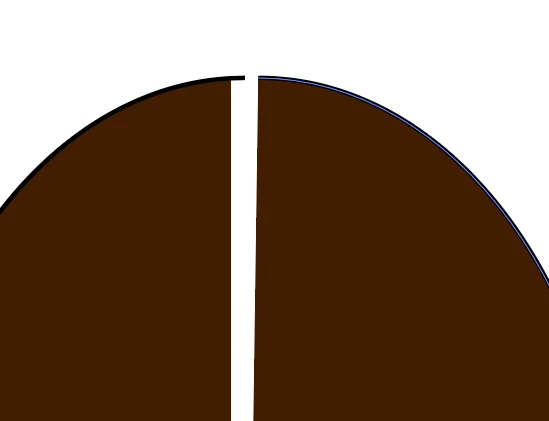
One way of a vertical gap is by using the Object>Path>Divide Objects below.
You can:
1) Create a rectangle of the desired width and higher than the cut height,
2) Place it where you wish to cut, then (with the brown shape unselected) Object>Path>Divide Objects below,
3) Delete the middle part, then Direct Select both the vertical segments on either side of the gap and delete them if you wish to get rid of those parts of the Stroke as in your image.
You can also use straight vertical paths and apply Object>Path>Divide Objects below to each to the same effect, or you can have either or both slanting.
As far as I can see, the right side of the gap is a wee bit off vertical, about -0.5 degree.
With regard to the protruding stroke part, what happens if you Ctrl/Cmd+E (toggles between GPU and CPU)?







 AdChoices