
Script Aling to artboard
- February 13, 2023
- 1 reply
- 2095 views
I'm unable to find a way to tell illustrator to use "align to artboard" instead of the default "align to selection" value
is there a way to change that via script or action?
I'm in the process of creating a long action/script for file prep. It runs hundreds of lines and some scripts, all good. But there I have one step where I have a small issue
One of the steps, create (via script) two text fields on one layer that are sort of on top of each other.
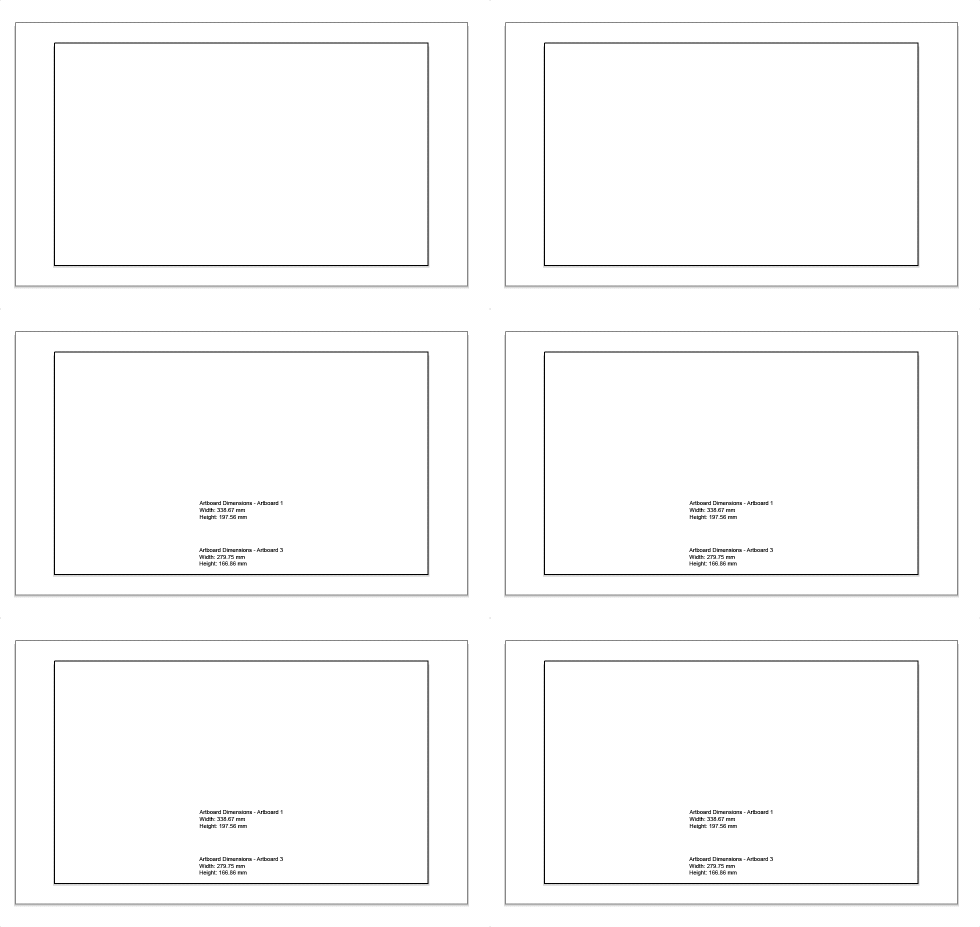
id like to center them, relative to the artboard, vertically and horizontally. Could not find a way to do that
Also, I'm unable to find a way to cycle through my selection.
Let's say I select all (so 2 objects), cycle to the first object > move 100 pt - select the second object move 200 pt.
could not find a solution either here
The dropdown menu right-click select yields nothing with this selection
Lastly, I thought about creating a dummy object, say a rectangle, and using this object as a reference for "align to object" but once again was unable to find a way to target this specific command.
Any thoughts on how to do that?
I'm sure I'm missing something obvious ^^"
thanks for the help
here is the script that prints the 2 text fields. because my doc has 2 artboards on top of each other
/*
script that print out artboard dimensions in mm as text object and put them in a new layer
By GPT
*/

// Get the active document
var doc = app.activeDocument;

// Create a new layer named "Artboard Info"
var artboardDimensionsLayer = doc.layers.add();
artboardDimensionsLayer.name = "Artboard Info";

// Loop through all the artboards in the document
for (var i = 0; i < doc.artboards.length; i++) {
// Get the current artboard
var artboard = doc.artboards[i];

// Convert the artboard dimensions from points to millimeters
var widthMM = artboard.artboardRect[2] - artboard.artboardRect[0];
widthMM = widthMM * 0.352778;
var heightMM = artboard.artboardRect[1] - artboard.artboardRect[3];
heightMM = heightMM * 0.352778;

// Create a text frame with the artboard dimensions
var textFrame = artboardDimensionsLayer.textFrames.add();
textFrame.contents = "Artboard Dimensions - " + artboard.name + "\nWidth: " + widthMM.toFixed(2) + " mm\nHeight: " + heightMM.toFixed(2) + " mm";

// Position the text frame in the center of the artboard
textFrame.position = [artboard.artboardRect[0] + widthMM / 2, artboard.artboardRect[3] + heightMM / 2];
}
 AdChoices