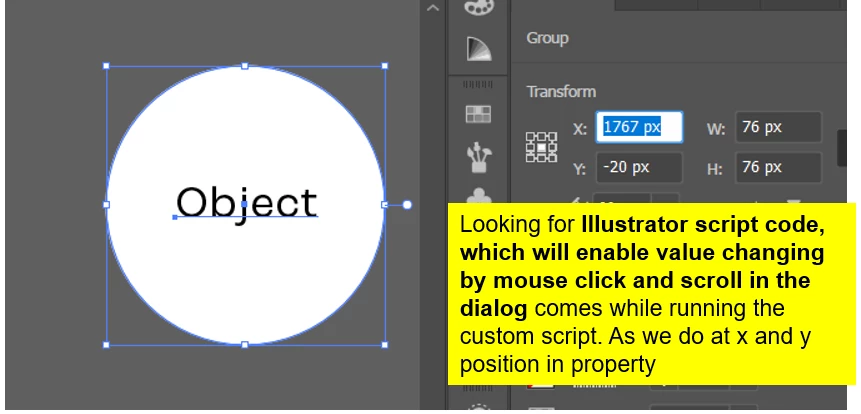
I assume you are wanting to be able to adjust the values within an edittext field by scrolling your mouse up and down as you can within native Illustrator palettes (while the text is selected). Unfortunately, I don't think it's possible in ExtendScript. JavaScript does have a "wheel" event (see here) but I can't find any mention of it in the ExtendScript docs.
An alternate option is to use the arrow keys to increase/decrease the value. Not exactly what you are looking for but similar. The code below was taken directly from Peter Kahrel's ScriptUI for dummies book page 88.
var w = new Window ("dialog");
var e1 = w.add ("edittext", undefined, "1");
var e2 = w.add ("edittext", undefined, "1"); e1.characters = e2.characters = 3; e1.active = true;
function handle_key (key, control) {
var step;
key.shiftKey ? step = 10 : step = 1; switch (key.keyName)
{
case "Up": control.text = String(Number(control.text)+step); break; case "Down": control.text = String(Number(control.text)-step);
}
} // handle_key
e1.addEventListener ("keydown", function (k) {handle_key (k, this);});
e2.addEventListener ("keydown", function (k) {handle_key (k, this);}); w.show();

 AdChoices