
Script to Pathinder > 'Crop' clip groups
Hey Adobians 🙂
I was wondering if someone had a script, or could help me tweak a script that can target all layers named <clip group> and process them via the 'Crop' Pathfinder tool.
Attached is an ai file with an example floorplan, which is riddled with with these clip groups, as screenshotted:
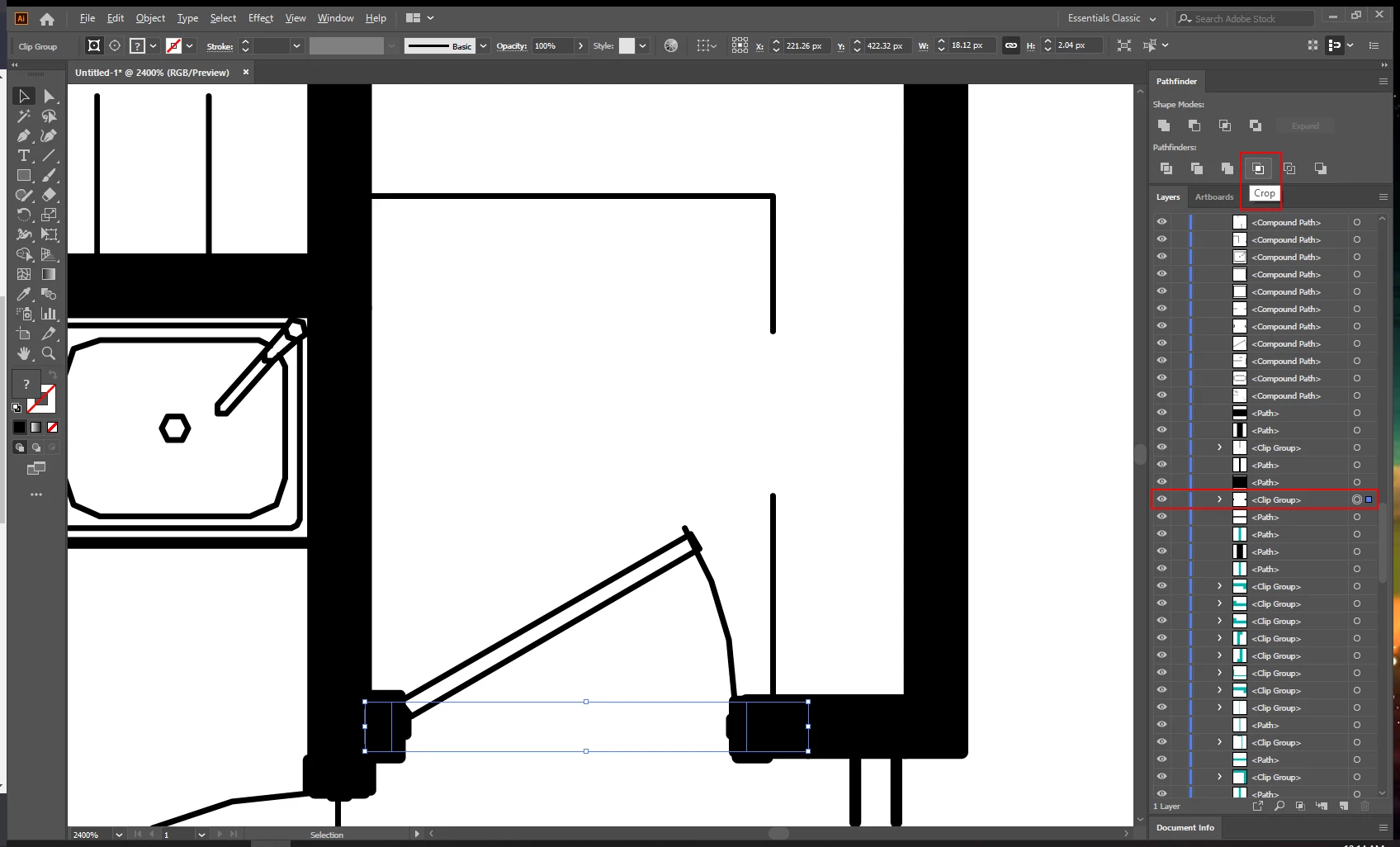
.
If I process/remove these clip groups in any other way.. the result is not desired, e.g. this doorway clip group would collapse and appear as a solid wall basically:
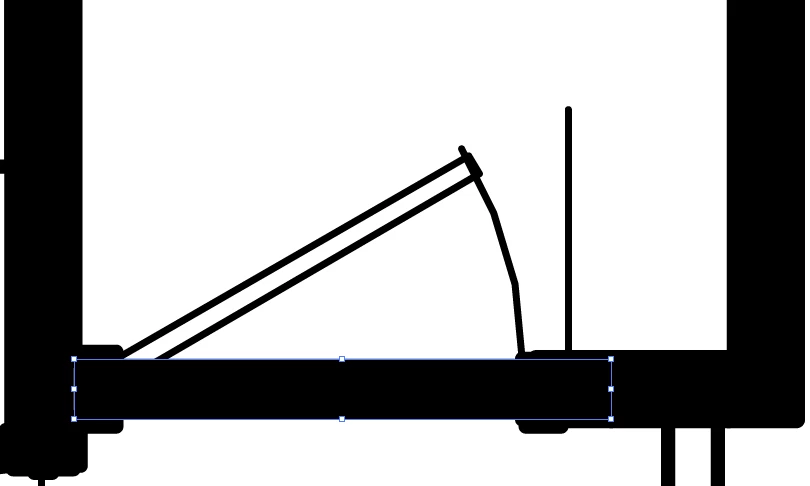
I set these floorplans to be interactive on a website, and unfortunately if I don't process these clip groups before uploading it to the web, they all appear like this doorway>wall.
----- ----- ----- ----- -----
I did spot this script on the web, but unfortunately it processes the clip groups to the undesired result screenshotted above ^ I'm not sure how to tweak it so it processes clip groups via the Pathfinder crop tool.
var docRef = app.activeDocument;
var clippingCount = 0
clipScan()

//loops through all pageItems, removing those that are clipping masks

function clipScan () {
    for (i=docRef.pageItems.length-1;i>=0;i--) {
        if (docRef.pageItems[i].clipping == true){
            docRef.pageItems[i].remove();
            clippingCount++;
        }
    }
};

alert ("All "+clippingCount+" Clipping Masks Removed")
Any assistance would be much appreciated 🙂
Thanks,
Steve


 AdChoices