
Participant
April 9, 2023
Question

Scroll through properties panel

  • April 9, 2023
  • 2 replies
  • 745 views

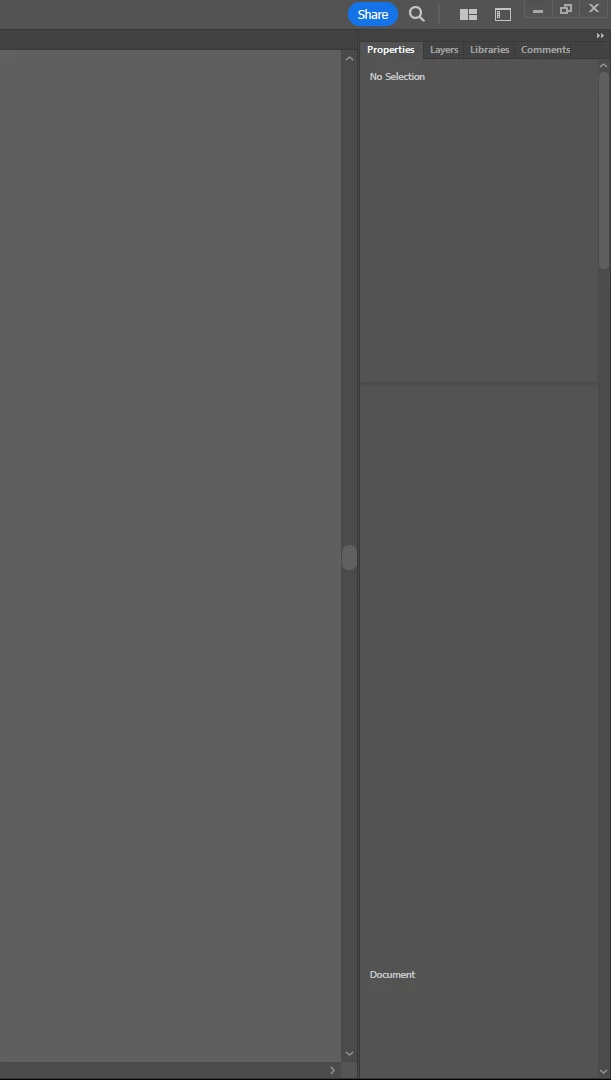
Can someone please help me? I just started learning illustrator and I am just wondering why I have to scroll to find anything on my properties panel when all the videos I'm watching they don't have to do that. Here is a screenshot for reference. 
This topic has been closed for replies.

2 replies

barbara_a7746676
Community Expert
Community Expert
April 10, 2023

Try undocking the Properties panel. Hold down on the index tab on the panel that says 'properties' and pull it to the left to undock it.

Participant
April 11, 2023


This is what happens when i undock it. I have reset my preferences and it stays like this.

barbara_a7746676
Community Expert
Community Expert
April 11, 2023

Well, you could try uninstall/reinstall using the Adobe CC Cleaner tool. That is not the same as a regular uninstall/reinstall. The Cleaner tool has a BAT file that can usually fix problems.

https://helpx.adobe.com/creative-cloud/kb/cc-cleaner-tool-installation-problems.html


Monika Gause
Community Expert
Community Expert
April 9, 2023

Is this the latest version of Illustrator? Can you give us the number?

You could try and reset the preferences (which will erase all your settings)

Participant
April 10, 2023

I am on the latest verison 27.4 . I have tried to reset all prefernces, uninstall and reinstall, and

I have even downloaded older verisons and I can`t figure out why everytime it makes me scroll.