Participating Frequently
August 17, 2020
Answered

Seamless Illustrator (organic) pattern issue
  • August 17, 2020
  • 3 replies
  • 1016 views


Good morning,


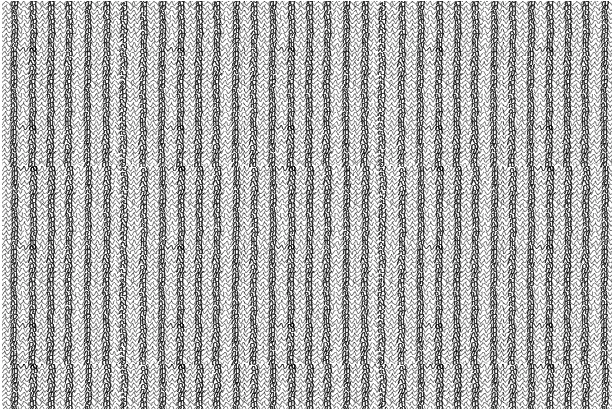
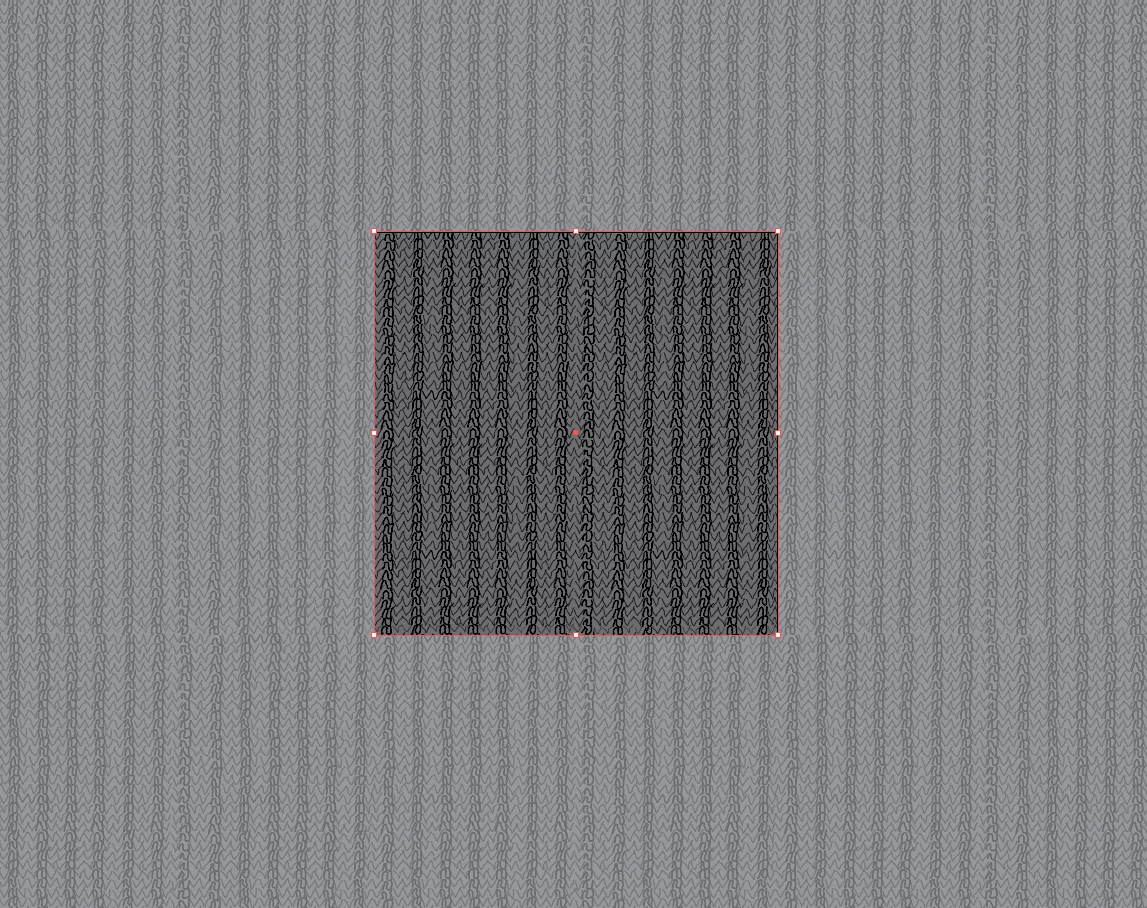
This is my n/th time trying to build a seamless pattern and following the directions. However the bottom part of my pattern keeps displaying a gap. Please see the attched pics.


Would anyone be able ro advise? 


Thank you,

Mariana


This topic has been closed for replies.
Correct answer Kurt Gold

No offence intended, but you obviously do not really understand how pattern tiles have to be constructed in order to work correctly as pattern swatches.


Ton and Doug have already pointed out the most important thing about pattern tiles (precise matching).


My recommendation for you is to do some exercises with very simple pattern tiles (circles, semi-circles, simple line constructions etc.). Just to get an understanding how pattern tiles actually work.


Your sample certainly needs some advanced knowledge of Illustrator's pattern mechanisms. Perhaps a bit too complex for newcomers.

3 replies

Kurt Gold
Community Expert
Kurt GoldCommunity ExpertCorrect answer
Community Expert
August 17, 2020

No offence intended, but you obviously do not really understand how pattern tiles have to be constructed in order to work correctly as pattern swatches.


Ton and Doug have already pointed out the most important thing about pattern tiles (precise matching).


My recommendation for you is to do some exercises with very simple pattern tiles (circles, semi-circles, simple line constructions etc.). Just to get an understanding how pattern tiles actually work.


Your sample certainly needs some advanced knowledge of Illustrator's pattern mechanisms. Perhaps a bit too complex for newcomers.

Participating Frequently
August 17, 2020

Kurt, I've just realized that I've mirrored only 2 instead of the 4 sides.

That said, your critique is well taken.

I'll go back to the very beginnings.

Seamless patterns are defintely more complicated to develop than I've imagined.

Totally humbled.

Thanks for all your timely support,

Mariana

Monika Gause
Community Expert
Community Expert
August 17, 2020

Are you using the pattern editing mode? Or which directions are you following?

Participating Frequently
August 17, 2020

Yes, Monika. I'm also following a few tutorials, duplicating the top and side pattern border.

Monika Gause
Community Expert
Community Expert
August 17, 2020

Go into pattern editing mode and then move the paths themselves until they match.

You won't be able to fix this with the options. In pattern editing mode you can see what happens.

Ton Frederiks
Community Expert
Community Expert
August 17, 2020

You need to edit the paths while making the pattern until the top matches the bottom (or vise versa).

Participating Frequently
August 17, 2020

Thank you Ton.

You mean the H & V spacing in the pattern dialogue box?

If so, I've been trying that too, without success.

The bottom either gets cut off if too close or remains too far.

Doug A Roberts
Community Expert
Community Expert
August 17, 2020

No, the illustration itself. The paths that make up one end of the pattern need to meet up with the paths at the other end.