
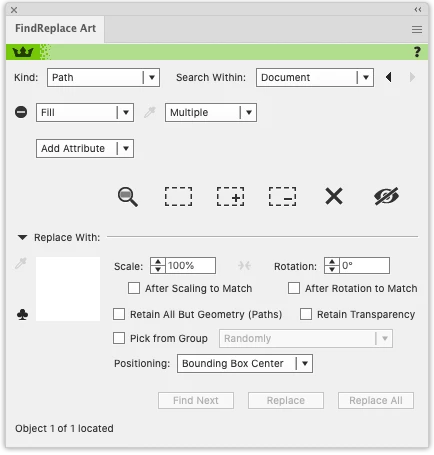
Search objects that have multiple fills in their Appearance.
Hi all,
We receive designs where certain objects have more than one fill colour. I'm not sure how they happen to become like this, only that every now and then they're there.
The top fill is visibile, but masks off the underlying fills. The invislbe (redundant) fills must be some inherent appearance that just stuck around I guess.
When importing these Illustrator files into our prepress software PACKZ the objects with multiple fills apparently get converted into multiple overlaying objects . Still no issue: the top object completely covers the objects underneath masking the redundant colour fill, and the design remains visibly correct.
But when the printer uses these PACKZ files in his RIP process, the RIP somehow detects the underlying objects and adds them to the colour separation.
For example, if you have a rectangle in a blue spot colour on top of a red spot colour, both spot colours appear in the colour separation, instead of just the blue one.
So I would like try and find these objects with multiple fills, and remove the redundant aspects of their appearance before importing them into PACKZ and so avoiding the stacked objects.
Thanks for your thoughts and feedback 🙂


 AdChoices