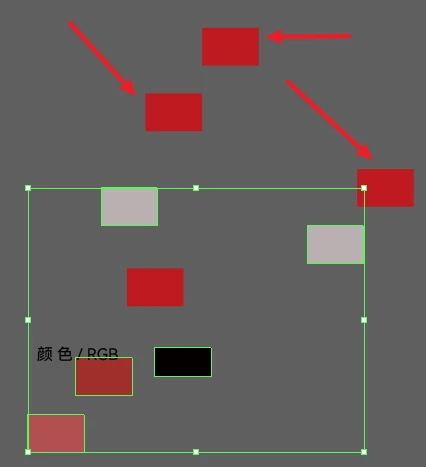
Ku11
Inspiring
January 8, 2022
Answered

Select all pathItem.filled “send to back”

  • January 8, 2022
  • 2 replies
  • 1137 views

Hi everyone, I'm having trouble. I want to make a script for selecting all the paths in the file where the fill color exists and send them to the back (the paths are sometimes within groups)


It prevents the fill color from obscuring text and paths. but the script doesn't work. I don't have found a suitable solution in the community. and I don't know how I can write it more simply. 


Best wishes


Maybe you can find some references here:
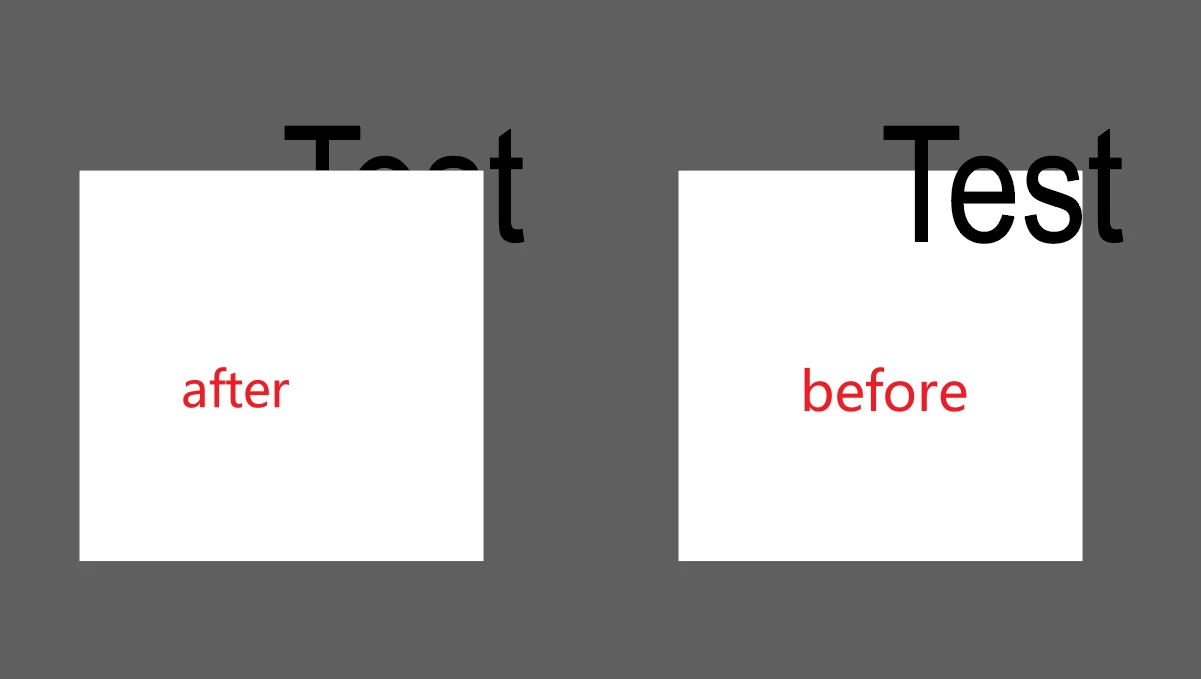
 

https://community.adobe.com/t5/illustrator-discussions/how-to-arrange-path-item-quot-send-to-back-quot-in-illustrator-using- extendscript/m-p/11773782 


https://community.adobe.com/t5/illustrator-discussions/change-the-color-of-the-fill-without-affecting-the-stroke-color/m-p/ 12641357#M305271 


This topic has been closed for replies.
Correct answer Ku11

This script works to some extent, but for a fill imported from CAD, I have to change its color once before it will be recognized? anyone know why?

Best wishes


#target illustrator

var doc = app.activeDocument;

//app.selection = null;
for (var i = 0; i < doc.pathItems.length; i++){
	var Items = doc.pathItems[i];
	if (Items.fillColor.red > 0 ) {
	Items.selected = true;
	Items.zOrder(ZOrderMethod.SENDTOBACK)
	}
app.selection = null;
}


2 replies

Ku11
Ku11AuthorCorrect answer
Inspiring
February 16, 2022

This script works to some extent, but for a fill imported from CAD, I have to change its color once before it will be recognized? anyone know why?

Best wishes


#target illustrator

var doc = app.activeDocument;

//app.selection = null;
for (var i = 0; i < doc.pathItems.length; i++){
	var Items = doc.pathItems[i];
	if (Items.fillColor.red > 0 ) {
	Items.selected = true;
	Items.zOrder(ZOrderMethod.SENDTOBACK)
	}
app.selection = null;
}


CarlosCanto
Community Expert
Community Expert
January 8, 2022

can you post your script and a screenshot of your layers panel expanded? also please add a screenshot showing where the objects shuold be after the scripts has finished.

Ku11
Ku11Author
Inspiring
January 8, 2022

sorry, i forgot it. Let me share it later