

Answered
Select and Direct Select Tools: Return to normal functions
Hello,
I am relatively new to really using Illustrator, and I have just begun having an issue with the select/direct select tools.
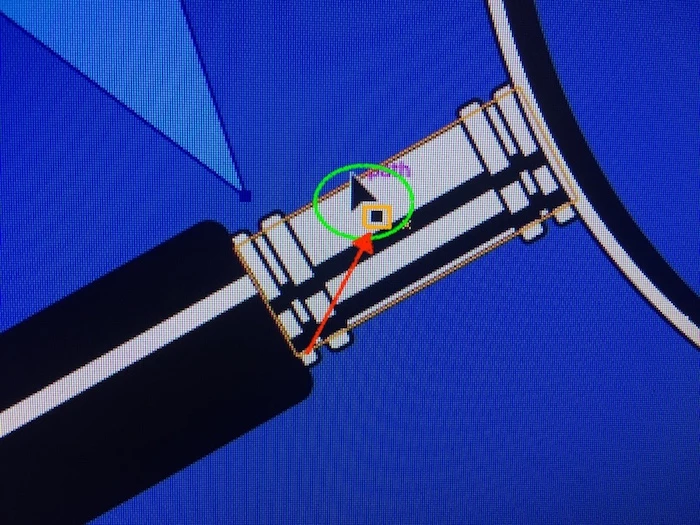
When using either the select or direct select tool in certain functions, the tool's cursor displays along with an additional icon directly offset right (see item in orange callout).
When the additional icon displays, functions are disabled within the tool.
I have done the following:
- Restarted;
- Deleted the file and started over;
- An hour ago I uploaded the most recent version of Ai (Ver 23.0); and
- The problem remains.
My Mac is running High Sierra 10.13.6 and I have a NVIDIAGeForce GT.
Can anyone instruct me on how to remove the additional icon and restore normal tool function?
Thank you.
 AdChoices