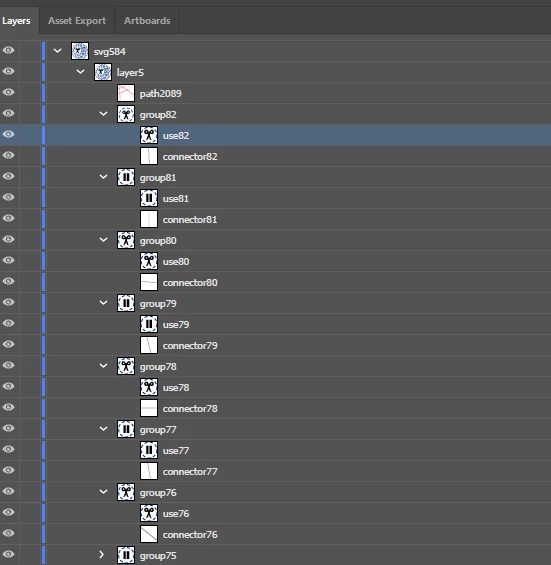
What you have showing is one layer (svg584) containing a group [Named layer5. Most likely not a sublayer, because its color indicator to the left is the same color as the top-level layer svg584.] which contains grouped items. So you want to hide specific items (symbols, I guess), not layers
To hide the items individually you click on the eye icon to the left of the item in the Layers panel.
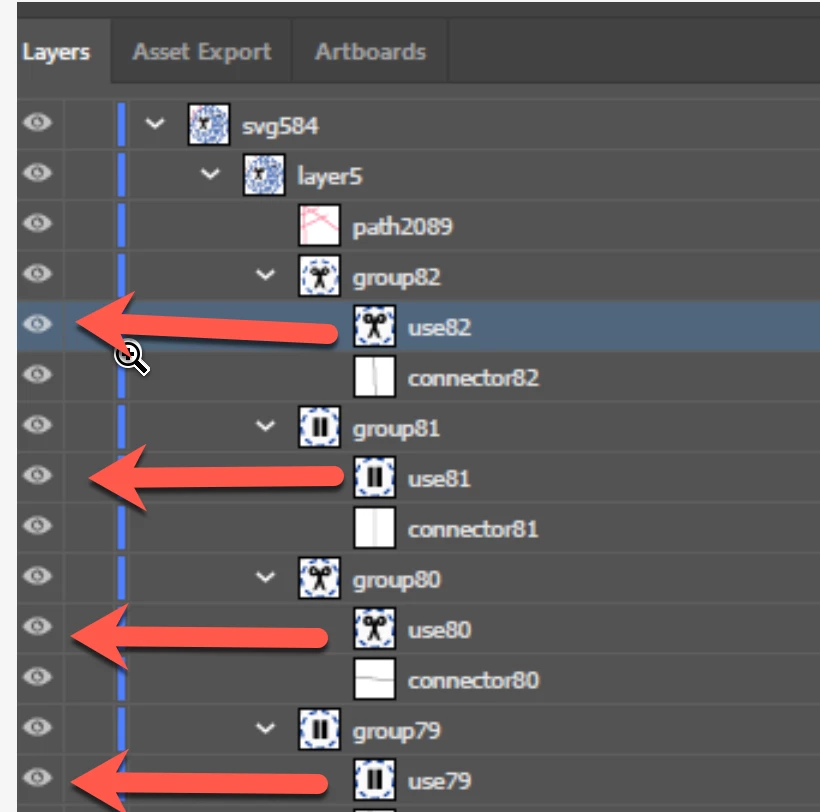
Otherwise, select the items you wish to hide on the artboard by shift-clicking using the Group Selection Tool (white pointer with + sign). The Selection Tool (black pointer) would select everything in the whole group. Then press cmd/ctrl + 3 to hide the selected items.
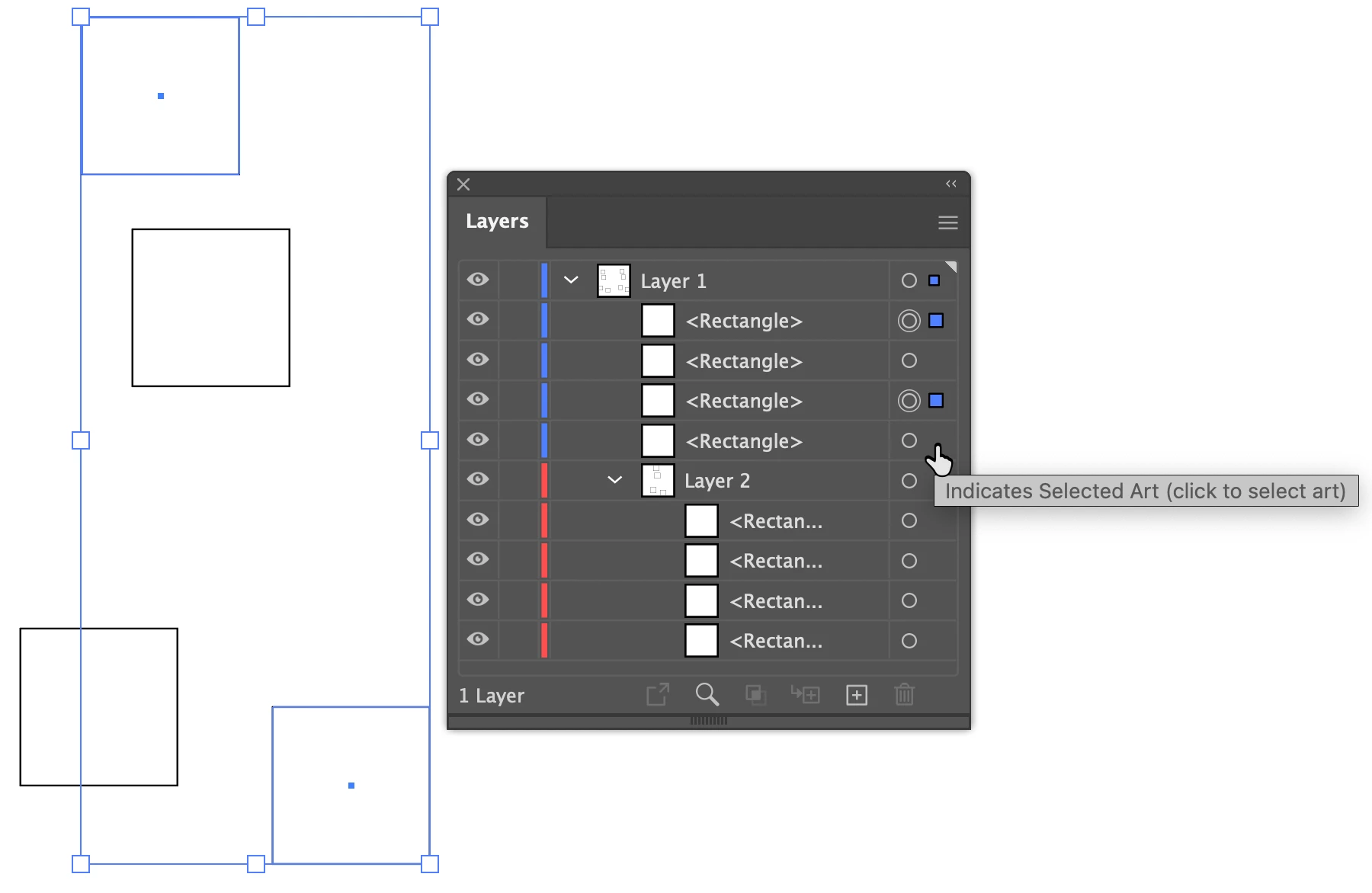
Or, in the Layers panel, shift-click to the right of the circle for each item you want to hide, then press cmd/ctrl 3 to hide the selection. Pressing the same keys again will show them again. If you might wish to show and hide these items repeatedly, with the items still selected go to the Select menu and save the selection. If you de-select, you can re-select from the Select menu.
I hope this makes sense to you.
Peter

 AdChoices