


Participant
May 15, 2026
Question

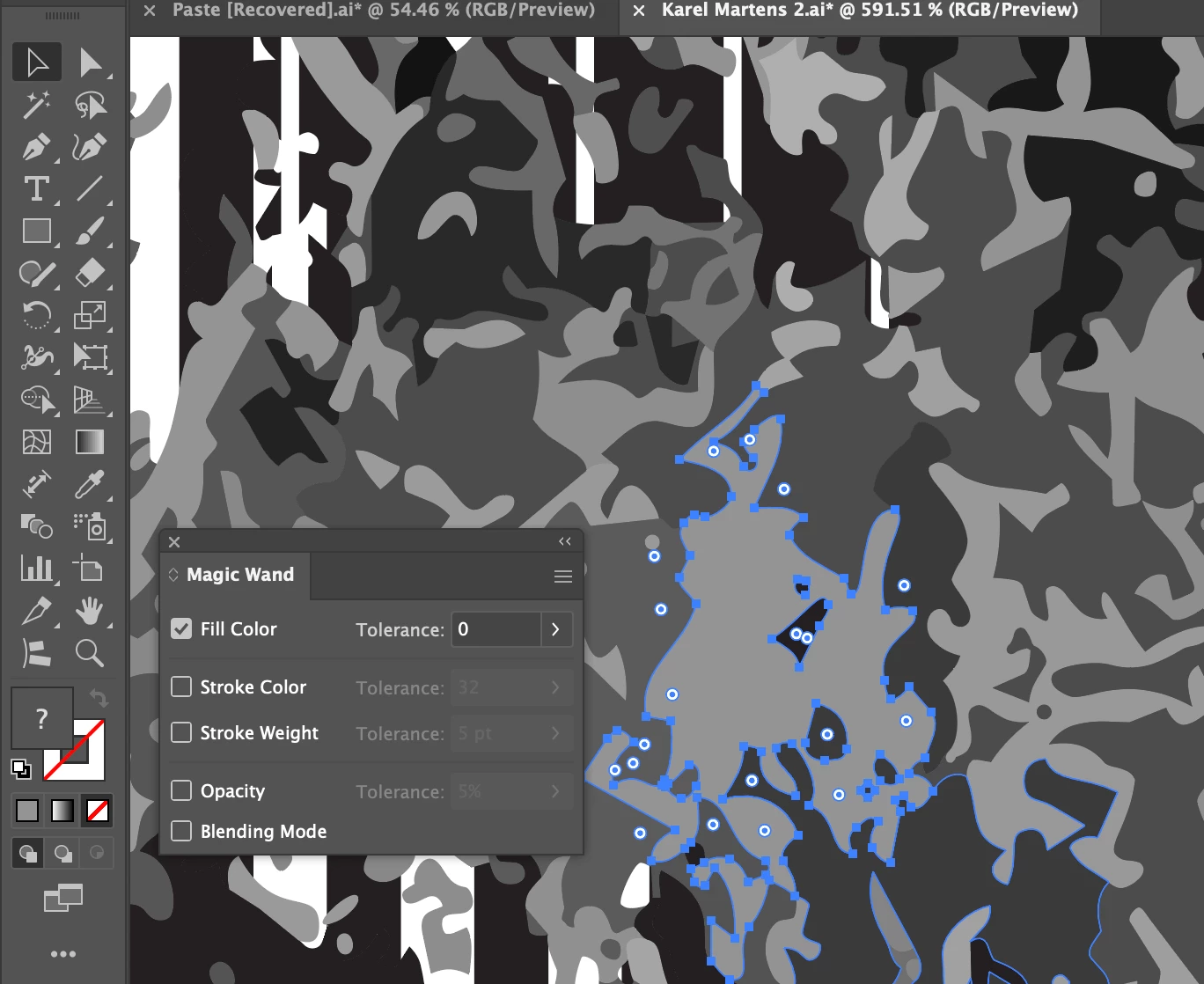
Select > Same > Fill colour not working

  • May 15, 2026
  • 2 replies
  • 23 views

I have tried using Magic wand tool but that won’t work either.

I have an 8 colour image which I have expanded and I’m trying to use select same fill colour but it is ignoring colours directly next to it and selecting different ones entirely.

 

    2 replies

    Dave Creamer of IDEAS
    Community Expert
    Community Expert
    May 16, 2026

    It’s working but the images have so many subtle color changes, it can’t select much. For example some colors were 70.1 vs 70.3. The Select Same Fill is very precise. 

    Use the Magic Wand--double click on it and adjust the tolerance. The higher the number, the more similar shades of gray. It will still select across the document, however. 

    David Creamer: Community Expert (ACI and ACE 1995-2023)
    Monika Gause
    Community Expert
    Community Expert
    May 15, 2026

    Are you using Select > Same or are you using the Magic wand?

    Can you share the AI file?

    Participant
    May 15, 2026

    I tried both and neither work, yes I’ll send the file below

    Participant
    May 15, 2026