


Answered
Select Same options grayed out - Illustrator 2026 macOS
Hello,
I recently got a new 2024 Macbook pro 16" base model, and have downloaded Creative Cloud with Rosetta and then downloaded AI 2026 through CC.
I have exported various circles of different stroke colors from Rhino to Illustrator. I am trying to change similar stroke types as I have many times before on my previous computer with no luck (Select > Same).
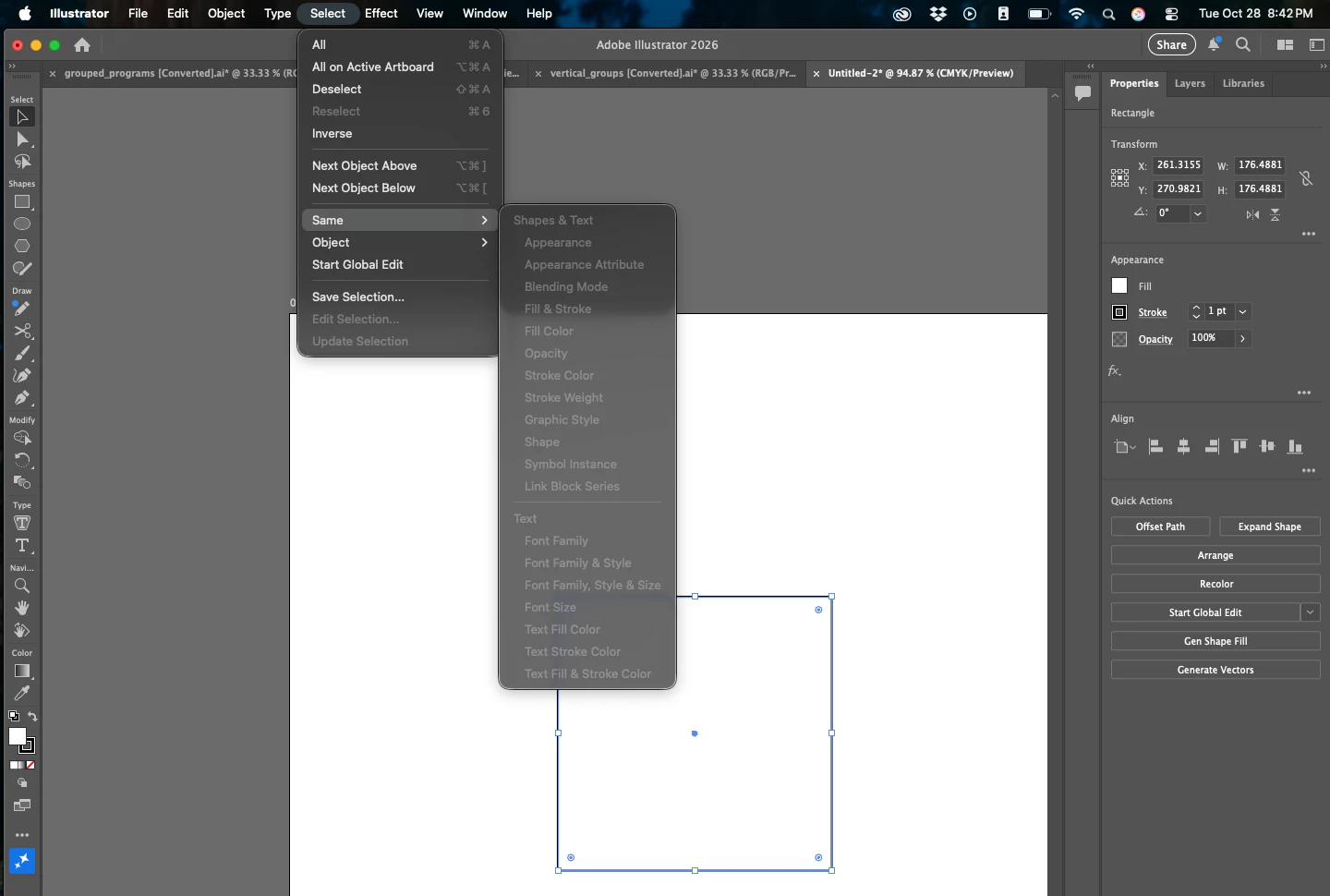
I have created an entire new file and created different rectangles of the same stroke and attempted to Select > Same.
In both instances the entire Select > Same menu is completely grayed out (see images attached).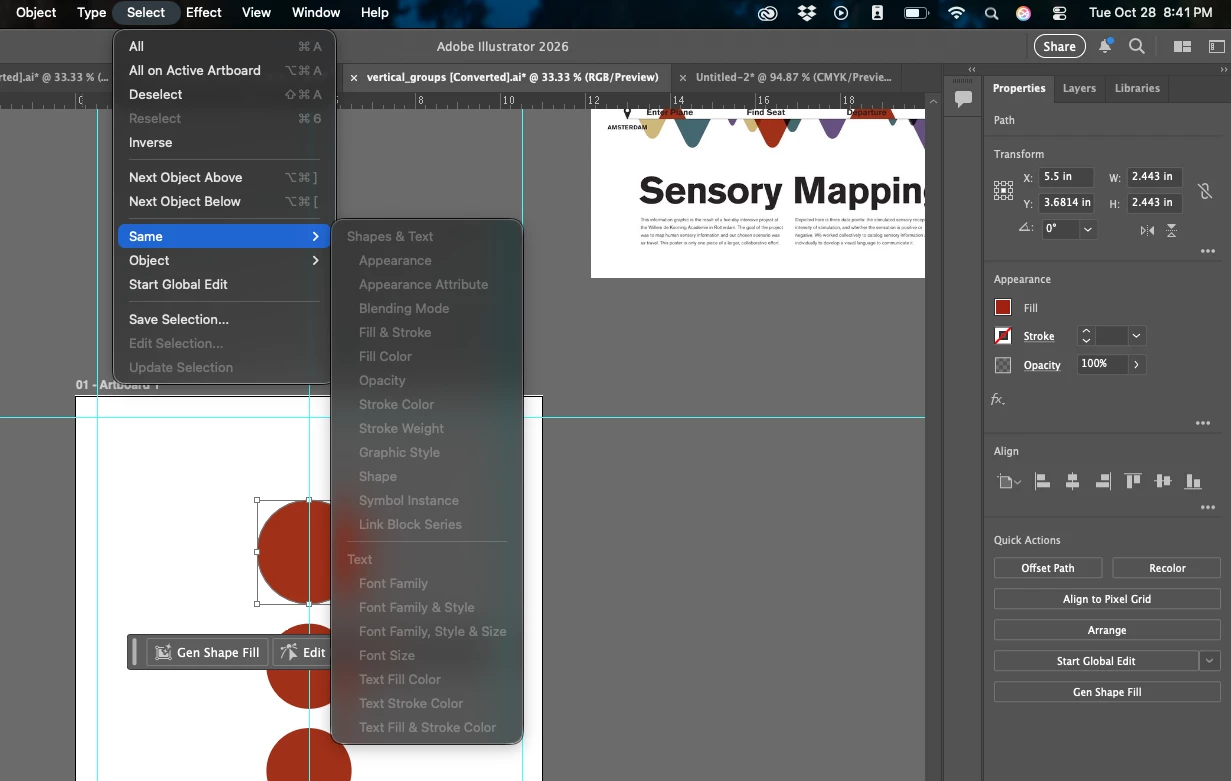

 AdChoices