
Participant
July 20, 2023
Question

Selecting custom stroke arrowhead results in crash (PC/Win 11 Pro)

  • July 20, 2023
  • 2 replies
  • 249 views

Hey,

I have followed the steps in creating a custom arrowhead stroke succsesfully;

  1. Copy 'Arrowheads' document (C:\Program Files\Adobe\Adobe Illustrator 2023\Support Files\Required\Resources\en_US) into plug-ins folder (C:\Program Files\Adobe\Adobe Illustrator 2023\Plug-ins).
  2.  Open plug-ins folder version and follow the in-document instructions on how-to create a custom arrowhead.
  3.  Add custom created arrowhead to Symbols panel.
  4.  Save document in plug-ins folder.
  5.  Quit and restart.

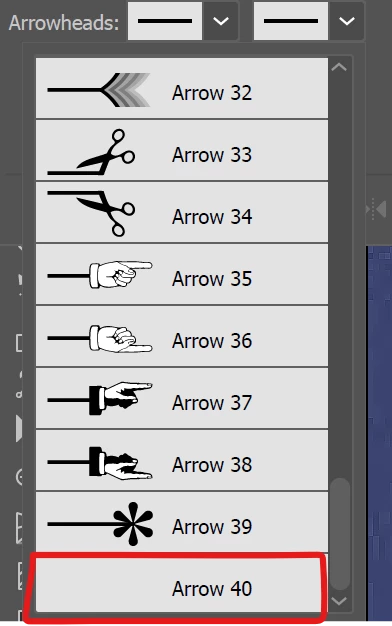
The custom arrowhead appears in the stroke list, by name only - no avatar visible.

When applying custom arrowhead to stroke, Illustrtor freezes and subsequently crashes.
BR

/i

This topic has been closed for replies.

2 replies

Anubhav M
Community Manager
Community Manager
July 20, 2023

Hello @Ivan30459196c3ka,


We understand how frustrating it can be to experience crashes in Illustrator, especially in the middle of work. Would you mind trying the steps in this help article (https://helpx.adobe.com/illustrator/kb/fix-crash-on-launch-issues.html) and checking if it helps? Also, kindly share the crash report using the steps in this article (https://helpx.adobe.com/illustrator/kb/crash-next-steps.html) and use the same email account as your community account for quick tracking and the custom arrowhead as suggested by Doug so that we can check it on our end. We appreciate your time and efforts in resolving this issue.


Looking forward to your response.


Thanks,
Anubhav

Doug A Roberts
Community Expert
Community Expert
July 20, 2023

Can you share the custom arrowhead file?