

Selecting multiple objects in illustrator includes unwanted objects as well
Hi guys,
I've been struggling with this for a while now.
For a brochure, I have several frames with product content inside.
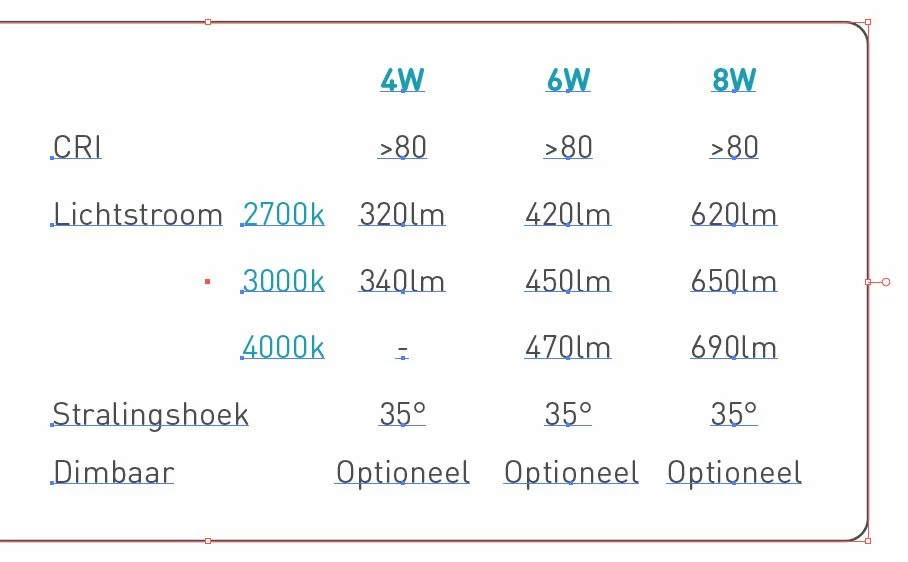
Everytime I want to select multiple text inside a frame, the selection automatically includes the frame into the selection as well. Very annoying, because i only want to select the text actually. I recently found out that it only happens when I select an area that contains the center anchor point of the frame (you can see this marked in red in the picture, so Illustrator recognizes this actually as a 'thing' in selecting). Does anyone know how to turn off this annoying feature?
Good to know:
- It is a non-filled, stroke-only frame. So I can't select the fill or anything, that's not it.
- Of course I know the option to put the frame on lock, but that doesn't work flexible enough for me because i have to lock and unlock the frames too many times.
-
If anyone can help me with this, that would be great!
Thanks.
 AdChoices