Answered
Selection Tool Not Lining Up With Shape
When I have a shape selected, the selection tool is not lining up with the shape. Is there a way to change that in settings? Is there a reason for this? Thank you in advance for any and all help.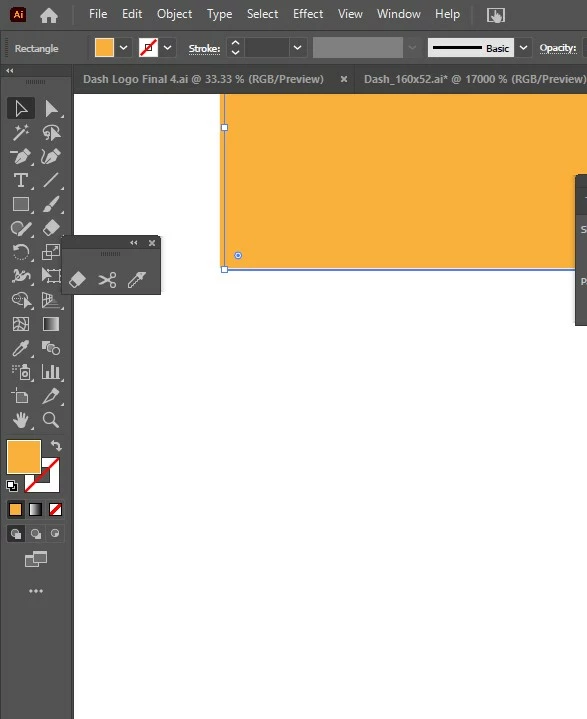
When I have a shape selected, the selection tool is not lining up with the shape. Is there a way to change that in settings? Is there a reason for this? Thank you in advance for any and all help.
Unfortunately, neither the layers panel nor the appearance panel can be seen. Therefore the question: Was a transformation effect applied at any point?
If not - does it help to switch between Preview on GPU/CPU [Ctrl]+[E]?
Already have an account? Login
Enter your E-mail address. We'll send you an e-mail with instructions to reset your password.
 AdChoices