

Answered
Selection tool not selecting on stroke
Greetings All,
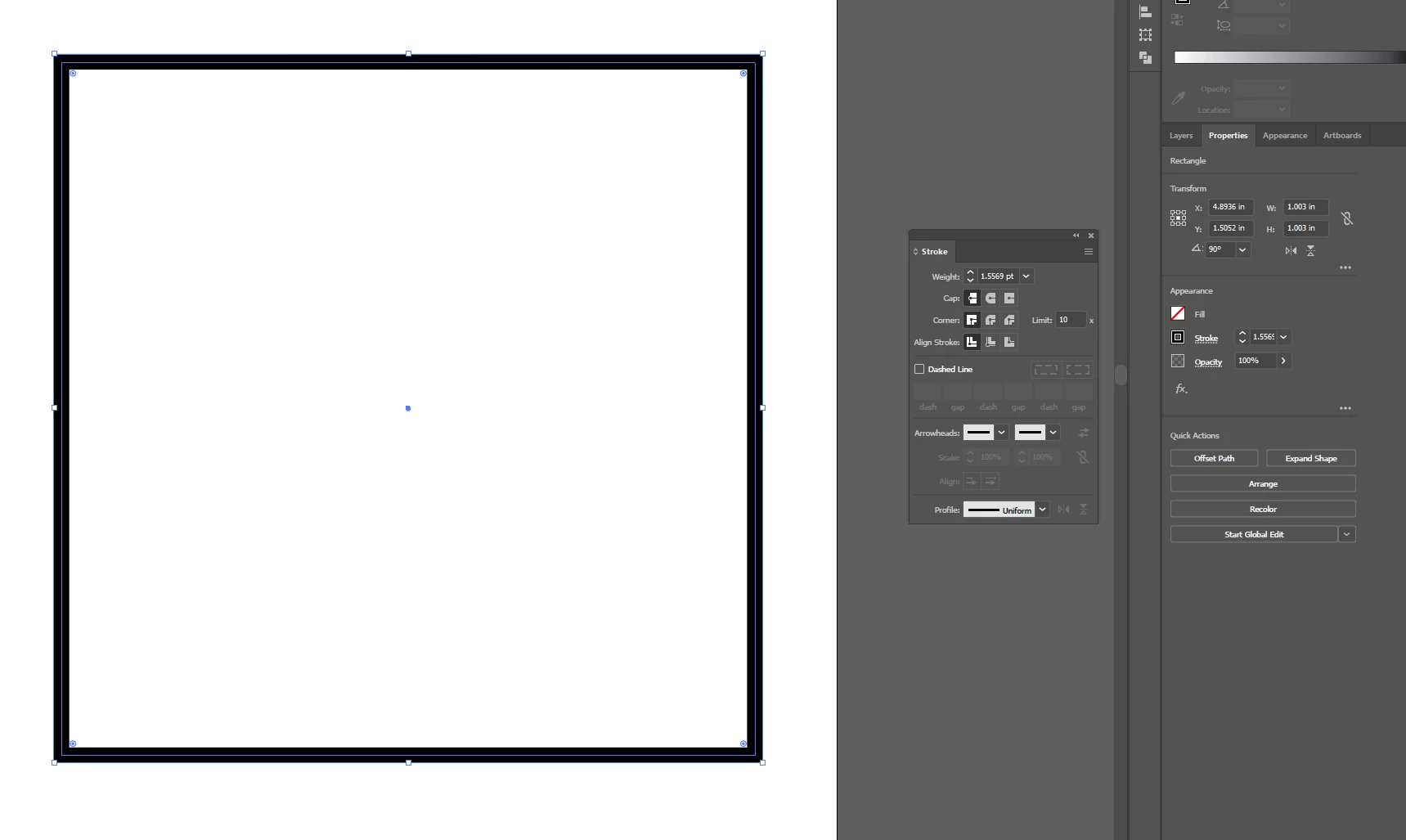
I am currently using Illustrator CC version 24.1. I am unable to select an item by the stroke anymore, as I have been doing for many versions. Even when "Align Stroke" is set to the center of the stroke, it only lets me grab the object by the extremes of the stroke, as opposed to on the center line. This creates issues when aligning 2 objects, as they snap to the outer edges of the object's stroke as opposed to right on the stroke itself.
Is there a setting that I may have changed? Is this a new feature? As far as I can remember, I have always been able to select and manipulate an object by the center of the stroke this way. Please see the attached photo for a visual aid. I appreciate your time and any help on the matter!
 AdChoices