



Separating art and assigning new artboards
So here is my issue. I have files with nestled patterns that need to be prepped for print. It starts with everything nestled and the art being in a clipping mask in the smallest version of the pattern. Each pattern is a clipping mask and on a separate layer. but all on the same artboard.

Right now i can just copy the art from the smallest size and past and go into isolation mode of each clipping mask and "paste in place" but sometimes there are 50 or 60 sizes. I also need each clipping mask on its own separate artboard after the artwork is copied like so:
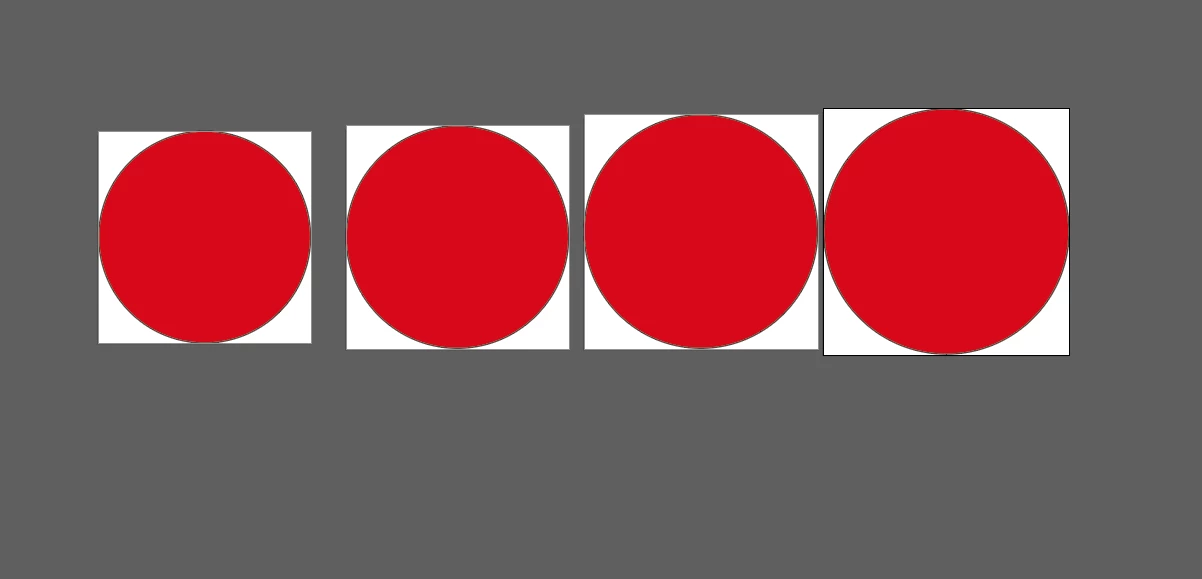
Right now my method is to manually drag each piece to an empty space in the workspace and then "fit artboard to artwork" with a hot key assigned but again this can take a lot of time with many sizes especially when the art is complex. I was wondering if there is any way to automatically do this in illustrator? I have tried to make actions to do these things but I couldn't figure out some parts, like how to select each clipping mask in the file automatically in order to paste in place inside each of them, or create a new artboard for each piece. Are there any plugins anyone knows of to do this? Any help with this would be extremely helpful. I searched around all over looking for answers but couldn't find anything. I'm hoping that its possible and if there are lots of resources to do this, I just have not searched the right terminology or in the right places.
 AdChoices