Participant
January 16, 2018
Answered

Shading a custom area behind a graph

  • January 16, 2018
  • 1 reply
  • 976 views

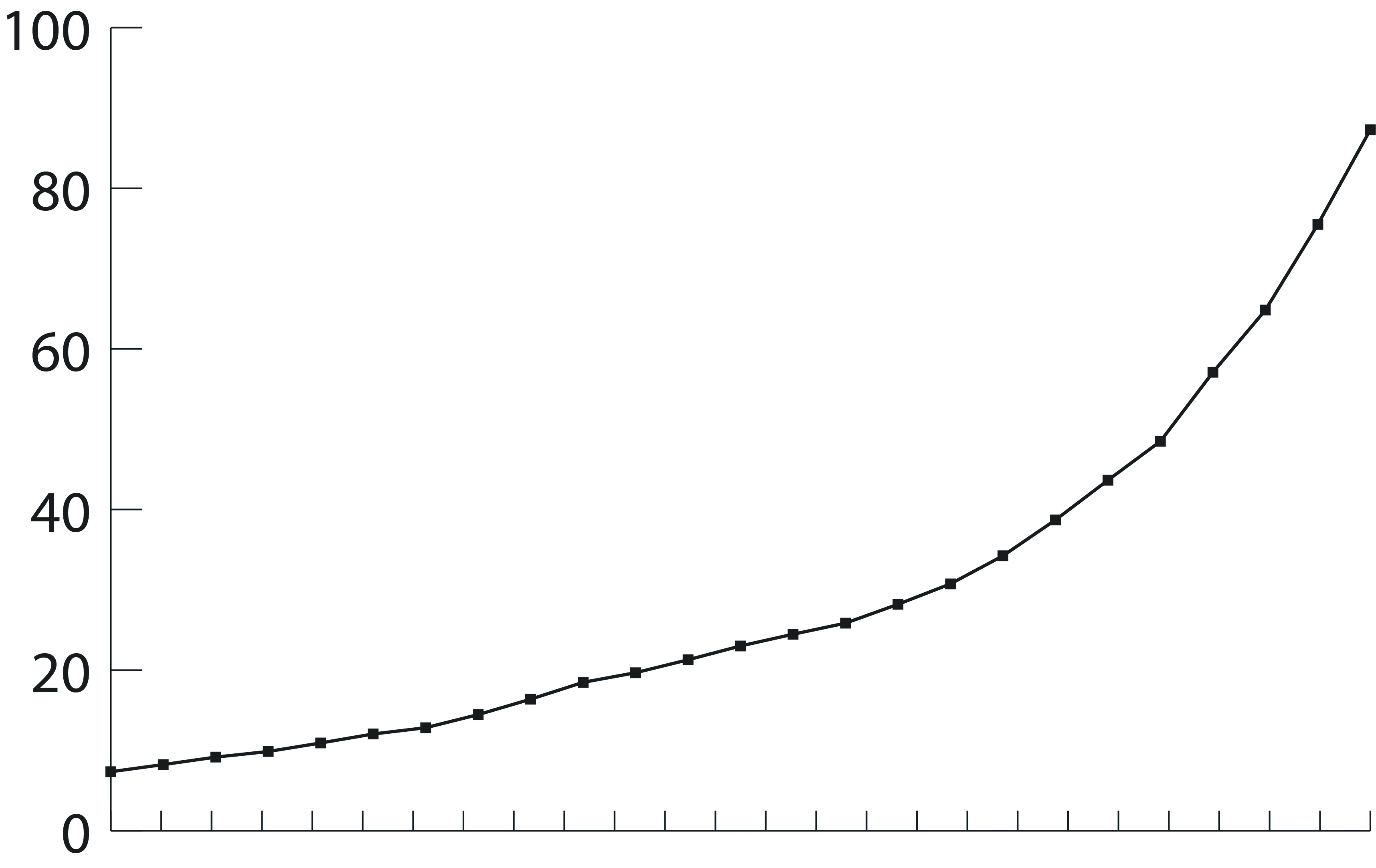
Hello - I am looking to shade the area behind a line graph in illustrator and cannot figure out how to do it. I only want the area from the line and below to be shaded, not the above the line (see attached photo).  Would I do this by creating paths/anchors and if so, could someone point me in the direction of a helpful tutorial?
This topic has been closed for replies.
Correct answer Monika Gause

You could change the graph type to an area graph

If you don't want to do that, take the group selection tool, click twice (not double click) on one of the segments of that graph to select the whole line. Than copy, paste in place, join (to make one path out of it), then continue the line to make a closed path.

1 reply

Monika Gause
Community Expert
Community Expert
January 16, 2018

You mean you want a darker rectangle in that area?

Participant
January 16, 2018

See below - i just want shading in the area where it says "shading here" but i don't want any shading above the line.

Monika Gause
Community Expert
Monika GauseCommunity ExpertCorrect answer
Community Expert
January 16, 2018

You could change the graph type to an area graph

If you don't want to do that, take the group selection tool, click twice (not double click) on one of the segments of that graph to select the whole line. Than copy, paste in place, join (to make one path out of it), then continue the line to make a closed path.