Participant
April 6, 2021
Answered

Shading on a dome using gradients
  • April 6, 2021
  • 1 reply
  • 535 views

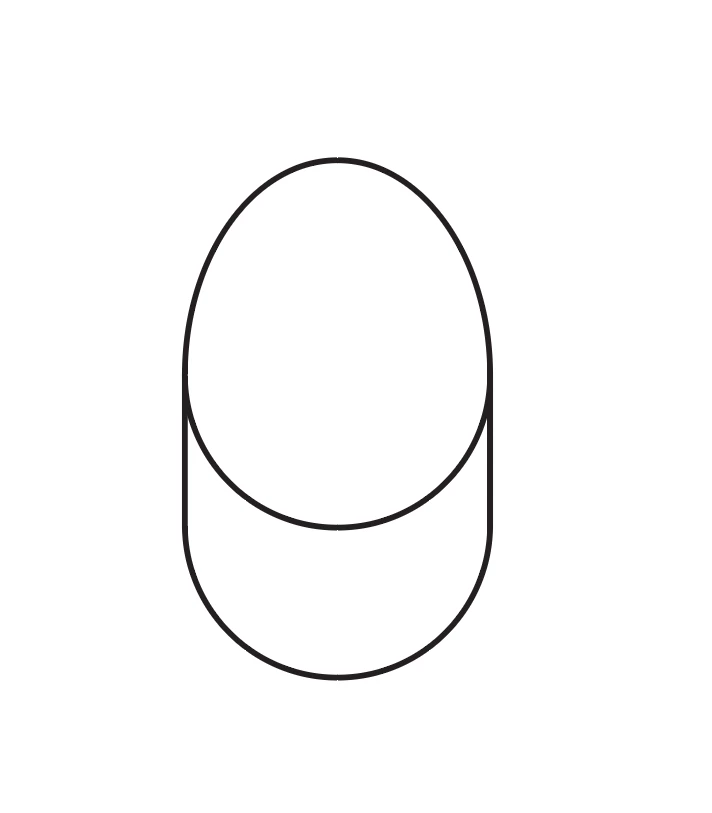
I have an axonometric drawing of a dome on top of a cylinder, and I need to shade this to show lighting and form. My best attempts are using a radial gradient for the top spherical section, and a freeform line gradient for the cylinder, but I can't achieve a smooth transistion between the two. 
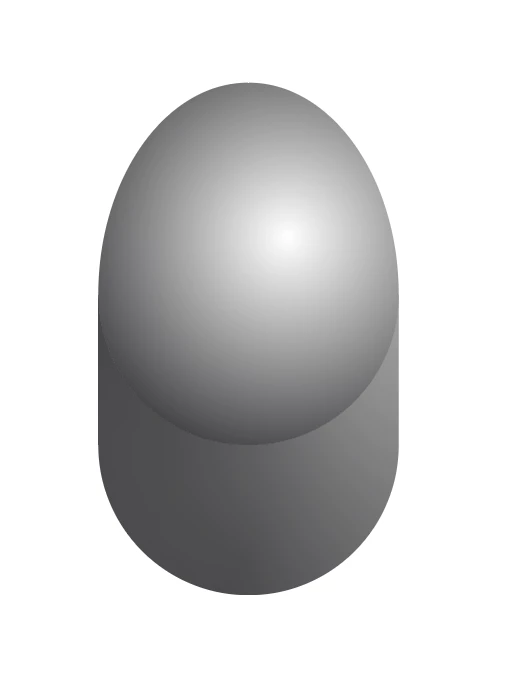
Whilst I'm happy with the top section, I'm unsure how to go about this to creat the effect I'm after, though I suspect that using two seperate gradients may be complicating things.

This topic has been closed for replies.
Correct answer gökhanyaka

You should work on the top object. You may try to make bottom part's opacity "0" from the Gradient Panel if you can control that part as individual from the other parts of the shape.

Or you can try to "make mask" from Transparency panel by duplicating top object with the only Black color on the back part of the shape so that you can mask the shape with this duplicated shape and it will give you melting area at the bottom.

1 reply

gökhanyaka
gökhanyakaCorrect answer
Participating Frequently
April 6, 2021

You should work on the top object. You may try to make bottom part's opacity "0" from the Gradient Panel if you can control that part as individual from the other parts of the shape.

Or you can try to "make mask" from Transparency panel by duplicating top object with the only Black color on the back part of the shape so that you can mask the shape with this duplicated shape and it will give you melting area at the bottom.

Moss5E88Author
Participant
April 6, 2021

Thanks for the help, I was able to use a gradient from white to transparent for the top part, on top of a simple gradient for the entire base.

gökhanyaka
Participating Frequently
April 6, 2021

your welcome!