Question
shape builder & pathfinder gap error
In Illustrator,
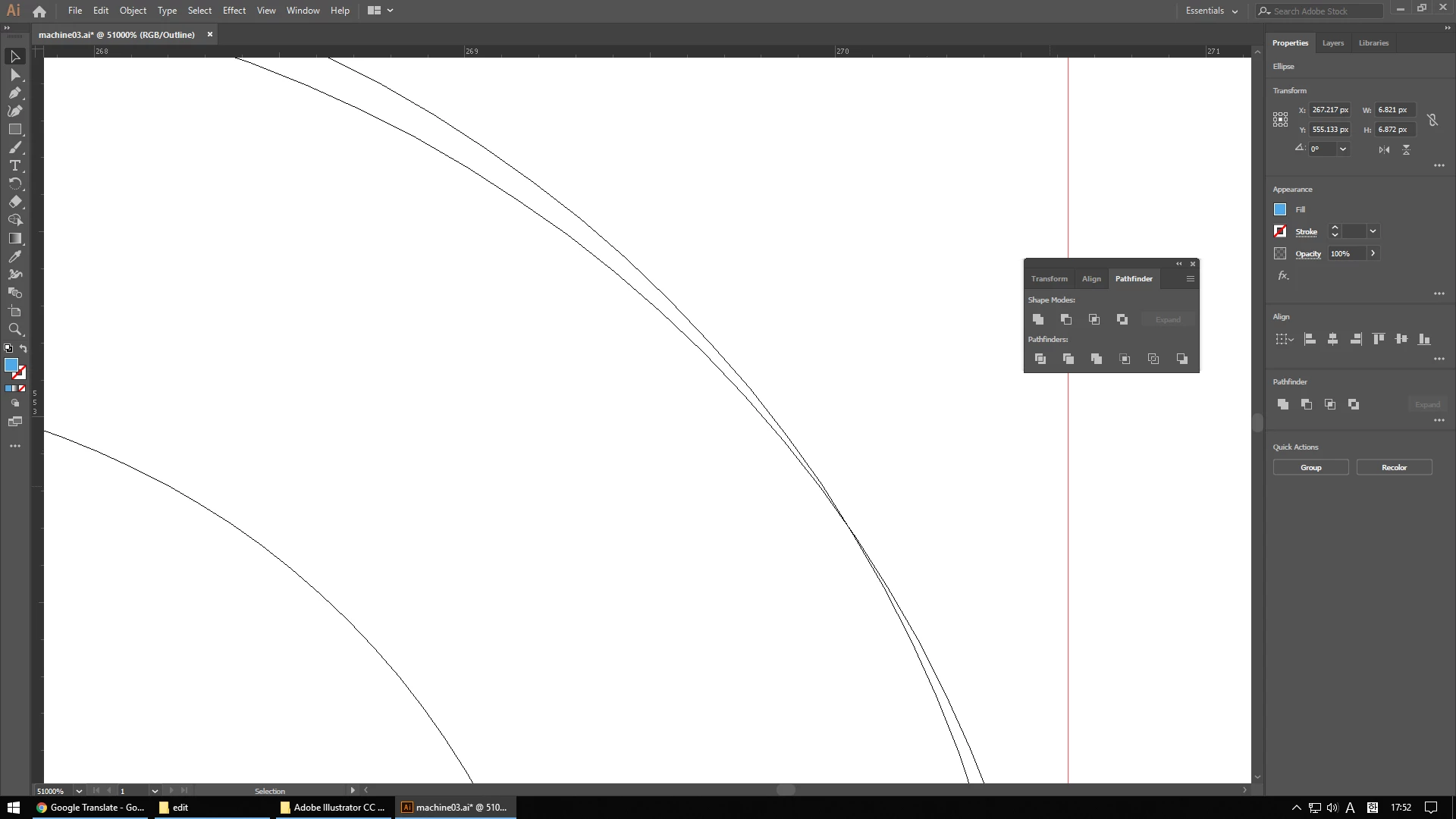
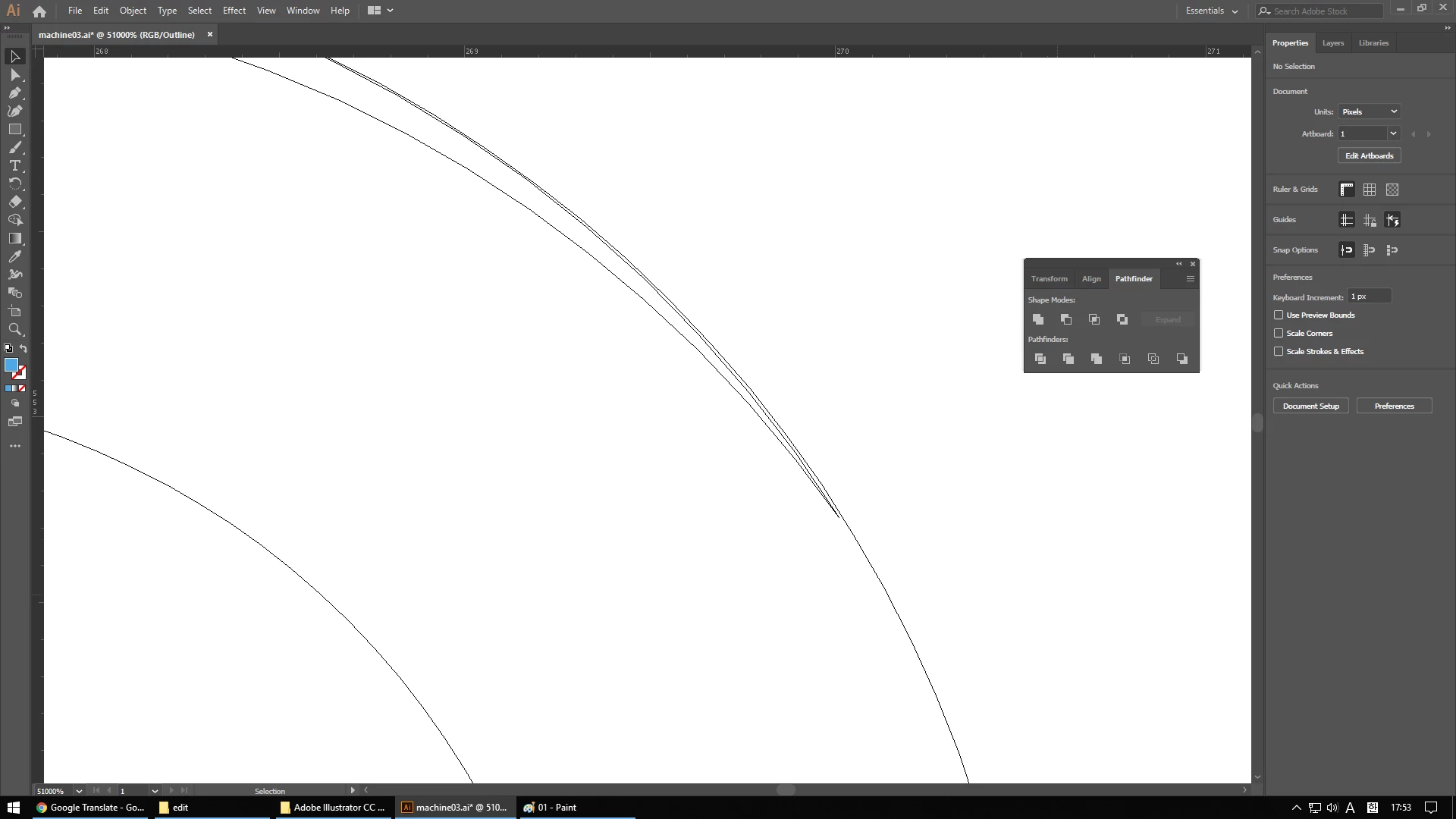
Cutting some parts with a shape builder or pathfinder creates a small gap
(both shape builders and pathfinders have the same effect).
The attached image is a copy of the same image as ctrl + c, ctrl + f.
If the positions are the same, the line should fall neatly, but there is a slight gap.
I have tried reinstalling, rebooting, updating the graphics driver, formatting the pc, and so on.
Do you have a solution?
 AdChoices