Participant
January 17, 2020
Question

shape builder tool disturbs the design while trimming

  • January 17, 2020
  • 3 replies
  • 1451 views

This topic has been closed for replies.

3 replies

Monika Gause
Community Expert
Community Expert
January 17, 2020

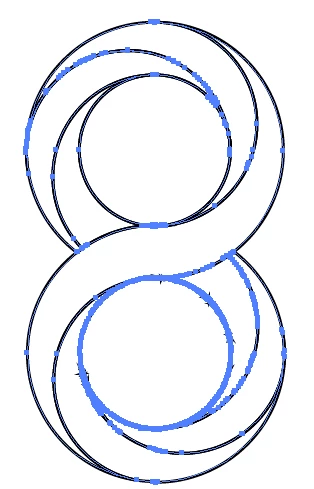
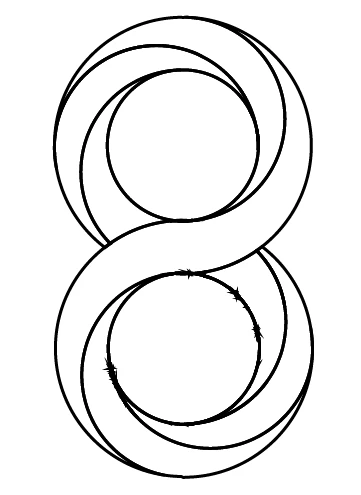
The shape builder tool tends to create too many points in some circumstances (no idea which they are)

So instead of using the shapebuilder tool, use the live paint tool. It can be used as easily, but it doesn't show the same behaviour.

Jacob Bugge
Community Expert
Community Expert
January 17, 2020

Sarang Ali,


It seems that you have invoked the Barbed Wire Tool (sorry, it was stronger than I).


Joking aside, I would suggest your abstaining from the Shape Builder Tool and using another (maybe non Pathfinder) way, going back and starting over from the artwork before the first redundant Anchor Point(s) appeared (whenever that was in the process), then show (as suggested by Euginio, but quite likely even further back) so you can get suggestions.
 

Rishabh_Tiwari
Legend
January 17, 2020

Hi there,


Thanks for reaching out. You can try Object > Path > Simplify to reduce the anchor points and then use the Smooth Tool to smooth the path.


For information on Path Simplification you can refer to this help article:


https://helpx.adobe.com/in/illustrator/using/simplify_paths.html


Regards

Rishabh

Eugenio.NYC
Participating Frequently
January 17, 2020

Hi

In addition could you try this, inside the stroke panel


Limit: 1