

Question
Shape Builder tool not colouring
Hi everyone,
I am in the middle on an Illusrator course at the moment and I am suddenly having problems iwth the shape builder tool. Up until this point I have been able to colour my selected areas with no issues, however my latest assignment I have created an image, selected the areas to colour ( areas are greying out so I know that there are no gaps etc) yet when I press colour, the image is not doing so on my artboard. The strange thing is if I save my document all colours are showing on the thumbnail of my assignment from teh home menu. What is the issue and how can I 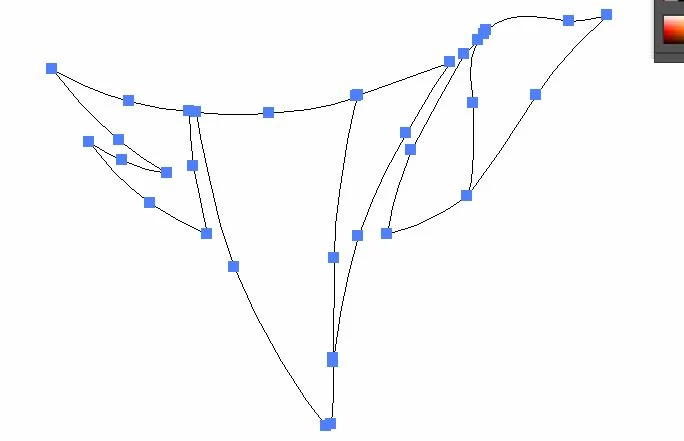
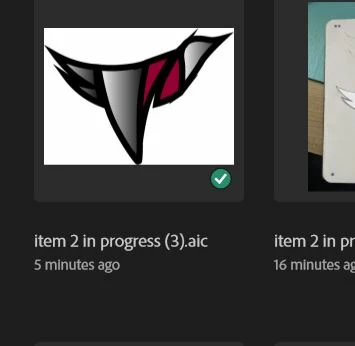 resolve?
 AdChoices