


Participating Frequently
October 16, 2017
Answered

Shape Builder Tool not Working

  • October 16, 2017
  • 3 replies
  • 7039 views

Hello people,

Currently following the Adobe beginner tutorial but I'm having trouble with the Shape Builder Tool.
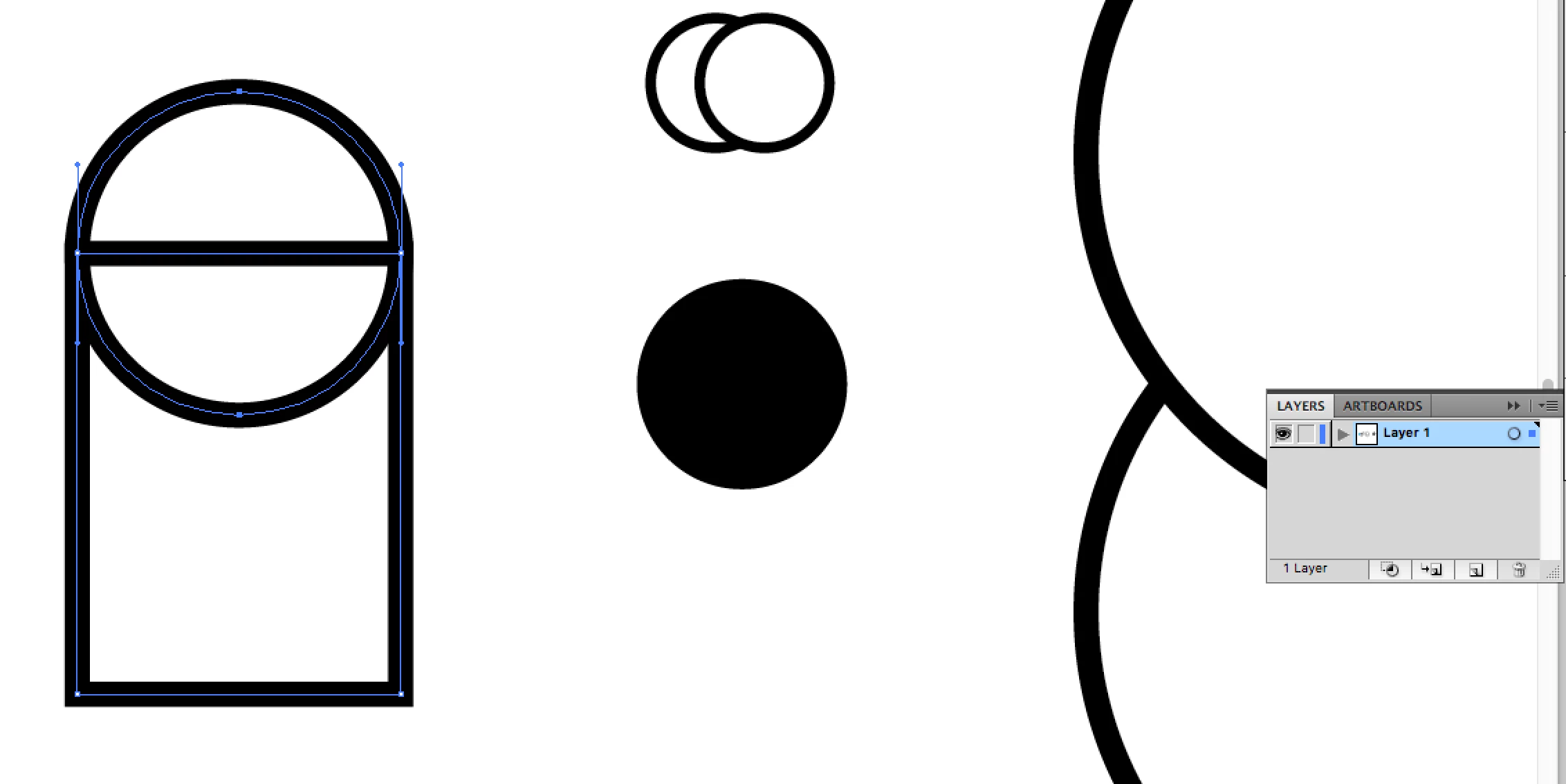
I have drag selected a couple of shapes using the Direct Selection Tool, but when I switch to the Shape Builder Tool to combine shapes I get the circle with a line in it signalling that I cannot do that.

I'm using CS5.

Thank you for your help in advance! 🙂
This topic has been closed for replies.
Correct answer Kurt Gold

This file was not created in Illustrator CS5. It was a newer version and probably you just opened it in CS5, that is, you opened the .pdf portion of the file. Therefore there is at least one clipping mask that you would have to release and delete and then select all and ungroup the selection. After that you should be able to use the Shape Builder tool successfully.

3 replies

Kurt Gold
Community Expert
Community Expert
October 16, 2017

Can you share this sample .ai file, so one can take a look at it?

Normally it doesn't matter if you are selecting the paths with the Selection tool or the Direct Selection tool. The Shape Builder should work. But sometimes there are some unexpected combinations which may hinder it to work faultlessly.

Participating Frequently
October 16, 2017
Kurt Gold
Community Expert
Kurt GoldCommunity ExpertCorrect answer
Community Expert
October 16, 2017

This file was not created in Illustrator CS5. It was a newer version and probably you just opened it in CS5, that is, you opened the .pdf portion of the file. Therefore there is at least one clipping mask that you would have to release and delete and then select all and ungroup the selection. After that you should be able to use the Shape Builder tool successfully.

Monika Gause
Community Expert
Community Expert
October 16, 2017

Don't use the direct selection tool. Use the selection tool.

Also: from your screenshot it's not clear what you want to do.

Participating Frequently
October 16, 2017

Hi,

When I try to use the Selection tool and drag over the shapes they don't select?

Monika Gause
Community Expert
Community Expert
October 16, 2017

CS5 and Mac OS Sierra might not play together too well. They have never been tested and will never be.

If you want to continue to use CS5, you should have stayed on Mac OS 10.8

Please be precise in your descriptions. Dragging a selection rectangle with the select tool should of course work.

Bill Silbert
Community Expert
Community Expert
October 16, 2017

What platform and what OS are you using?

Participating Frequently
October 16, 2017

Hello,

I'm on MacOS Sierra.