
GoodBullyLLC
Inspiring
March 1, 2021
Answered

Shape measurement or Transfer panel measurement, which is accurate?

  • March 1, 2021
  • 3 replies
  • 785 views

While working today I noticed something I never quite noticed before.

1. Using the shape tool I entered precise dimension for a rectangle.
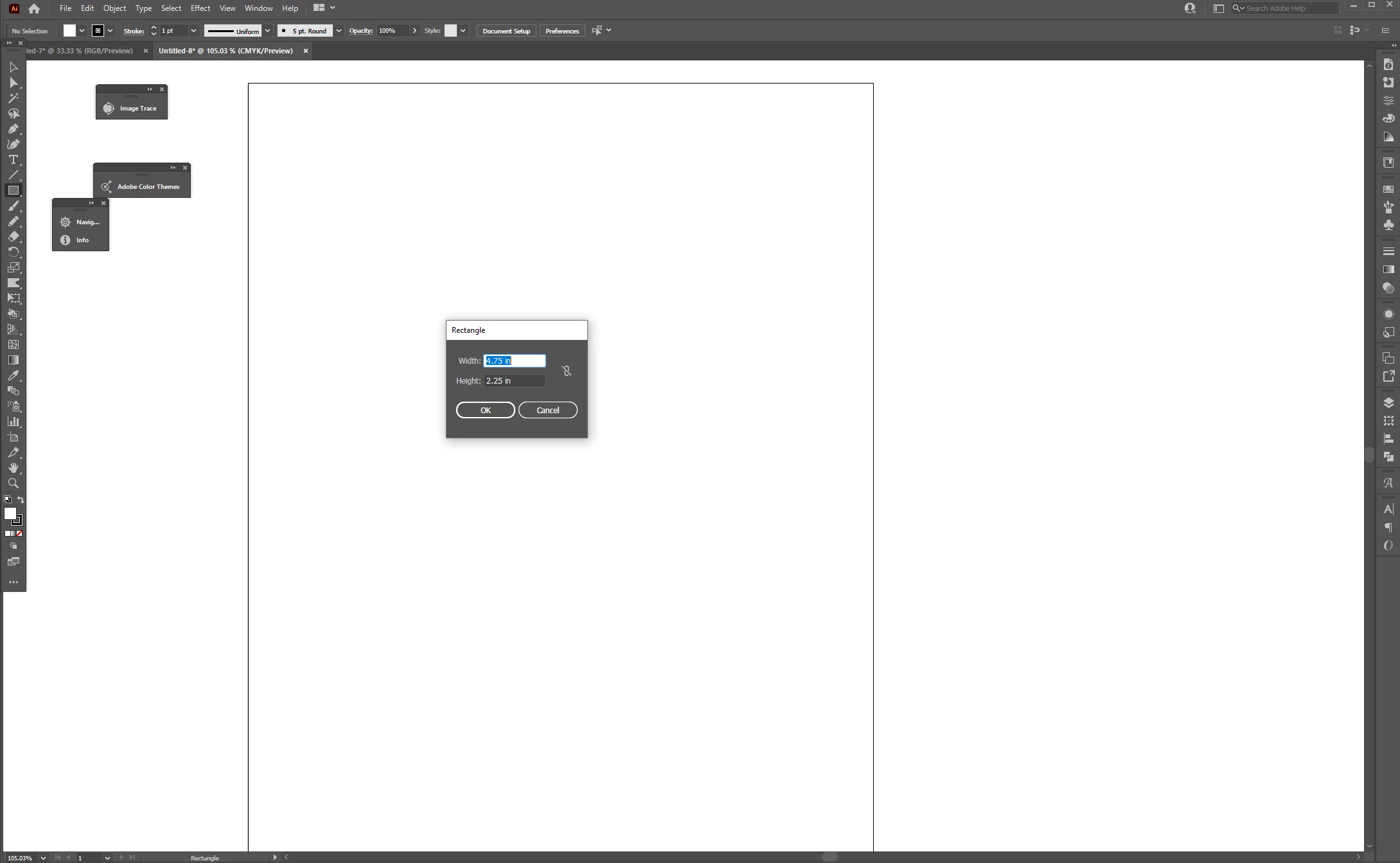


2. Upon hitting enter I noticed the dimensions of the shape and the dimensions shown in the transform panel don't mirror one another.


3. Upon changing the dimensions in the transform panel, the dimensions of the shape are no longer the same.


Is this a bug? Has it always been this way and why? Why aren't the dimensions the same for both?


This topic has been closed for replies.
Correct answer Doug A Roberts

In the Align panel, is 'Use Preview Bounds' checked?

3 replies

Participant
May 16, 2024

This is happening for me as well and is quite maddening. "Use preview bounds" is unchecked as well as "scale strokes and effects" under preferences. HELP! I need this stuff to scale

Participant
May 16, 2024

I also have "use preview bounds" unchecked in align panel

DRock22
Inspiring
March 1, 2021

It might be accounting for the amount of stroke that's outside of the actual shape. Try removing the stroke or changing the alignment of the stroke to "inside" and see if the sizes match.

Doug A Roberts
Community Expert
Doug A RobertsCommunity ExpertCorrect answer
Community Expert
March 1, 2021

In the Align panel, is 'Use Preview Bounds' checked?

GoodBullyLLC
Inspiring
March 2, 2021

Thank you, it was indeed checked.