Question
Sharp edged lines/artifacts appear inside curved shapes - GPU "fix" causes other issues...
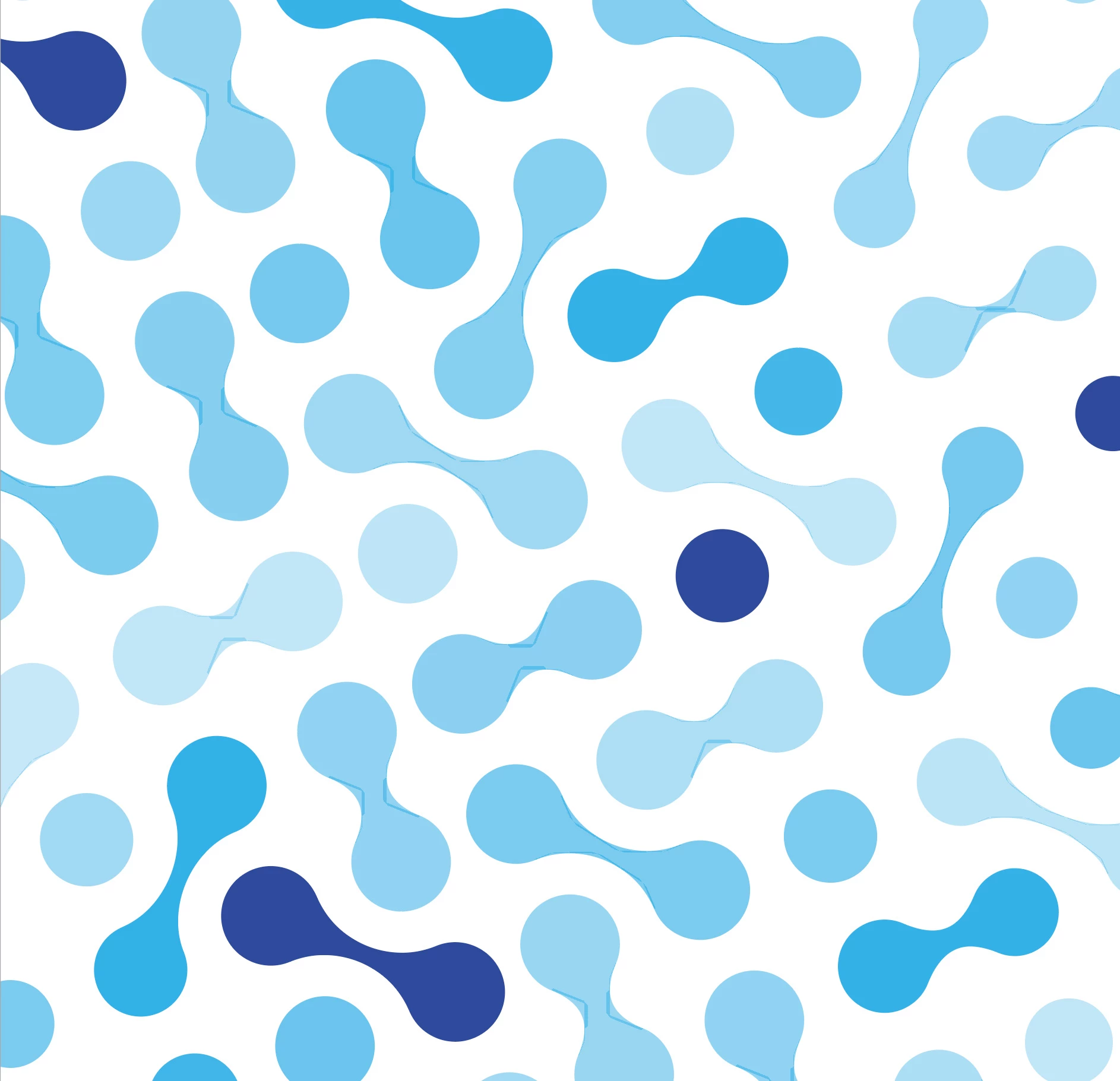
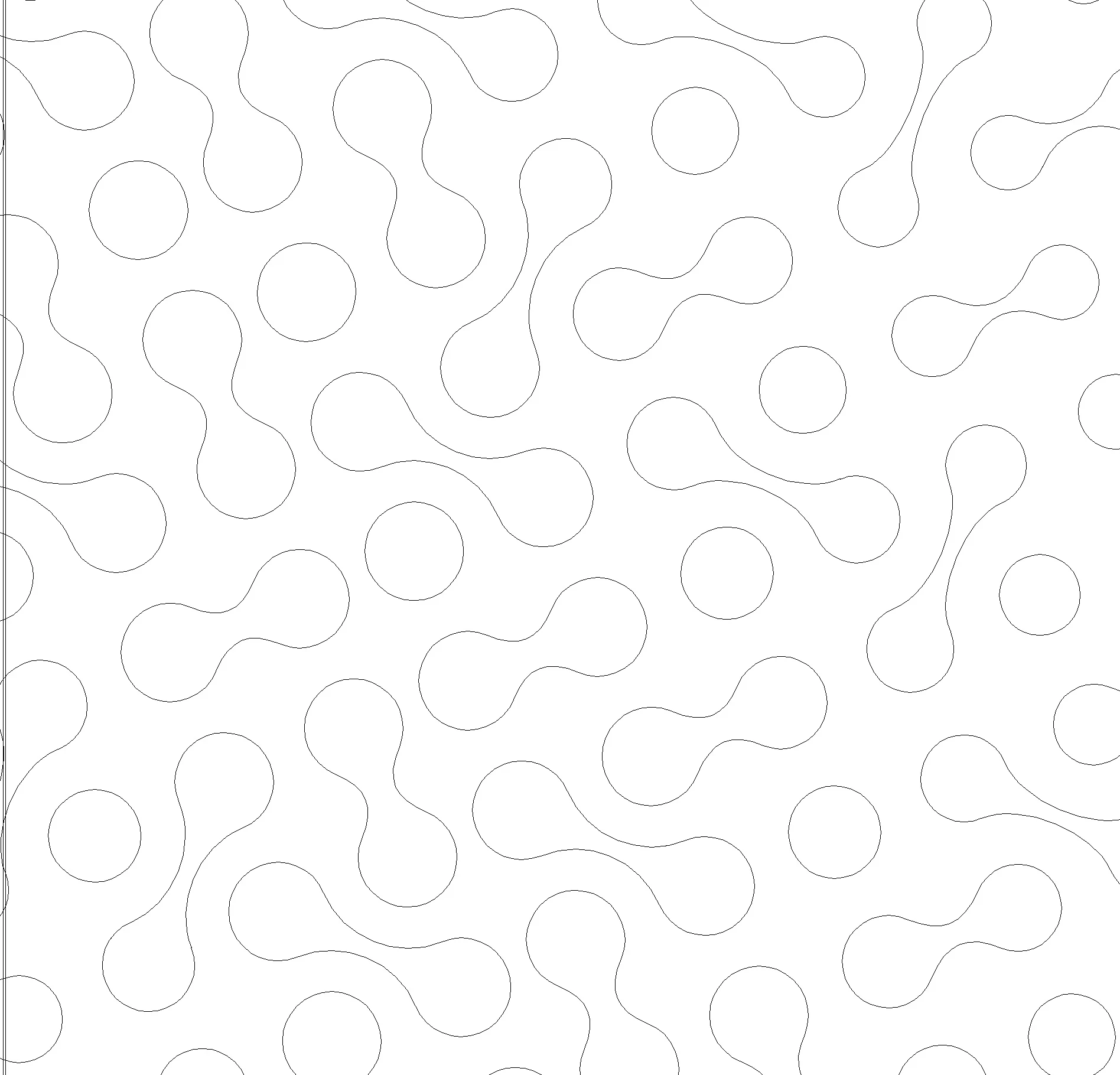
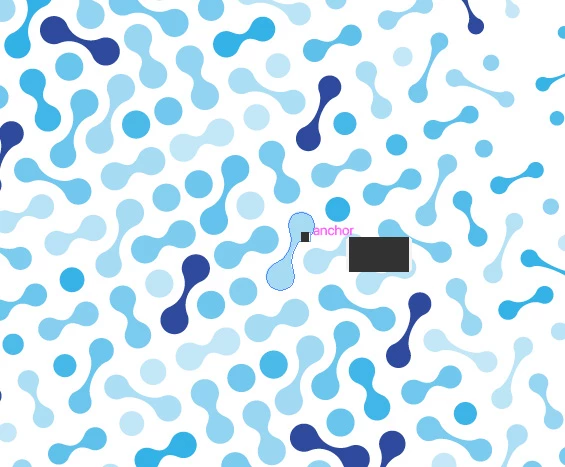
I'm running AI 26.0.1 on a MacMini (OS BigSur 11.6) and every time I draw/use a curved shape with a gradient fill or with an opacity less than 100%, I see sharp edged lines/artifacts around the perimeter of the object (shown in top photo). There are no effects (other than opacity) or strokes on these objects and the preview shows no evidence of any glyphs, artifacts, or odd shapes (second photo) . Another user suggested turning off the GPU preview and it DID fix the weird line artifacts issue...BUT...when I have GPU preview off - little black rectangle shapes pop up every time I click on anything (third photo). GAH! Help?
 AdChoices