
Inspiring
November 19, 2018
Question

Shear objects: where's angled axis and how to understand coordinates?

  • November 19, 2018
  • 1 reply
  • 2500 views

I'm a beginner: please, help me to understand how to interpret coordinates so that I could rely on calculated values and not just on visual guidance.

I have an object I'm applying shearing to.

Object--Transformation preview.

Position 1, pic 1: axis angle - 30˚, slant - 45˚
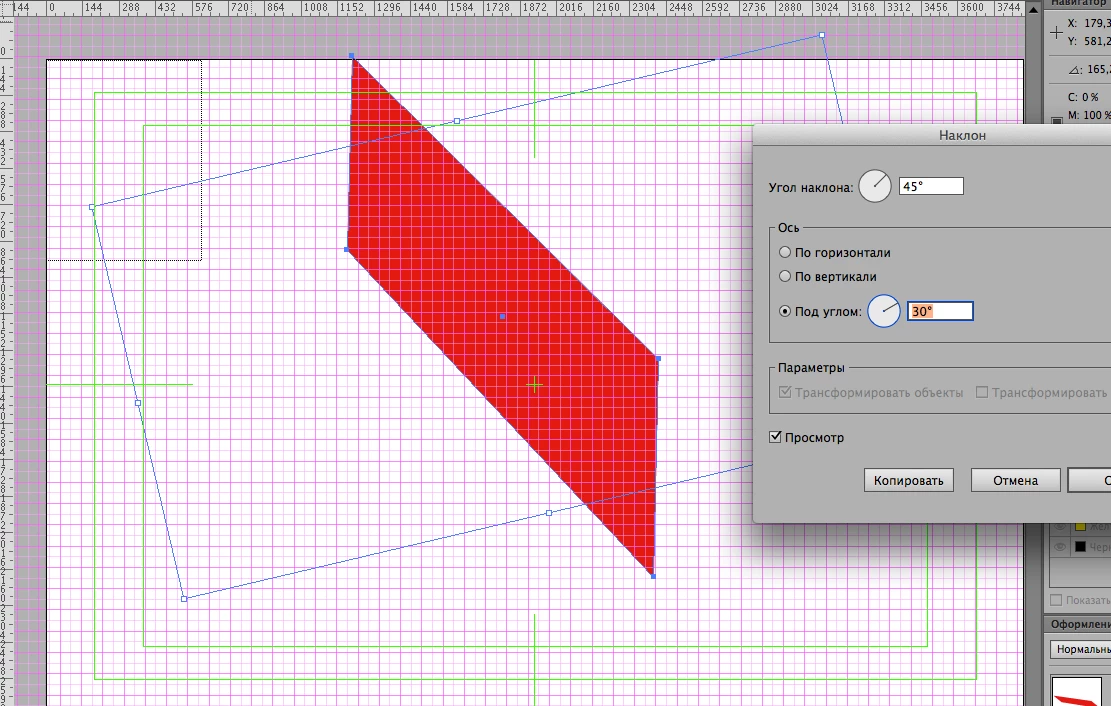
Position 2, pic 2: axis angle - 19˚, slant - 31˚. All values are arbitrary, just for the demonstration purpose.
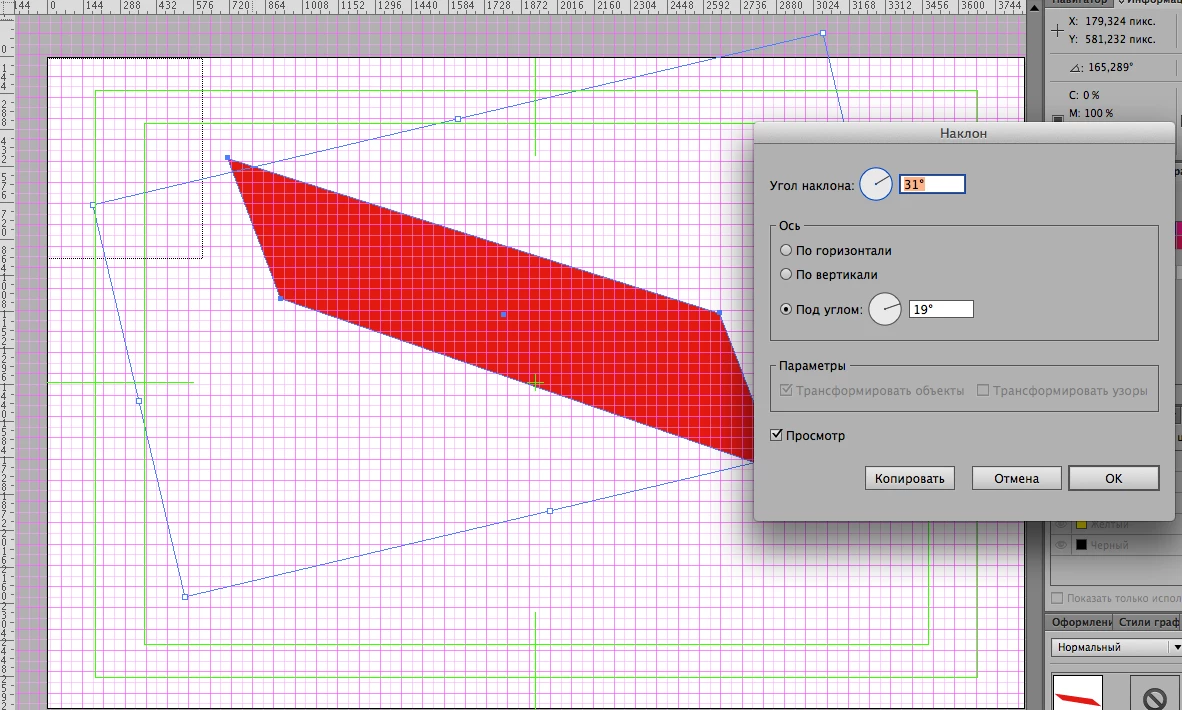
Info panel. Using shear tool

Position 2 transformed into position 3. Position 3, pic 3: axis angle - 180˚, slant - -115,423˚ (negative)
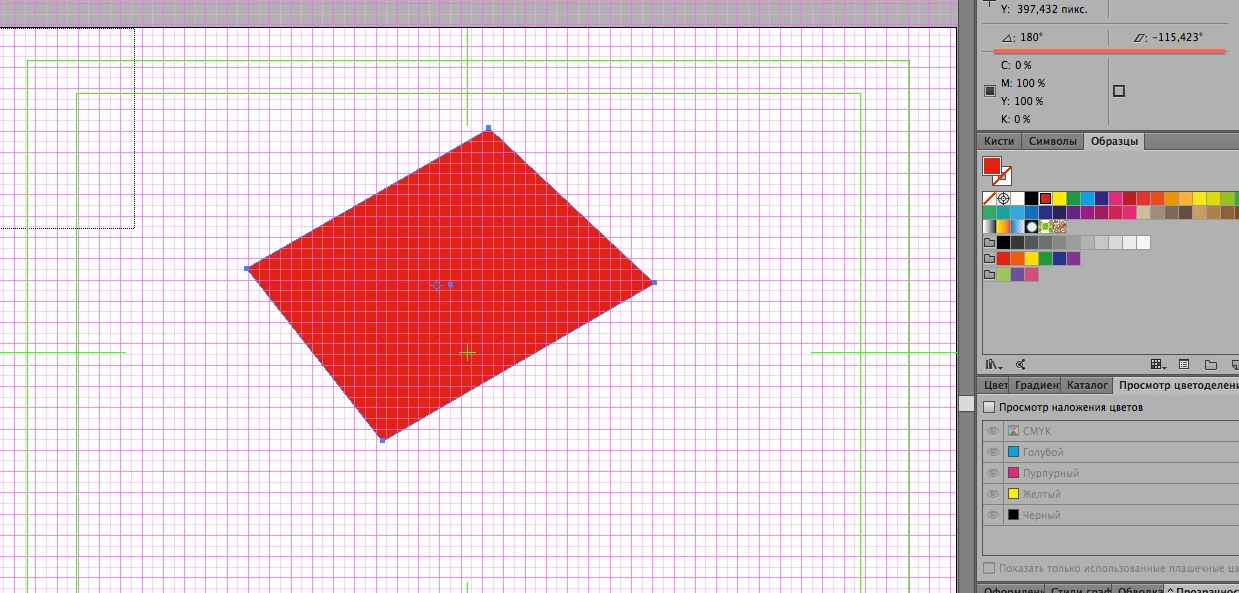
My questions:

#1 Where exactly does the axis cross the object at an angle?

#2 Do the slant and axis angle value changes imply 3D rotation?

#3 Position 3

Regarding usage of the shear tool. What points on the object and what movement do the values in Info panel correspond to exactly?

This topic has been closed for replies.

1 reply

Myra Ferguson
Community Expert
Community Expert
November 19, 2018

It might help if you visit the Help page on scaling/shearing How to scale, shear, and distort objects in Illustrator

Inspiring
November 20, 2018

I posted that question with the information provided by you in mind already since I read it in a PDF version of the Adobe's Guide to Illustrator. It didn't contain the answer I'm looking for. I know what reference points do in this context as well as that a slant is relative to either vertical or horizontal axis. It doesn't add to together though. I need to know exactly and sending away to reference materials in a forum dedicated to clearing up specific subjects is just another way to say "Google is you friend" which is not at all contributive.

Doug A Roberts
Community Expert
Community Expert
November 20, 2018

1. The centreline, so far as I can tell:

2. No

3. The values shown in the info panel are your last-used shear settings for the object.