
Inspiring
January 13, 2025
Answered

SHIFT + C to move 2 handles at the same time - Does not work

  • January 13, 2025
  • 1 reply
  • 156 views

Hello!

Just as the titles says.

I know it's possible to do it with S (scale), and that's fine.

But I'm following an online course and he keep using shift+c to do that, and I've been breaking my head over this. Shift+c still only controls one handle for me.


Could someone please breakdown every step I need to be doing?
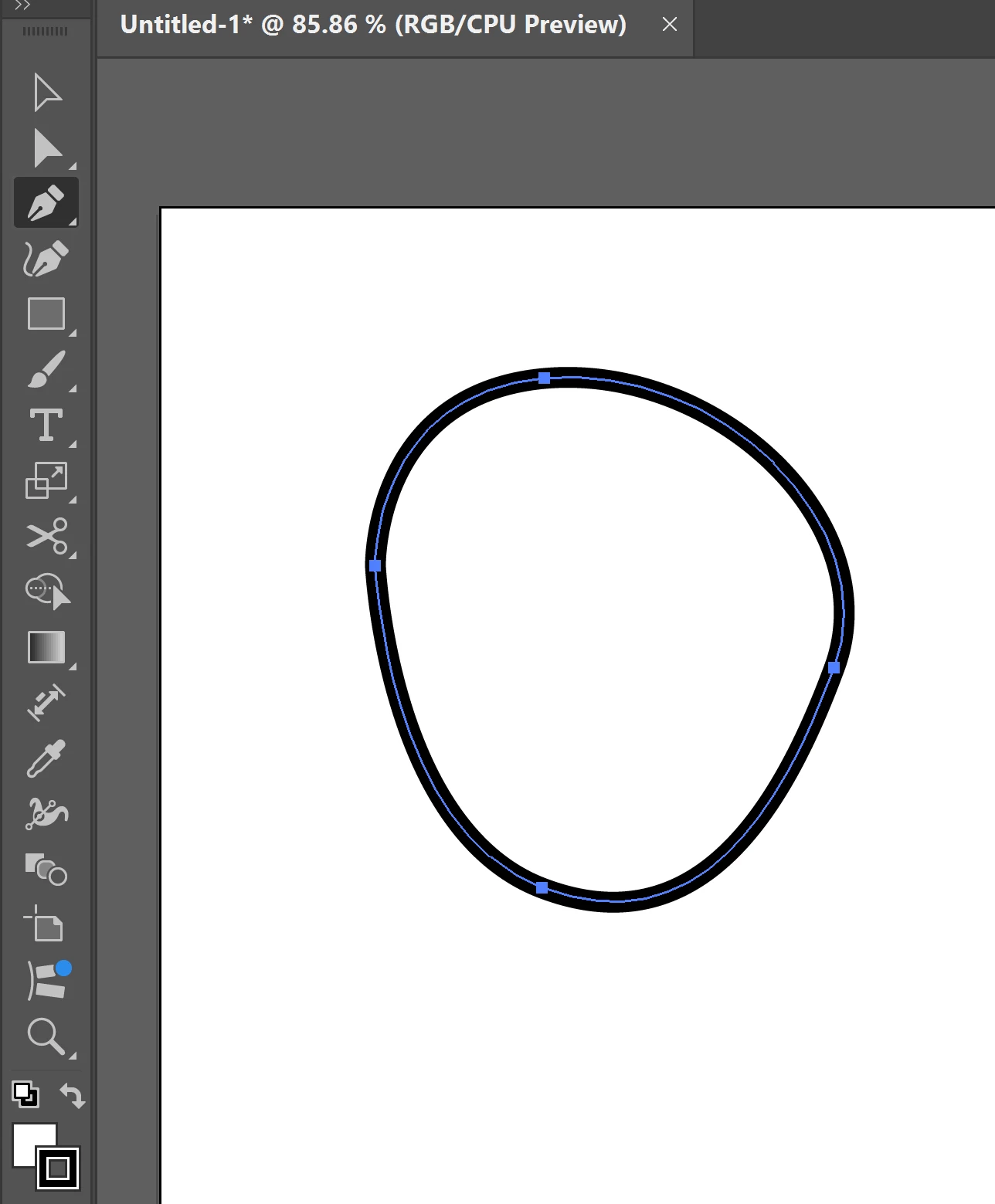
Lets say I'm with the pen, and just drew a circle.. 
 

Correct answer PonyxPony

Ok nevermind I ran to the forums too quick!

I got it:

The shape need's to be selected, and it doesn't matter which tool I have active at the moment.
Press shift+C, then press and drag the anchorpoint. You do not keep shift+c pressed when you drag.
you press shift+c, and after that you drag.


My mistake was keeping it pressed while dragging.

I think it's more convinent than the S way, because I can see the handles with shift+c, and with S I cannot (maybe it's just my setting idk)

thanks for coming to my ted talk. I hope my struggles helped someone!

1 reply

PonyxPonyAuthorCorrect answer
Inspiring
January 13, 2025

Ok nevermind I ran to the forums too quick!

I got it:

The shape need's to be selected, and it doesn't matter which tool I have active at the moment.
Press shift+C, then press and drag the anchorpoint. You do not keep shift+c pressed when you drag.
you press shift+c, and after that you drag.


My mistake was keeping it pressed while dragging.

I think it's more convinent than the S way, because I can see the handles with shift+c, and with S I cannot (maybe it's just my setting idk)

thanks for coming to my ted talk. I hope my struggles helped someone!