

Question
Simplify tool in Illustrator 2020 random results
The Simplify Tool does not seem to convert straight lines anymore, well the results seem random. When I select Covert to Straight Lines, all the anchors disappear even at a slight percentage increase.
This is the shape before applying any changes. The preview button is checked.
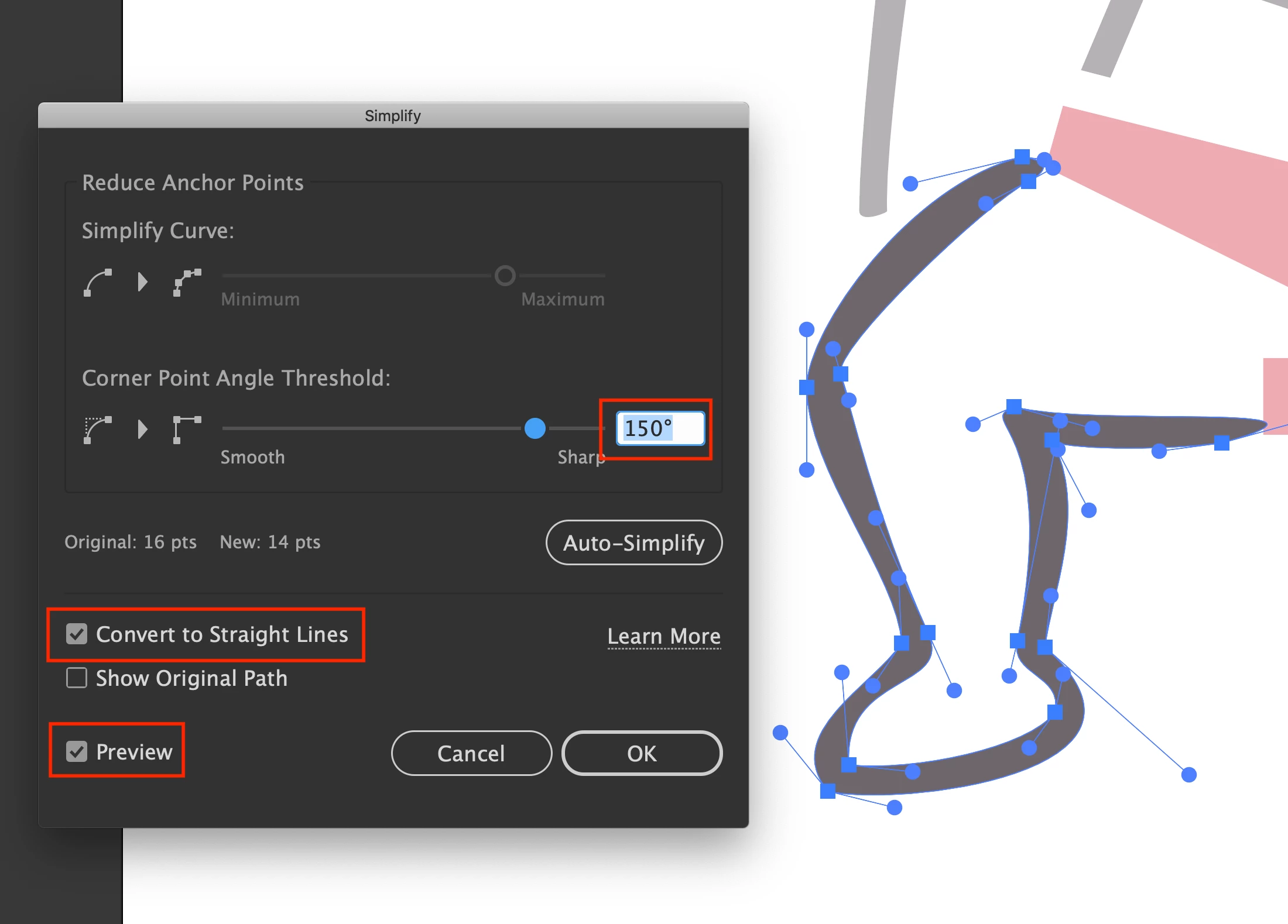
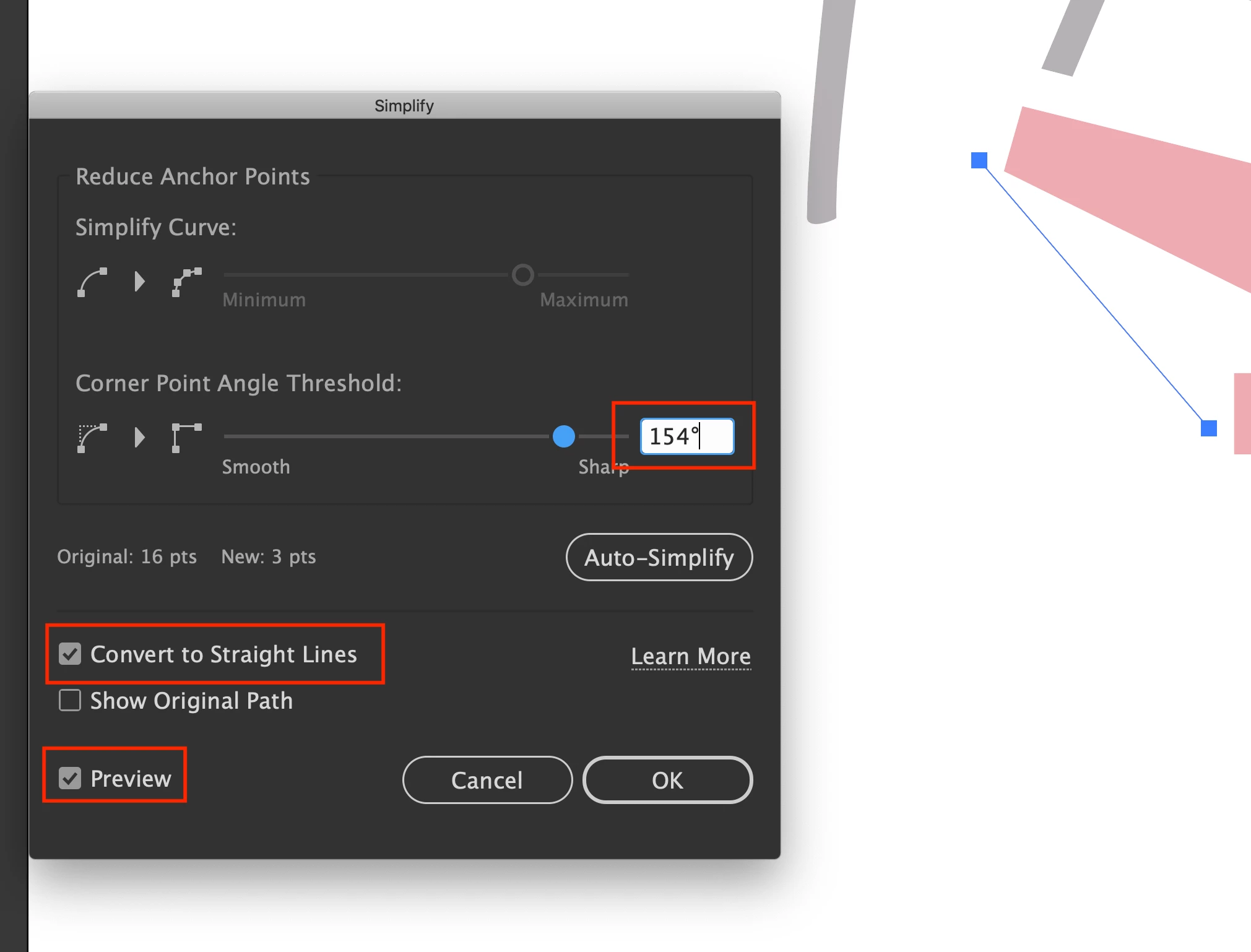
At 154 % the shape turns to one straight line.
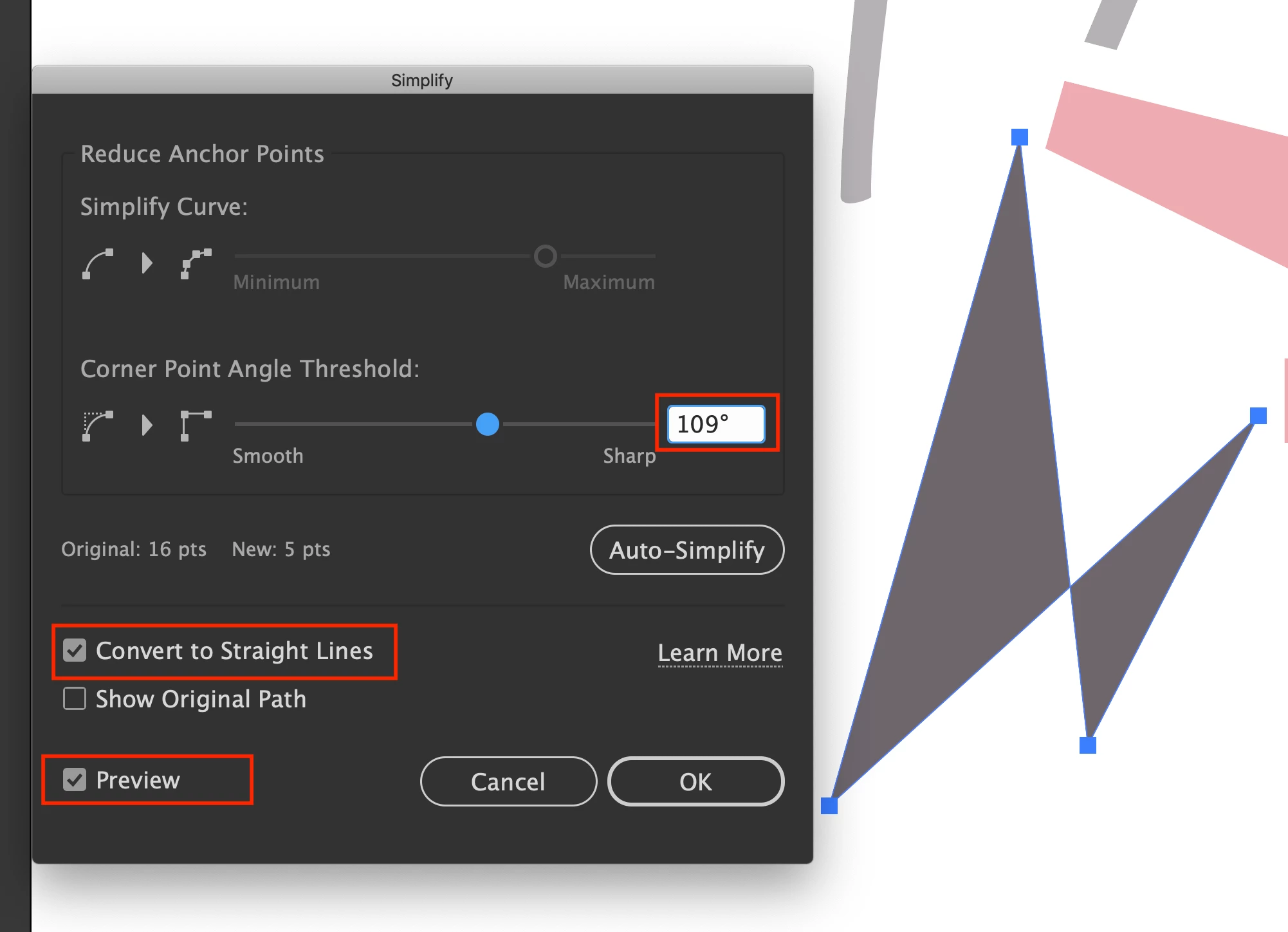
Move down to 109 %, and there are now four anchor points to original 32?
If I do it manually by selecting each anchor point and Convert Anchor Points To Corner, this can also be random as it sometimes does not convert. Some anchor points still retain their handles.
I found the old Simplify Tool in 2019 perfect for my needs, but now it has become too aggressive?
Thanks
 AdChoices