

Answered
Simulated colored paper strange behavior.
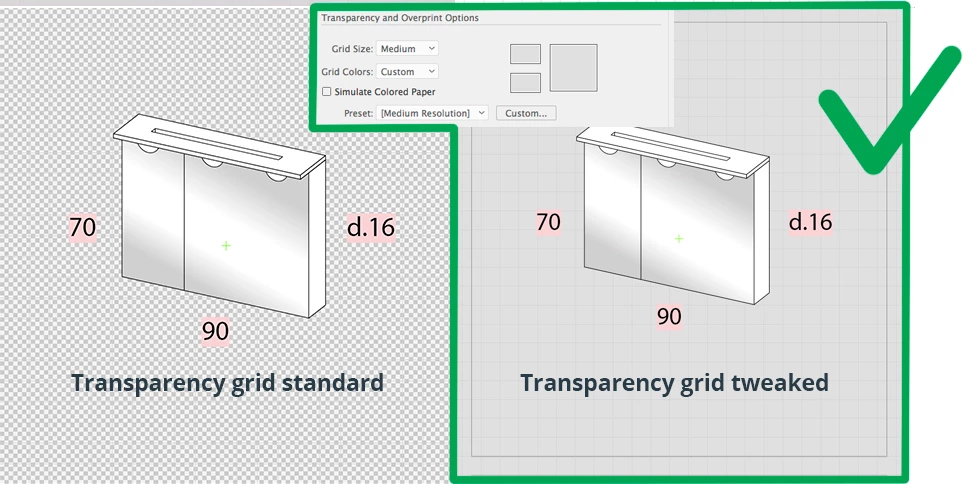
At work when I apply the simulated «color paper-function» and sets the color to light grey, I can still use the white color as (visible) white. In other words, the background is light grey and my white elements are white. They´re visible against the light grey background…
When i boot up my other computer at home and log into my Adobe account (the same as work) and start Illustrator, the function works differently. Then all white is replaced with the same color as the simulated background color. Now i can´t see my white elements anymore.
I know I can work around by using another layer with fill, but that´s not ideal.
I´ve tried new documents and I´ve tried opening documents from work on the home computer.
Same thing. Strange.
Anyone?


 AdChoices