
Question
Slice Up for Printing
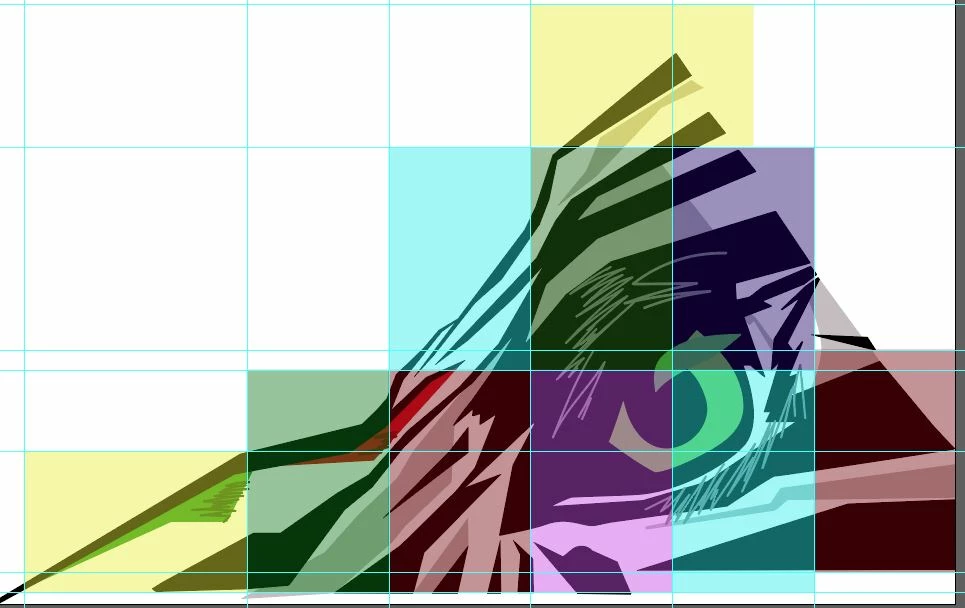
This is probably a simply answer but I have a very large illustrator file that I need to slice up to fit onto 11x17 paper for printing. Normally in photoshop I just copy the parts I need into a file for the size paper I need but not sure the best way to do this in illustrator. I was going to just make a bunch of artboards but there has to be easier way. Thanks


 AdChoices