

ArchiTwist
Participant
May 12, 2026
Answered

Slow performance when placing multiple trees in a file in Illustrator

  • May 12, 2026
  • 4 replies
  • 78 views

Hi all !

I have something weird going on, and i hope u can figure it out.

I have LENOVO LEGION PRO 5 16IRX9
INTEL CORE I7-14700HX
NVIDIA GEFORCE RTX 4070

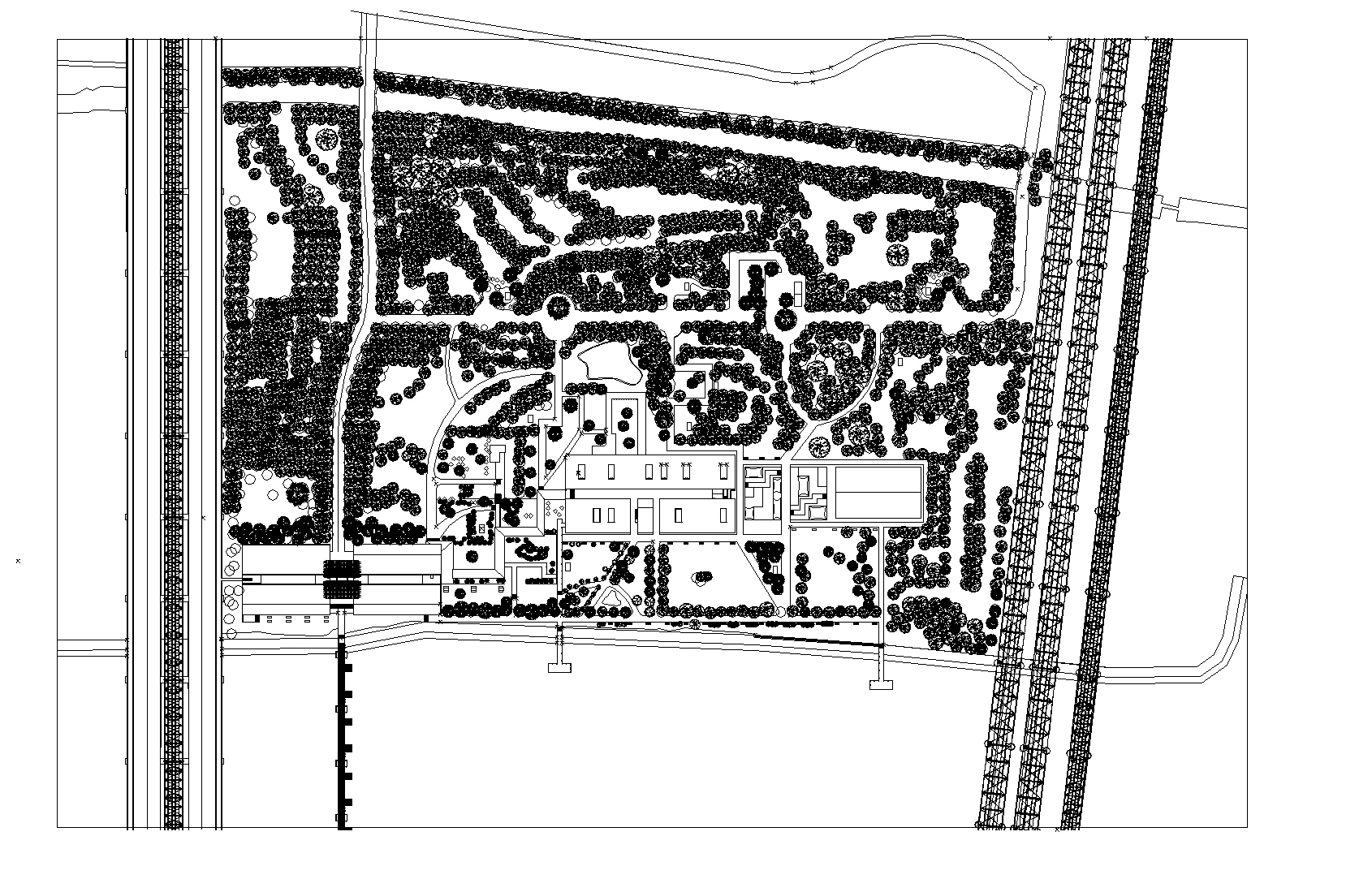
I'm an architect, and i need for my work to draw a lot of trees. For that i used ".DWG" tree's format.

The more i had some, the more illustrator slower is. I know there are a lot of trees, but i don't have similiar perfomance issues with other software. When i duplicate one, it takes almost ten second to duplicate it. It's HUGE !

The .DWG file is 70Ko size

Can someone help me plz ? :)

Cheers !!

PS : I already press ctrl+y (actual screenshot) to improve performance
 

    Correct answer Ton Frederiks

    I agree with Bobby, try Symbols. If the tree is a single object, you may be able to do a select  same and replace them by a Static Symbol. Static Symbols are important.

    For example I have a file with 716 trees that are Static Symbols, it is 204 KB in size.

    When saved without them being Symbols or when they are Dynamic Symbols the file becomes 66,6 MB.


    4 replies

    ArchiTwist
    Participant
    May 19, 2026

    Thank you so much for all your answers! I thought my computer wasn’t powerful enough! :)

    I will definitely follow your valuable advice.

    Just one more question: if, instead of a .DWG file, I had chosen a .AI or .PDF format, would that have been a better choice? I’m not sure, for my workflow, whether I should add my trees in my CAD software or directly in Illustrator.

    Thanks again for everything! :)😀


    Dave Creamer of IDEAS
    Community Expert
    Community Expert
    May 19, 2026

    If you want flexibility for editing, I would try the .ai format. I would consider/try adding the trees in Illustrator using ​@Ton Frederiks suggestion of Symbols. 

    David Creamer: Community Expert (ACI and ACE 1995-2023)
    ArchiTwist
    Participant
    May 19, 2026

    Thank u so muuuuch !!

    Ton Frederiks
    Community Expert
    Ton FrederiksCommunity ExpertCorrect answer
    Community Expert
    May 12, 2026

    I agree with Bobby, try Symbols. If the tree is a single object, you may be able to do a select  same and replace them by a Static Symbol. Static Symbols are important.

    For example I have a file with 716 trees that are Static Symbols, it is 204 KB in size.

    When saved without them being Symbols or when they are Dynamic Symbols the file becomes 66,6 MB.


    Community Expert
    May 12, 2026

    If you're using Illustrator to draw the map from scratch, such as building it in vector form over the top of a placed image it might be worth it to turn the tree element into a symbol.


    If it's a matter of trying edit existing CAD-based artwork, it's going to be more of a pain since the artwork would consist of many thousands of line segments, probably with little if any grouping hierarchy.

    Dave Creamer of IDEAS
    Community Expert
    Community Expert
    May 12, 2026

    Try saving the file as 1200 ppi (dpi), line art/black-and-white, LZW-compressed TIFF and see what happens. With those specs, it should look as good as vector art when printing. 

    I’ve know Illustrator to get bogged down with lots of vector objects. Each tree is probably many small vectors.

    David Creamer: Community Expert (ACI and ACE 1995-2023)