Participant
February 2, 2023
Question

smart guides not showing

  • February 2, 2023
  • 3 replies
  • 577 views

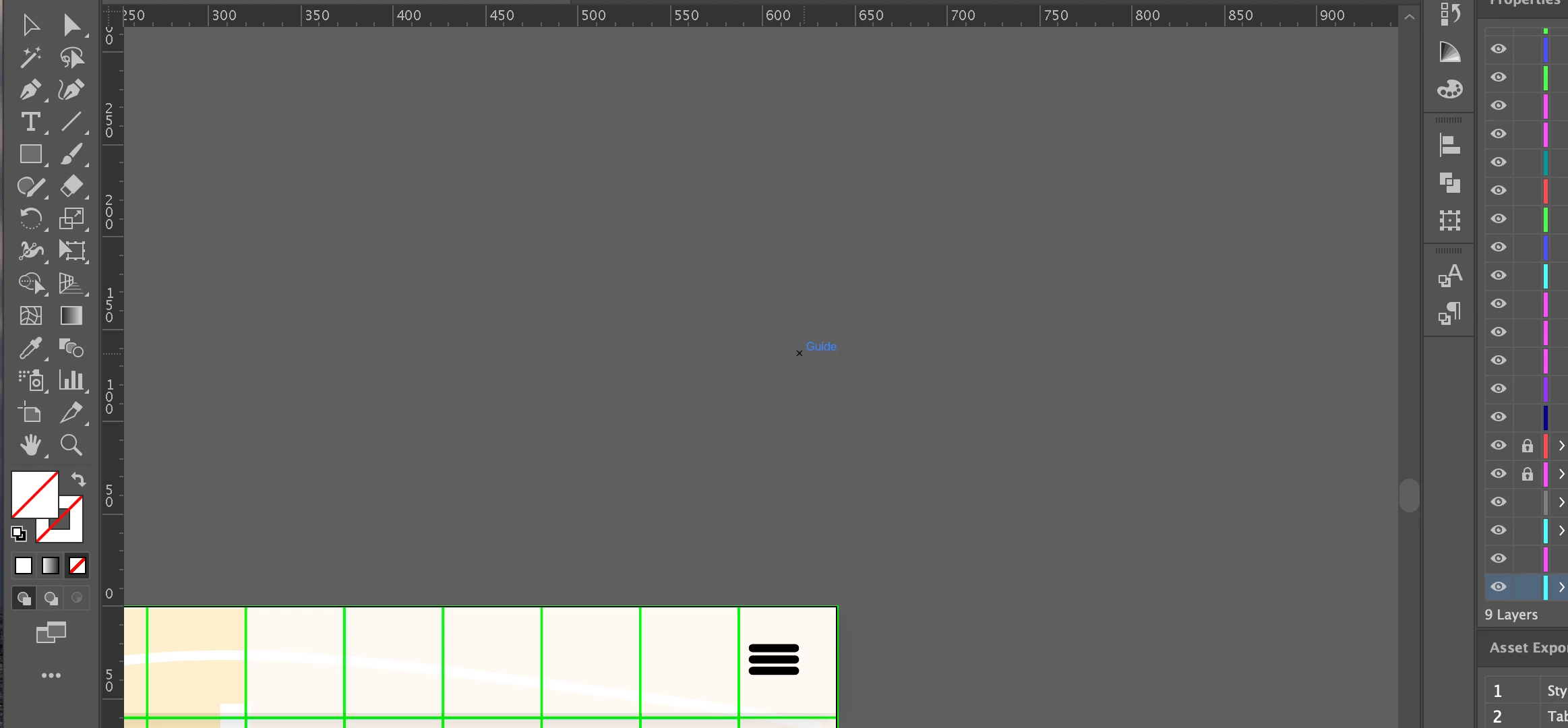
hi i need help with my smart guides, they are not visible, its like the position i can see it but there is no line.
This topic has been closed for replies.

3 replies

Anubhav M
Community Manager
Community Manager
February 17, 2023

Hello @Jolyn28220540napo,


We understand that encountering technical issues can be frustrating. I hope the suggestions shared by Jacob and Met1 helped resolve the problem. If not, kindly try manually resetting Illustrator's preferences to check if it helps:

For macOS
• Close all Adobe applications.
• Go to the following locations
• ~/Library/Caches
• ~/Library/Application Support/Adobe
• ~/Library/Preferences
• Rename Adobe Illustrator, com.adobe.illustrator and Adobe Illustrator 27 Settings folders to Adobe Illustrator.old, com.adobe.illustrator.old and Adobe Illustrator 27 Settings.old
• Launch Illustrator from the Creative Cloud.

Note: Location starting with this "~" sign indicates the User Library, which is hidden. So, you need to copy & paste the exact path in spotlight search or from Finder Menu > Go > Go to Folder > Paste the location in the dialog box like this:


For Windows
- Close all Adobe applications.
- Go to Location C:\Users\%USERPROFILE%\AppData\Roaming\Adobe
- Rename Adobe Illustrator and Adobe Illustrator 27 Settings folders to Adobe Illustrator.old and Adobe Illustrator - 27 Settings.old

Disclaimer: Please note that renaming preferences folders will remove all the custom settings, and Illustrator will launch with default settings. You can also save a backup of the folders in case you want to. The location is mentioned above.


Looking forward to your response.


Thanks,

Anubhav

Met1
Legend
February 2, 2023

Has to be asked - do you have Smart Guides turned on?

Jacob Bugge
Community Expert
Community Expert
February 2, 2023

Jolyn,


There are different kinds of guides, one of them being the Smart ones, and what you see for them dpends on the settings.


You may read through this,


https://helpx.adobe.com/illustrator/using/rulers-grids-guides-crop-marks.html


and then ask more if needed.