Answered
Smooth Tool not showing
Hi, I'm currently trying to find the smooth tool, but it disappeared
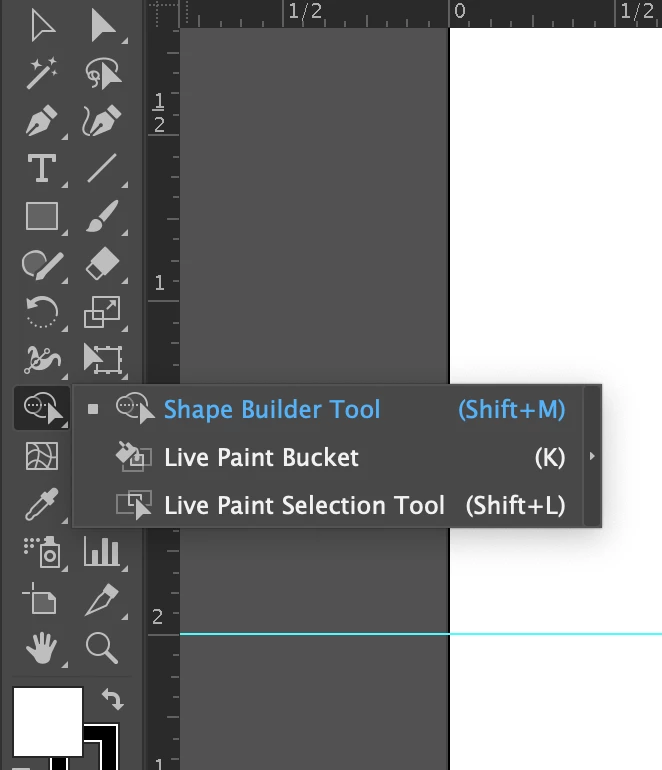
this is what I see. How do I get the smooth tool back again?

Hi, I'm currently trying to find the smooth tool, but it disappeared
this is what I see. How do I get the smooth tool back again?
Go to "Windows" in illustrator then click on "toolbars" and change the settings to "Advanced". Solved 🙂
Already have an account? Login
No account yet? Create an account
Enter your E-mail address. We'll send you an e-mail with instructions to reset your password.


 AdChoices