
Answered
Snap anchor points together across separate layers in Adobe Illustrator
Hi guys!
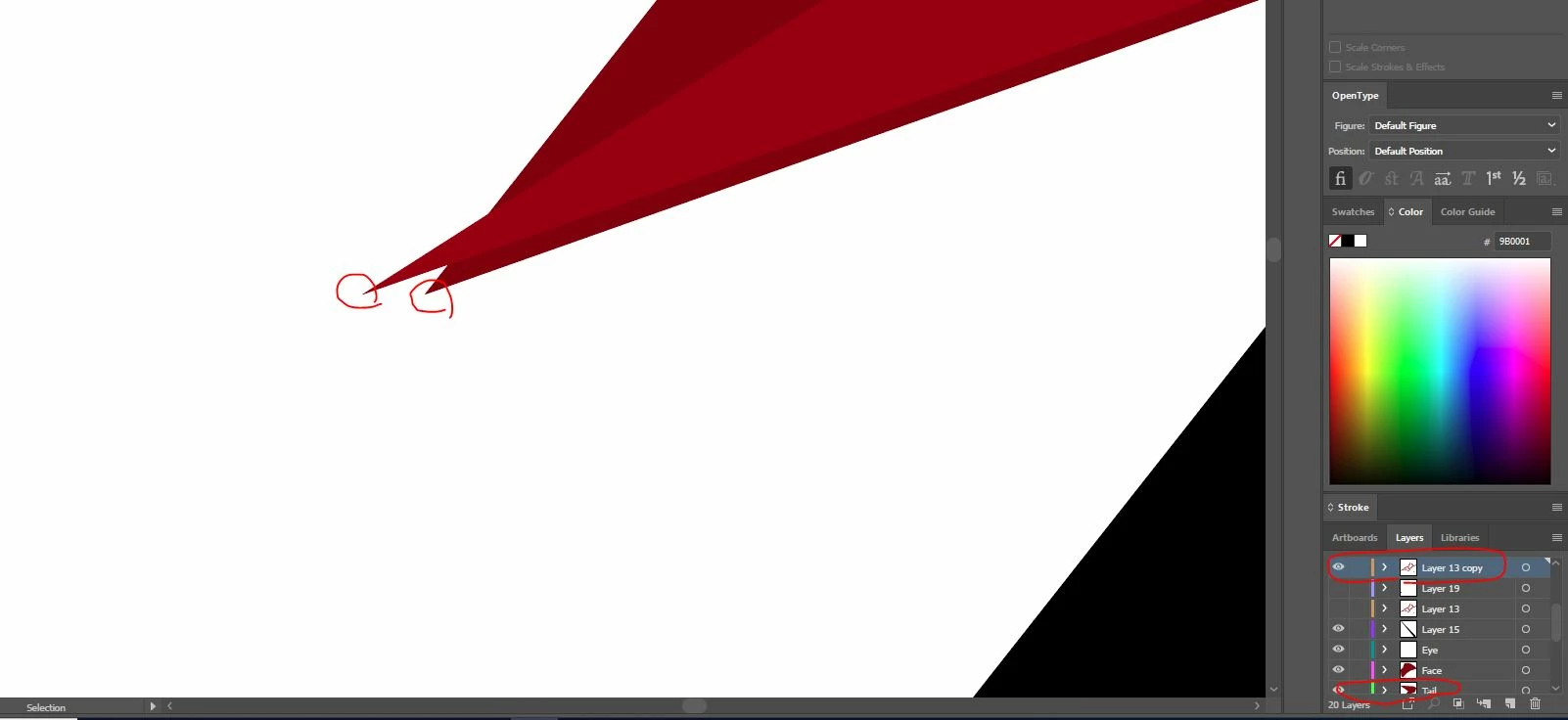
So I'm new to Illustrator and am trying to figure out if there is a way to "snap" anchor points to each other. I've included a picture. When zoomed out you can't tell that they aren't on top of each other but this is a logo design so if it's blown up for a poster or banner, etc, I don't want these imperfections to show. The shapes are on two separate layers as circled in the image and I'm trying to snap the anchor point shown on layer 13 copy to the anchor point on the Tail layer. I've tried holding down shift when using the edit anchor points tool but it doesn't allow me to place it directly. Please let me know your suggestions or if I can provide more information.
Thank you!
 AdChoices