
MRLisEpic
Participating Frequently
October 9, 2018
Answered

So I cannot save my illustrator File!!!!!

  • October 9, 2018
  • 3 replies
  • 1864 views

When I go to save there is an error message that says: "An unknown error has occurred"
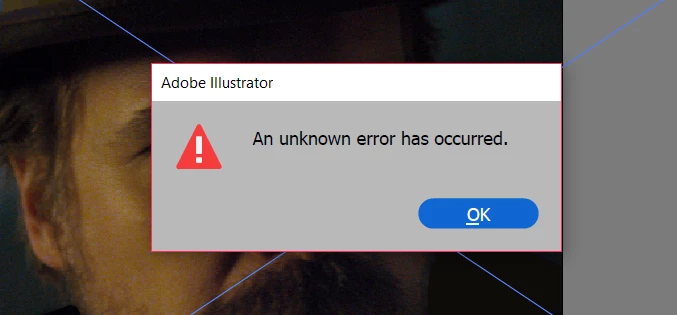
I tried to look up a solution and everyone said to UNlock all layers and make every layer visible.

So I attempted this and it still came up with the same results, and error message.

Does anyone know a solution???

    This topic has been closed for replies.
    Correct answer Monika Gause

    I am saving the file to a local folder.

    I am running the latest version of Windows 10.

    It is only happening to this file in particular.

    It only started happening when I downloaded the file from google drive after I had uploaded it from a different computer.

    And if I restart will the file recover?


    The latest Windows update has issues. Microsoft has pulled it.

    The issue affects files.

    Please contact Microsoft if you might be affected as well:

    https://support.microsoft.com/en-us/help/4464619/windows-10-update-history

    3 replies

    Participant
    August 8, 2022

    I am going to save the file but it just stop at processing and I can not stop it to redo.


    Monika Gause
    Community Expert
    Community Expert
    October 9, 2018

    Is a printer connected, turned on and set as the default printer? If not, connect one.

    Jacob Bugge
    Community Expert
    Community Expert
    October 9, 2018

    mrlisepic,

    You may try to run disk utility / verify disk permissions to see if there are errors then run repair disk permissions

    MRLisEpic
    MRLisEpicAuthor
    Participating Frequently
    October 9, 2018

    I should have mentioned that I have a windows 10 OS

    Monika Gause
    Community Expert
    Community Expert
    October 9, 2018

    So it's even easier to set up a printer. In case you don't have a printer, set up the PDF printer.