This topic has been closed for replies.

2 replies

kphotopage
Legend
January 24, 2020

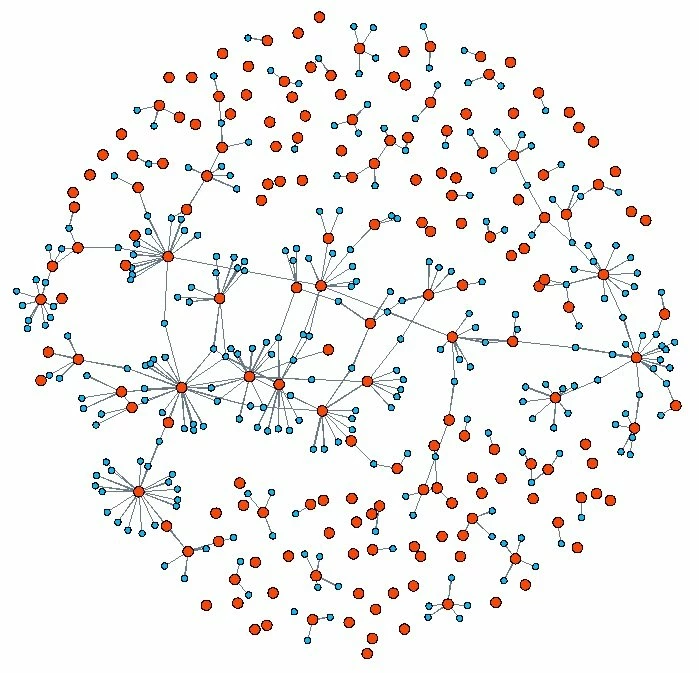
Here are some examples similar to yours.

https://www.flickr.com/photos/tags/websitesasgraphs/


All were generated using a link which is now gone.

http://www.aharef.info/2006/05/websites_as_graphs.htm


I remember playing with it back in the year 2006.

At the end, it generated a jpeg, not vector.


K

KShinabery212
Community Expert
Community Expert
January 24, 2020

kphotopage, the second link seems to be dead.


I thought it would be interesting to see the tool as well. 

Let's connect on LinkedIn. https://www.linkedin.com/in/kshinabery/
kphotopage
Legend
January 24, 2020

KShinabery212, I did state that second link was gone.


My notes from long ago.

Click on that link, use any website and it generates those nice graphics.

Fun to play with.   


blue: for links (the A tag)

red: for tables (TABLE, TR and TD tags)

green: for the DIV tag

violet: for images (the IMG tag)

yellow: for forms (FORM, INPUT, TEXTAREA, SELECT and OPTION tags)

orange: for linebreaks and blockquotes (BR, P, and BLOCKQUOTE tags)

black: the HTML tag, the root node

gray: all other tags

Monika Gause
Community Expert
Community Expert
January 24, 2020

No, Illustrator does not do that.

You might try if the plugin Datylon does it, but I don't think so.

d3.js should be able to.