aliolasinscott
Participant
May 28, 2020
Answered

Solid Circle Displays in front of sphere when using 3D revolve effect

  • May 28, 2020
  • 5 replies
  • 2062 views

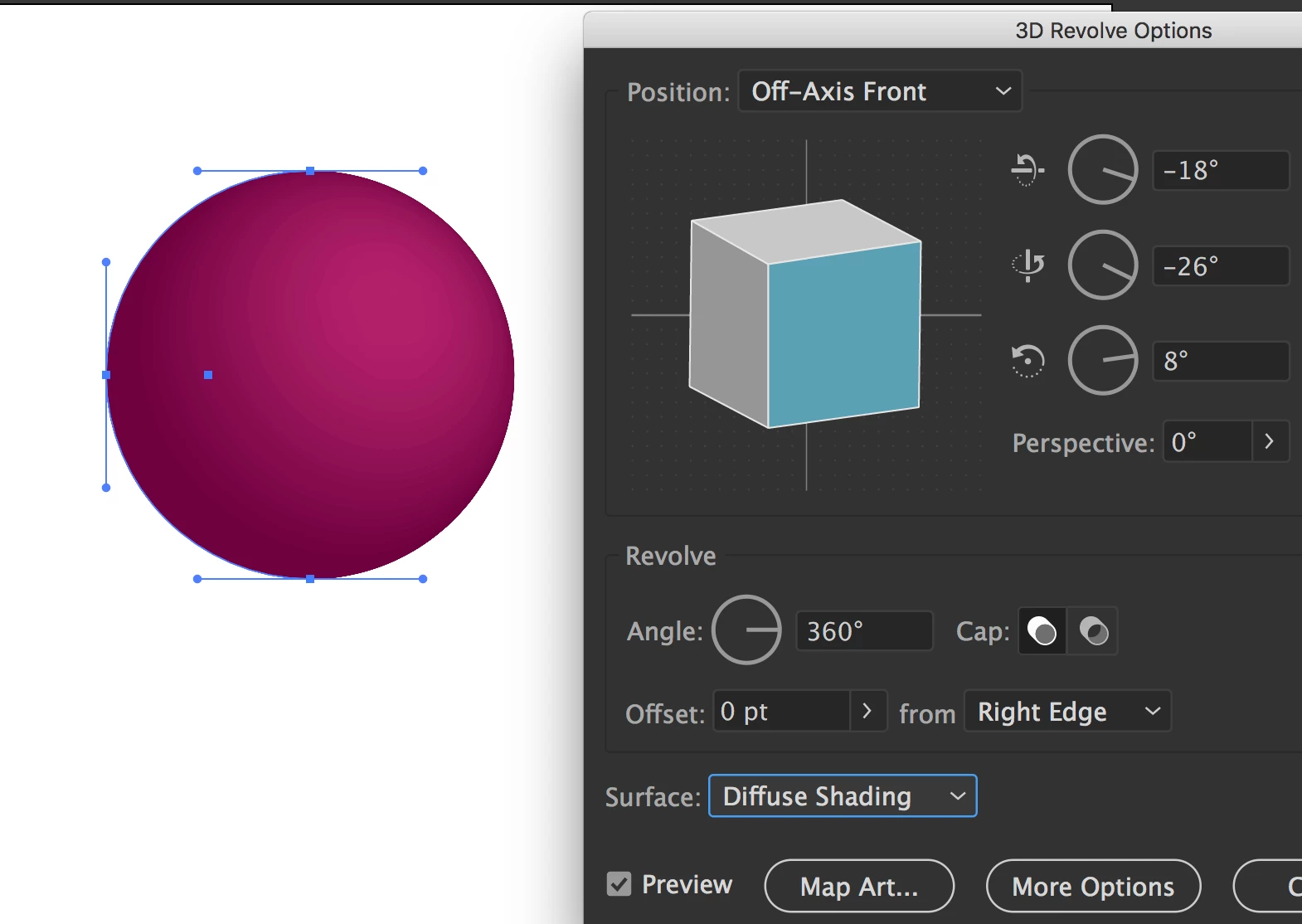
I've been following step-byyyyy-step online tutorials to create a sphere with a fill. Everything works beautifully EXCEPT there is a solid circle displayed in front of the sphere when complete. It is not a display issue because the exported image still has the solid circle. I have started from a blank canvas several times and still have the same result. I cannot find any info when searching online. Two examples are attached. Can someone help me fix this visual?
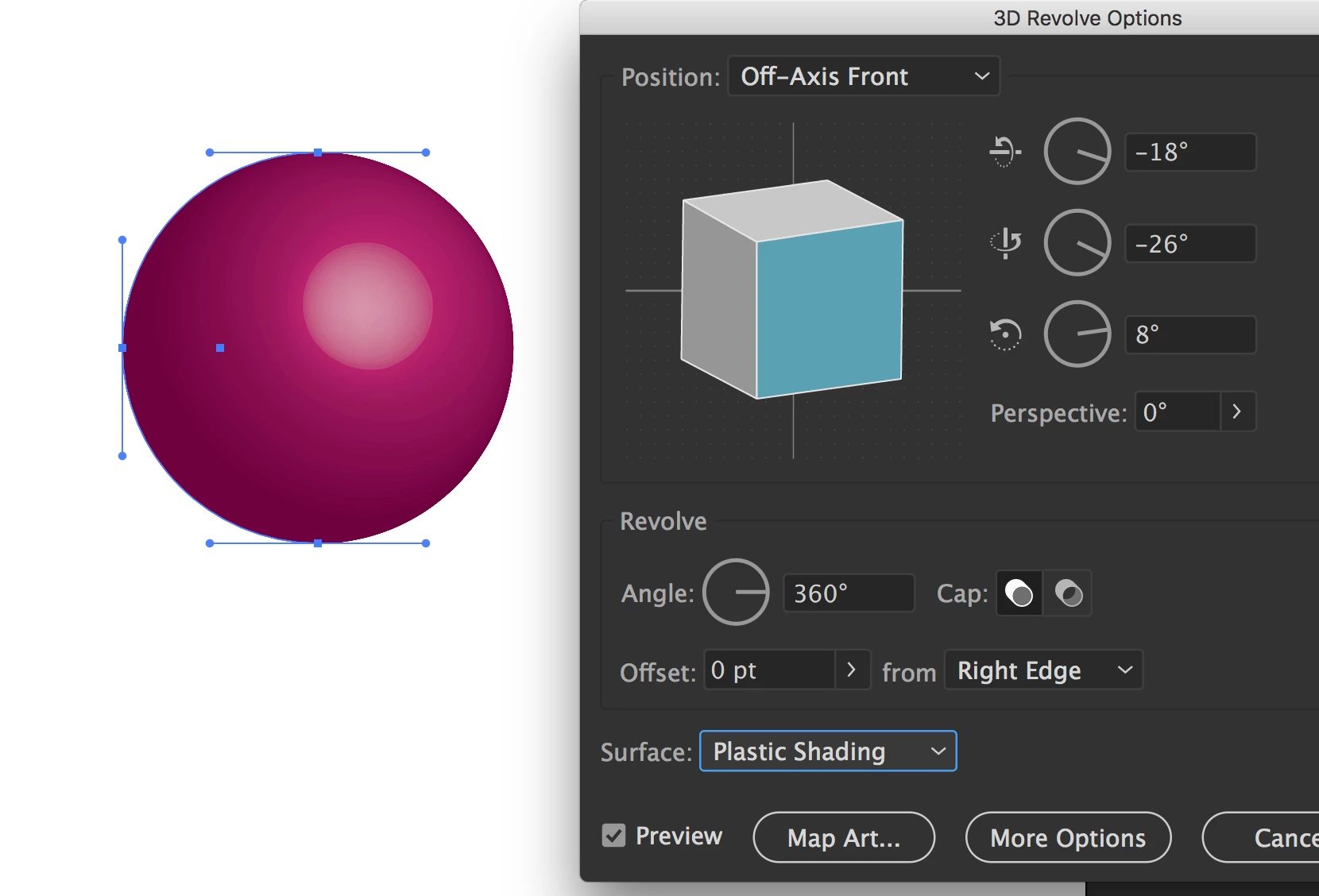
Correct answer Mike_Gondek10189183

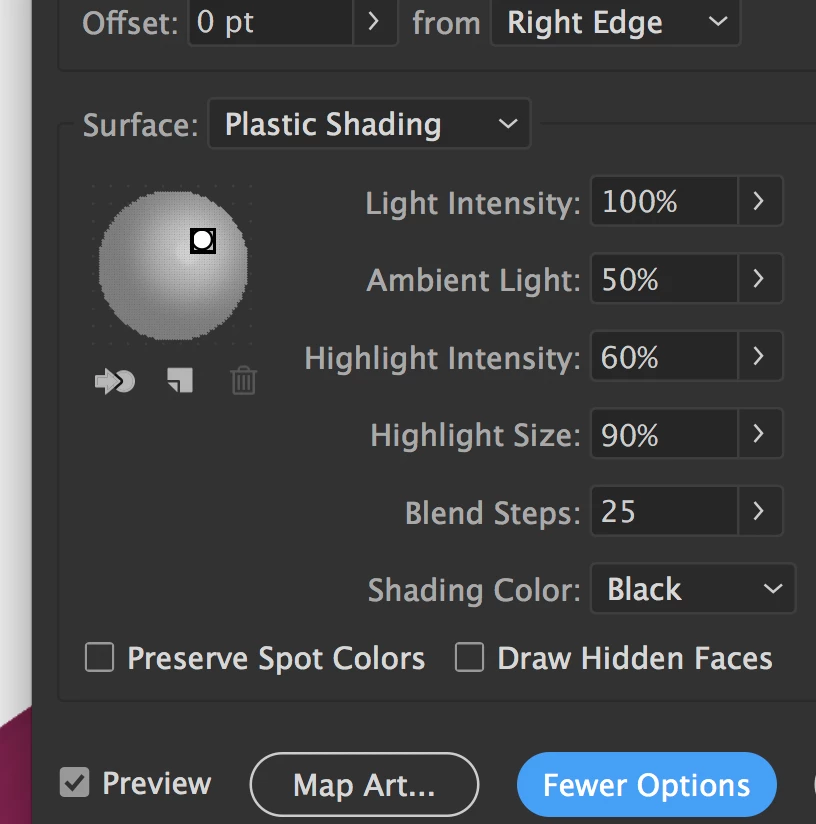
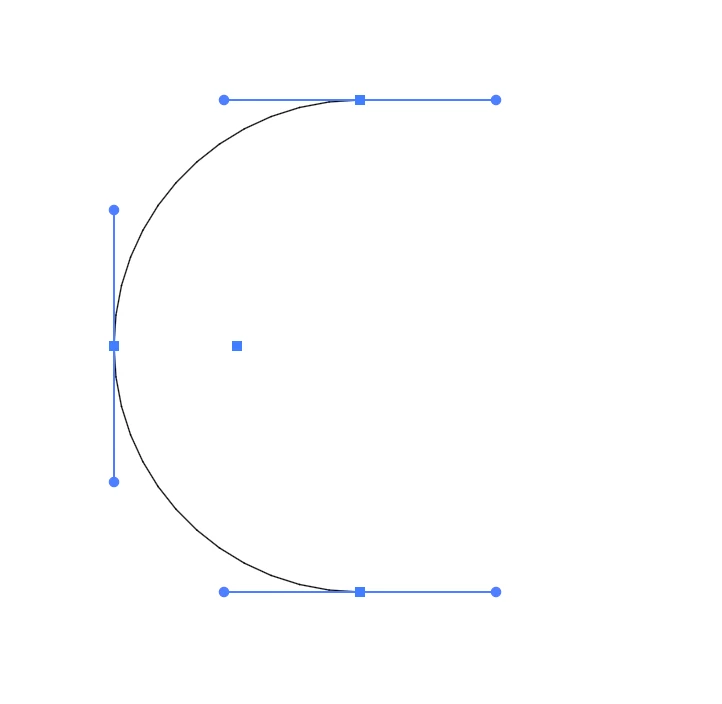
I asssume you are rotating a half circle. Try changing the shading, as it looks like a light source issue.


If this does not help please show your settings, especially under more options.


5 replies

September 20, 2022

i had the same problem and i figured out how to fix it by complete accident.


try to scale down the half circle shape before the revolve order. don't make it a big half circle in your artboard.


That circle on top was like the ball being cut on your screen, when you make it a small ball in your artboard it will revolve just fine.


I don't understand why it happens but it did haha.

Participant
March 22, 2021

I also have the same issue and the solid circle isn't the lighting, but something like this: 

I've also try different angle, but it doesn't have any effect to the solid circle in the middle, only the ball

Ton Frederiks
Community Expert
Community Expert
March 22, 2021

Can you show the shape you are using before the effect is applied?

Is it only half a circle?

Monika Gause
Community Expert
Community Expert
May 28, 2020

Try adjusting the perspective angle by a few degrees.

Also the slider mustn't be at the very right, because then you have to expect rendering issues.


Mike_Gondek10189183
Community Expert
Mike_Gondek10189183Community ExpertCorrect answer
Community Expert
May 28, 2020

I asssume you are rotating a half circle. Try changing the shading, as it looks like a light source issue.


If this does not help please show your settings, especially under more options.


Myra Ferguson
Community Expert
Community Expert
May 28, 2020

Can you post a screenshot of your Layers panel and Appearance panel? If you can post a link to the .ai file, that would be even better.