
Participant
October 16, 2024
Question

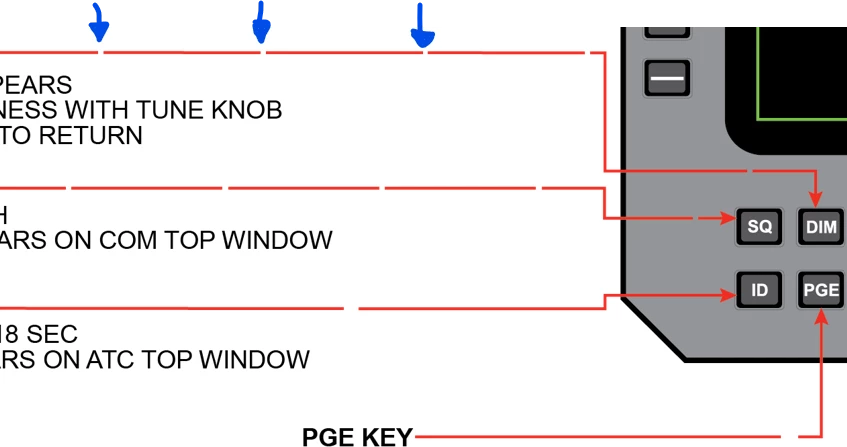
Solid lines appear dashed when exported to PNG

  • October 16, 2024
  • 1 reply
  • 669 views

I created a graphic with lines and arrow heads.  When I proceed to export it as a PNG it's showing my lines as broken lines....they appear to be "dashed" but they are not... i checked and checked again, over and over!   I've gone as far as copying individual elements to a brand new workspace and then redrew the lines only to have it do the same thing!  After several attempts doing the same process and suddenly,  one worked.  It seems like a glitch but I don't know if I'm just doing something dumb?  Hopefully someone can help me out! 
This topic has been closed for replies.

1 reply

Ton Frederiks
Community Expert
Community Expert
October 16, 2024

Can you share an Illustrator example file with this problem?

Just rename (or save as) the extension to .pdf to attach it to a post.

Participant
October 17, 2024
Sample_file.pdf
Have Blue
Participant
October 17, 2024

Thanks, but you applied a pattern to the stroke instead of a solid red color.


If it was a pattern, it should show up on my screen then too, no?  It's only showing up when I save it to a png.  Even the PDF shows solid lines.

Have Blue