Participating Frequently
April 22, 2021
Question

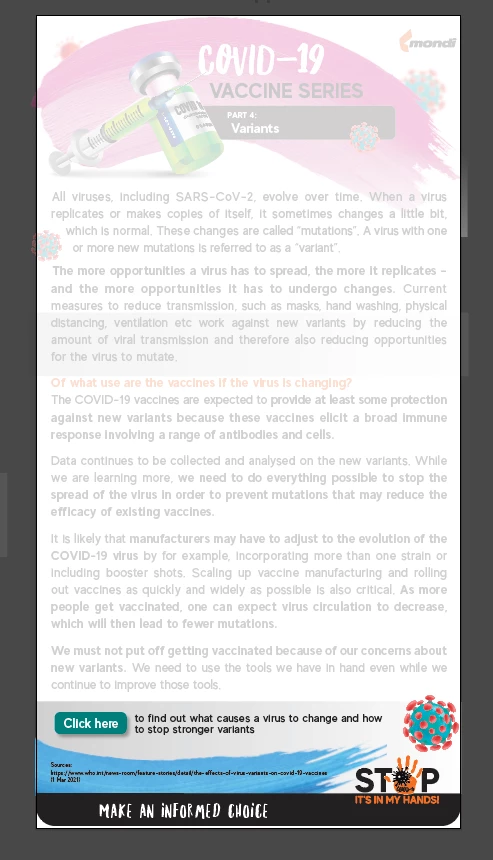
Some elements have turned pale. please help?!

  • April 22, 2021
  • 2 replies
  • 179 views

Good day, some of the elements in my illustrator document have turned pale. I can still select all the elements and if I save and reopen the project, it remains the way it was when I closed it. I think I may have accidentally hit a shortcut and now I don't know how to rectify it... Any assistance would be great. thanks in advance 🙂
This topic has been closed for replies.

2 replies

Ton Frederiks
Community Expert
Community Expert
April 22, 2021

Looks like the Isolation Mode bug, similar to:

https://community.adobe.com/t5/illustrator/stuck-in-isolation-mode-help-a-noob/m-p/11583468#M251549

as italosan suggested, chek the layer opacity.

italosan
Community Expert
Community Expert
April 22, 2021

Hi, have you checked if opacity has been applied to the layers?