


Inspiring
May 11, 2026
Question

Some PDFs causing "Out of memory" error

  • May 11, 2026
  • 1 reply
  • 30 views

Since the most recent update (today, I believe - I didn’t run this manually, but updated a few days ago), some PDFs are causing an “Out of memory” error:
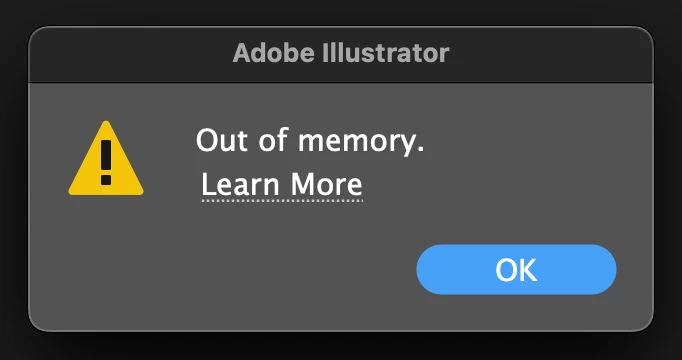


I’ve never seen this before. I’m able to open other, often much larger files.

Mac Mini, 48gb ram.

    1 reply

    Community Expert
    May 11, 2026

    How big the PDF in terms of file size? Was the PDF created in Adobe Illustrator or a different application? That detail can usually be seen by opening the PDF in Adobe Acrobat and checking the document's properties. Does the PDF file have normal sized pages or is it something made for large format printing output?

    turner111Author
    Inspiring
    May 11, 2026

    Tiny - but it’s the AI version.

    I don’t know how the original docs were created… it’s just a pretty normal, small (physically and file-size wise) document.

    I’m going to try stepping back a few versions & see what happens. I just tried the last version & had the same error.

    Anubhav M
    Community Manager
    Community Manager
    May 12, 2026

    Hello ​@turner111 


    I’m sorry to hear about your experience. Would you mind trying the suggestions shared in this help article (https://helpx.adobe.com/illustrator/kb/not-enough-memory-illustrator-cc.html) and let us know if they help?


    If the problem persists with specific files, kindly share the sample AI and PDF file along with screenshots of the export settings used, so I can check this further with the team.


    Looking forward to hearing from you.
    Anubhav