


Something went wrong initializing Creative Cloud Libraries
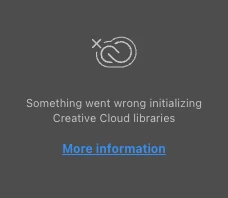
I've been having a problem with this for a couple weeks now. I tried all of the work arounds in the following article - https://helpx.adobe.com/creative-cloud/kb/creative-cloud-libraries-panel-doesn-t-load-in-desktop-products.html - and none of them worked.
I updated my OS (now on macOS Sequoia 15.4.1) and it didn't fix it.
A member of my company's IT team helped me to uninstall all my adobe apps, including clearing preferences, a couple more things, and reinstall. Didn't fix it.
Finally I tried logging into a different user on my computer and the libraries panel works fine on this one which is fine, but all my downloaded fonts, including Helvetica which we use for our brand, don't seem to work well.
I'd really like to be able to use the normal user that I have all my OS preferences set the way I like on + all the fonts that I frequently use for various things. Is there any reason why Creative Cloud Libraries would work on one user and not the other? What else can I try to do to fix it on my regular user? I use them frequently for some of our branded content, so it was a huge pain when I couldn't.
Thanks for you help!
 AdChoices