


Participant
September 16, 2026
Question

Spacebar activates "Enable" window popup with new file

  • September 16, 2026
  • 9 replies
  • 41 views

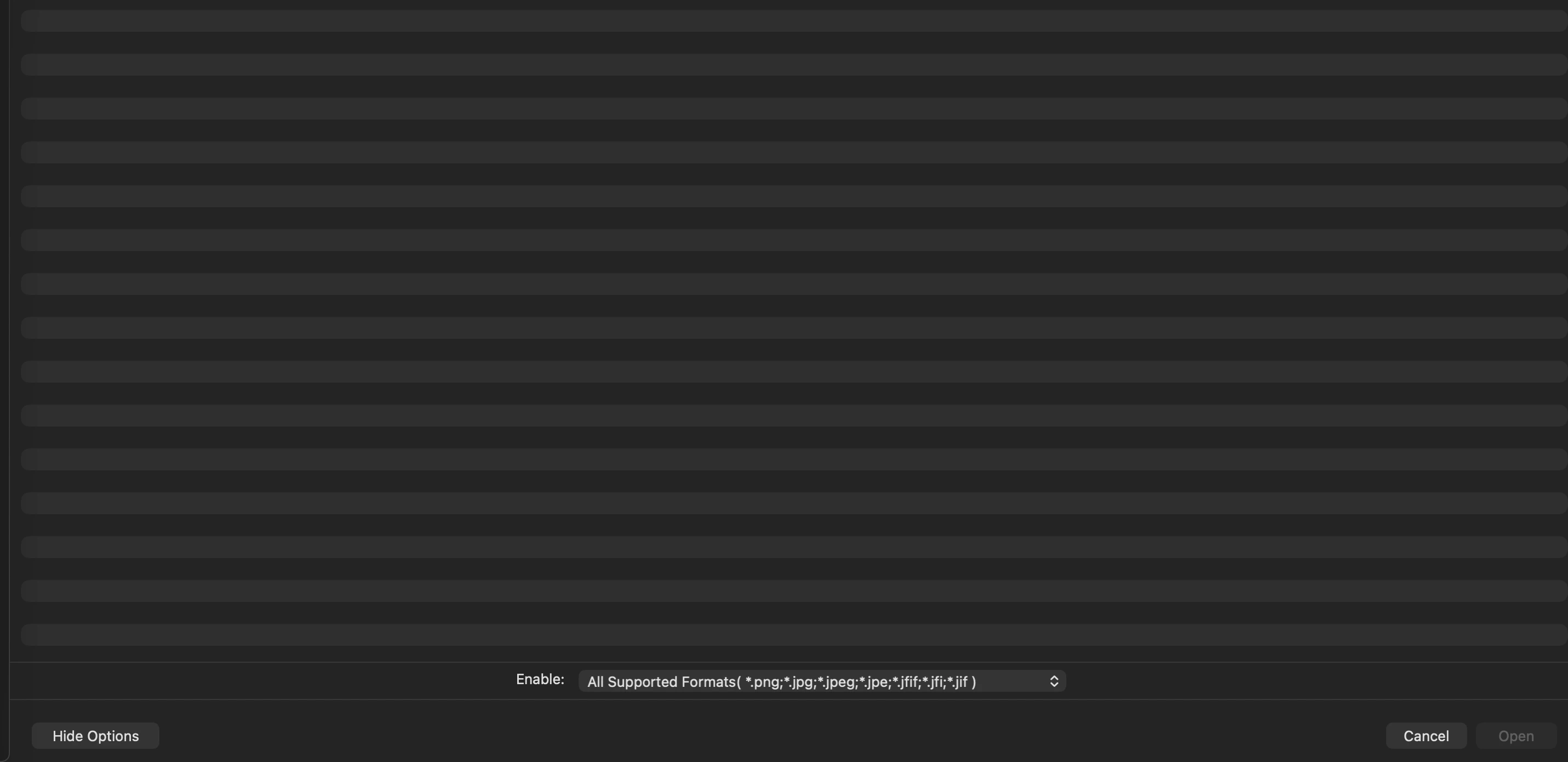
More often than not, when I open a new file and use the spacebar to navigate or to zoom, a window is immediately opened that has the prompt “enable”. I do not have any linked files, or anything that the document would be looking for, closing this window allows me to work normally but it is annoying!

 

    9 replies

    Monika Gause
    Community Expert
    Community Expert
    September 17, 2026

    This is the File > Open dialog box?

    And you navigate it with the spacebar?

    Participant
    September 17, 2026

    It very much looks like the Open Dialogue box, but it will only allow the file types shown in the “enable” menu. It doesn’t specify that it is looking for a particular file, I can select a jpeg or png to “enable”, but nothing happens. The window just closes. And yes, I will open a file, or even have an existing file open, hit the spacebar by itself or in combo with Command to zoom and that dialogue box pops up. Bizarre.

    Monika Gause
    Community Expert
    Community Expert
    September 17, 2026

    So maybe you can either record your screen or list the steps that take you there? Starting from when you have opened Illustrator.

    graphics_4075
    Inspiring
    September 16, 2026

    Weird, I was able to get the same menu with my first spacebar click but can’t seem to get it again. I’ve never seen that menu.


    Are you able to navigate to a valid file and open it? If so, what happens? Did you have any panels open or objects selected when you hit spacebar, or any third party apps open like a browser or microsoft/etc?


    The spacebar keyboard shortcut should only enable the hand tool AFAIK, I would start by saving your preferences and resetting them to see if it still happens with default settings.  

    Also make sure Full Keyboard Access is turned off in Mac Settings: Accessibility → Keyboard

    Cheers
    Participant
    September 17, 2026

    I will try the default preferences and see what happens, it just started maybe two weeks, week and a half ago, not sure if that coincides with an update or not.

    graphics_4075
    Inspiring
    September 17, 2026

    I am still unable to recreate it again, not sure how it happened the first time. I see your other comment that you hit command + spacebar; does that not bring up your Spotlight Search on Mac? 

    Cheers