


Specific problem happening with the font Inter in Illustrator. We can see that it's used but when we select the text box, we can't see the name of the font.
Heya! We are a small team which contains a few graphic designers. These designers create Illustrator files containing the font Inter. We can’t really change this font since it’s our client’s must use font.
When the graphic designers open these files, they have absolutely no issues. But when the rest of the team opens them, they can see the text boxes displaying the right font but when they go to see the font used and determine if it’s the light or the regular version, the box is completely blank. It also just happens with the font Inter, all the other ones display their names with no issue.
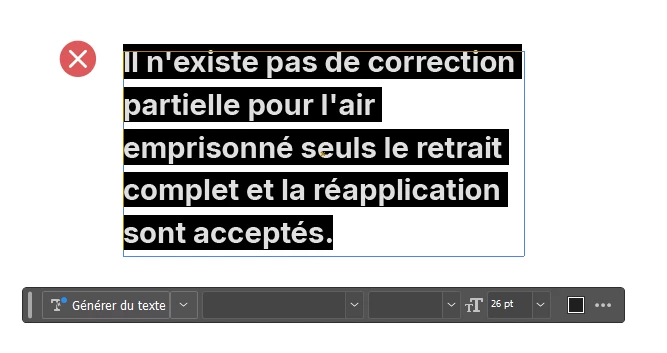
We have tried desinstalling Illustrator, making sure it’s the latest version, desinstalling the font, installing different types of fonts files for Inter, opening the file locally and in our One Drive.
We don’t know what else to try :(
 AdChoices