
Splitting a shape/colouring specific areas
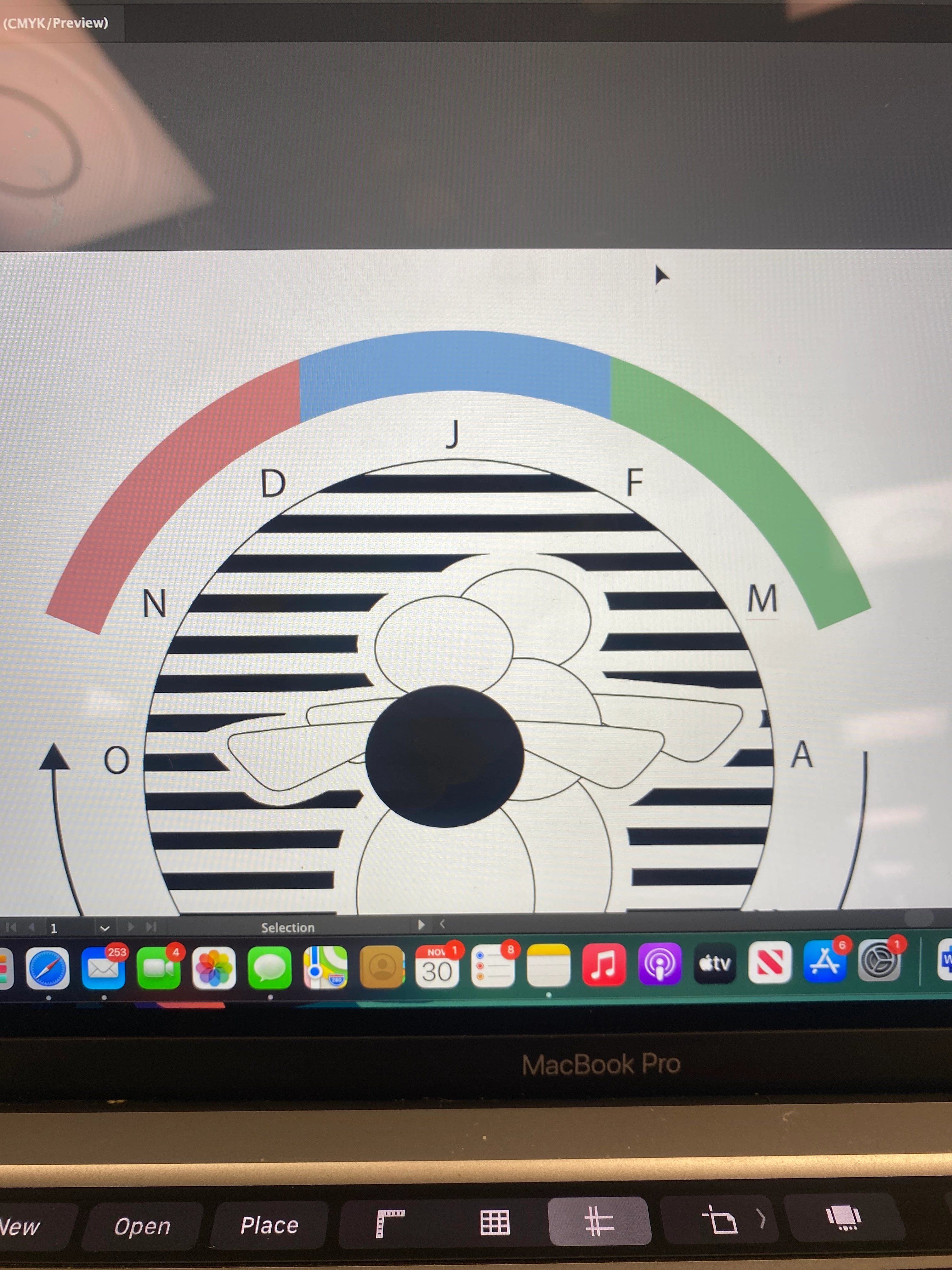
Hi looking for some help re: the coloured arch in the picture I've attached. It's part of a graph I need to make and it's displaying percentages, therefore the coloured areas need to be an exact size. I've tried splitting up the rectangle (before I use envelop distort to turn it in to an arch) and after when it is an arch but was having issues, I just couldn't get it to split. So I then tried colouring percentages of the shape. I used the gradient tool for this which worked until I used envelop distort on the rectangle, the edges of the blue colour then angle the wrong way. I'm a beginner so there could be a really obvious answer to this but I just can't find it! I'm open to making the arch a different way etc I just need it to be an arch with specific sized areas coloured. Thanks:)
 AdChoices